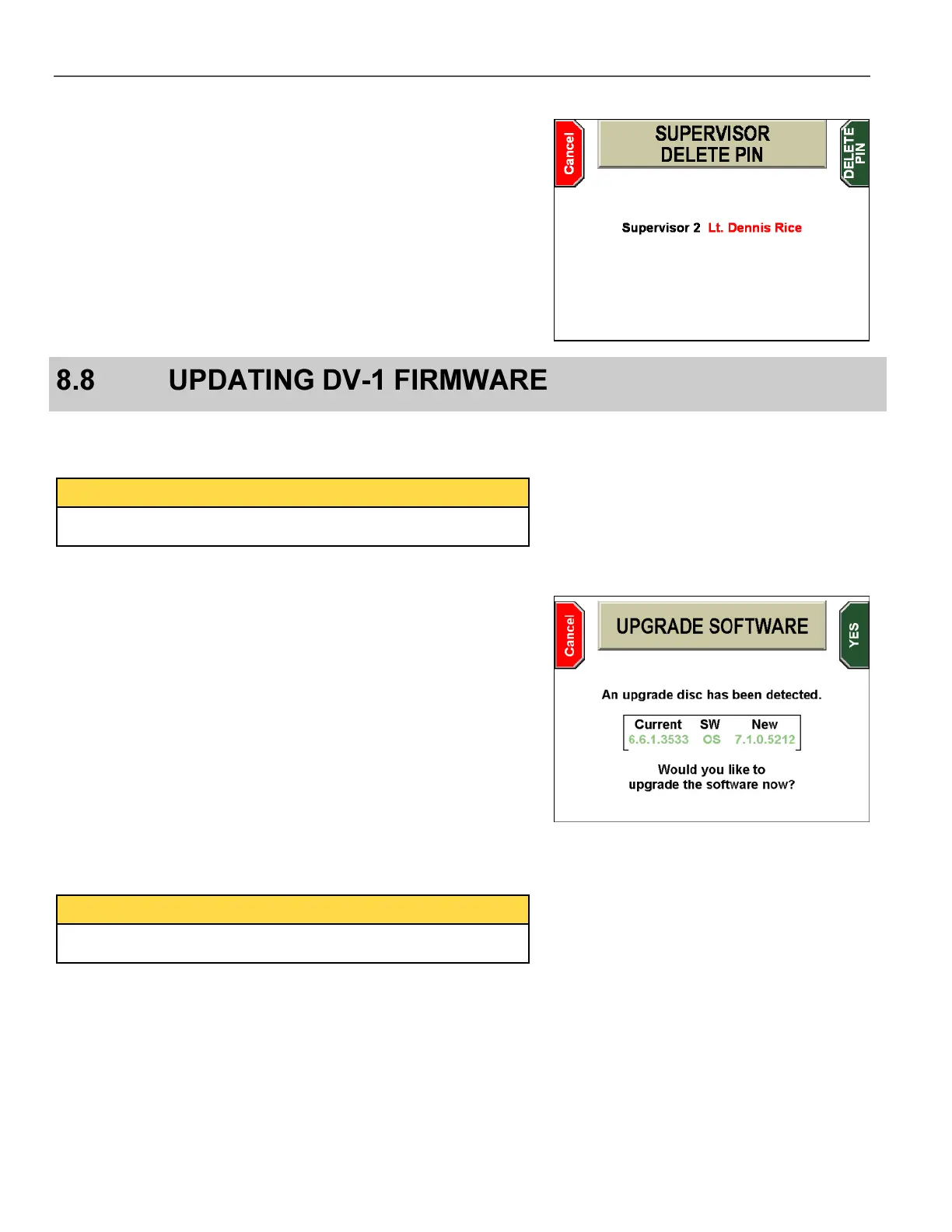
The SUPERVISOR DELETE PIN confirmation screen is displayed.
Press DELETE PIN to confirm, or Cancel to exit without deleting
the Supervisor PIN.
The system firmware is designed to be updated by simply inserting a
CD or DVD containing the updated firmware files.
To update the firmware in your DV-1, follow these steps:
If you receive the update by email, copy all the distribution files
to a CD or DVD+RW disc.
Power up the DV-1.
Verify that all pending video has been burned to a DVD.
When no pending video remains, press the STOP/QUIT key for
2 seconds to eject any CD or DVD.
Power the DV-1 unit off and then back on.
Insert the CD or DVD containing the updated firmware files into
the DVD drive and wait for the system to detect the update file
(may take 30-60 seconds). After detection, the UPGRADE
SOFTWARE screen is displayed.
Press the YES key to start the firmware update.



 To Next Page