MANAGE OFFICER NAMES DV-1 CONFIGURATION
26
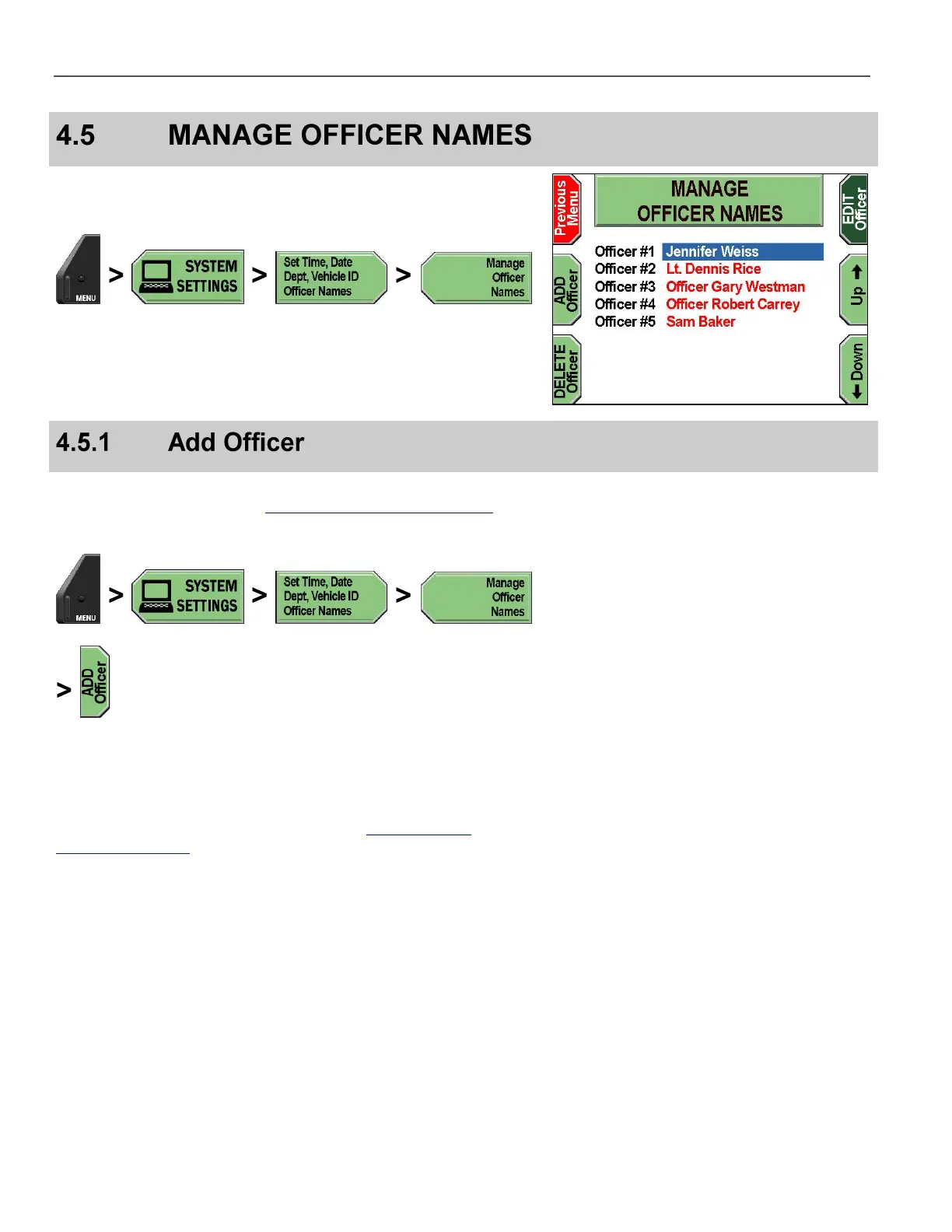
The Manage Officer Names screens allow you to add, edit, and
delete officers.
Press MENU > SYSTEM SETTINGS > Set Time, Date, Dept,
Vehicle ID, Officer Names > Manage Officer Names.
The MANAGE OFFICER NAMES screen is displayed.
Supervisor access is required unless the Add/Edit Officer Names
permission is set to YES. See Manage Permissions for Settings on
page 80 for details on setting officer permissions.
Press MENU > SYSTEM SETTINGS > Set Time, Date, Dept,
Vehicle ID, Officer Names > Manage Officer Names >
ADD Officer.
If prompted to login, follow the steps listed in Supervisor and
Administrator Login on page 78.



 To Next Page