TROUBLESHOOTING DV-1 BACK DOOR MAINTENANCE OPTIONS
115
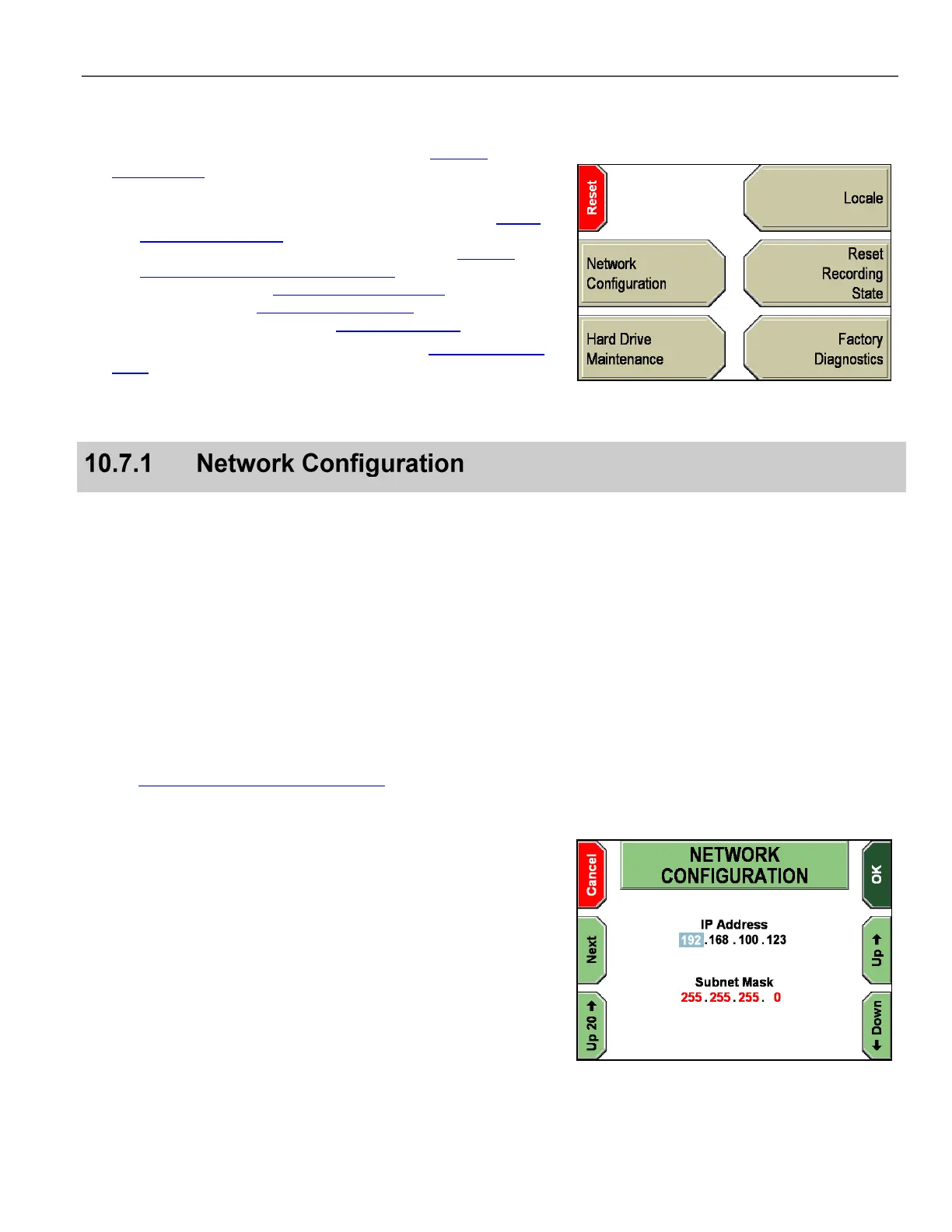
The DV-1 back door screen displays with the following options:
1. Network Configuration – Follow the steps in Network
Configuration on page 115.
2. Hard Drive Maintenance:
a. Check Hard Drive for Errors – Follow the steps in Check
Hard Drive for Errors on page 83
b. Remove Configuration – Follow the steps in Remove
Configuration (Names, Settings, etc.) on page 84
c. Follow the steps in Hard Drive Quick Format on page 109
d. Follow the steps Hard Drive Full Format on page 113
e. Locale - Follow the steps in Setting the Locale on page 116
3. Reset Recording State – Follow the steps in Reset Recording
State on page 85
4. Factory Diagnostics
5. Reset – Restart the DV-1 so that any new changes take effect.
The Network Configuration option allows the officer to enter
the DV-1’s IP Address and Subnet Mask. In most cases, you need
not change these values; however, if physically connecting to the
DV-1 via an Ethernet connection, the DV-1’s IP address must be
correctly set to successfully communicate through the Ethernet port.
Two possible reasons for needing to connect to the DV-1 through an
Ethernet cable are:
Uploading configuration settings directly from the Fleet Manager
Utility to the DV-1 (bypassing the need to burn a configuration
file to a CD)
Running DV-1 diagnostics and maintenance from the Fleet
Manager Utility
Documentation for all versions of the Fleet Manager Utility is on the
web at: http://watchguardvideo.com/support
The DV-1 device is shipped from the factory with one of the
following default assigned IP addresses:
192.168.0.123 –
Existing systems
192.168.100.123 –
New or refurbished systems
If the DV-1 is unable to connect at
192.168.0.123
, try
192.168.100.123
.
Press Next to move the cursor to the next number placeholder.
Press the Up & Down keys to change the selected number.
Use Up 20 to increase the selected number 20 at a time.
Press OK when done making changes, or Cancel to exit without
configuring the network.



 To Next Page