SUPERVISOR/ADMINISTRATOR FUNCTIONS MANAGE DVD AND HARD DRIVE
83
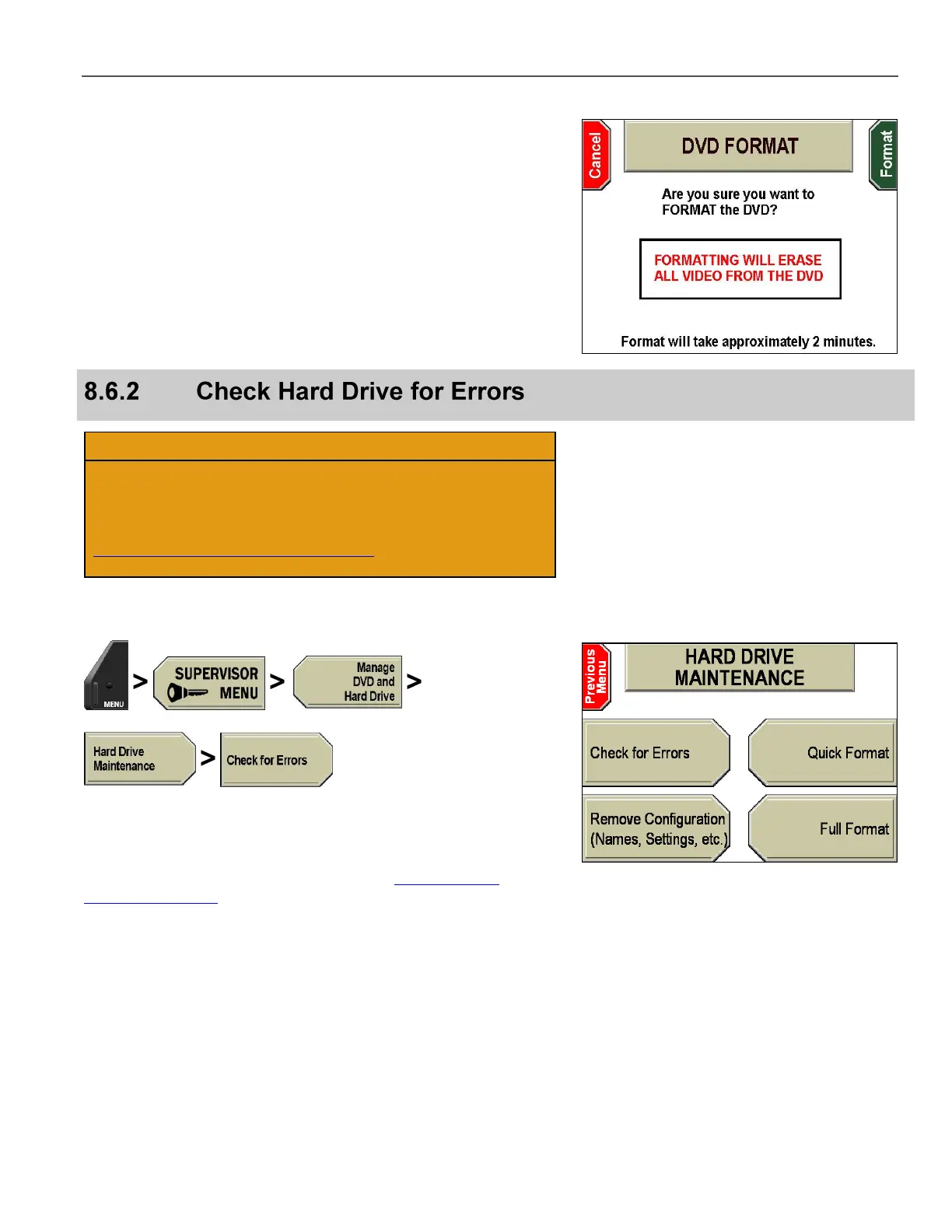
The DVD FORMAT screen is displayed.
Press Format to format the DVD, or Cancel to exit without
formatting.
This operation should only be performed when instructed by
Customer Service personnel.
U.S. customers, call 1-800-605-6734 or email
customerservice@watchguardvideo.com prior to selecting this
option. International customers, contact your local distributor.
Use this procedure to check the hard drive partitions for errors.
Press MENU > SUPERVISOR MENU > Manage DVD and
Hard Drive > Hard Drive Maintenance > Check for Errors.
If prompted to login, follow the steps listed in Supervisor and
Administrator Login on page 78.



 To Next Page