DETAILED DV-1 OPERATION FRONT CAMERA KEYPAD CONTROLS
63
Press the BACK LIGHT key on the Camera Keypad.
A Green LED indicates that the feature is ON (active), and a Blue
LED indicates the feature is OFF (inactive).
Alternatively, select either the Front Camera or the Rear Camera
from the Camera Menu on the Front Panel (see Camera Key on
page 61), and then press the Backlight Comp key to toggle
between ON or OFF.
Activating Night View mode optimizes the camera settings for
nighttime operation.
When Night View mode is turned on, the DV-1 automatically sets
the manual focus to about 50 feet. When Night View mode is turned
off, auto-focus is turned back on.
When set to AUTO, the system automatically turns Night View on
when it gets dark (and manual focus is set to about 50 feet), and
turns it back off when it gets light (and auto-focus returns).
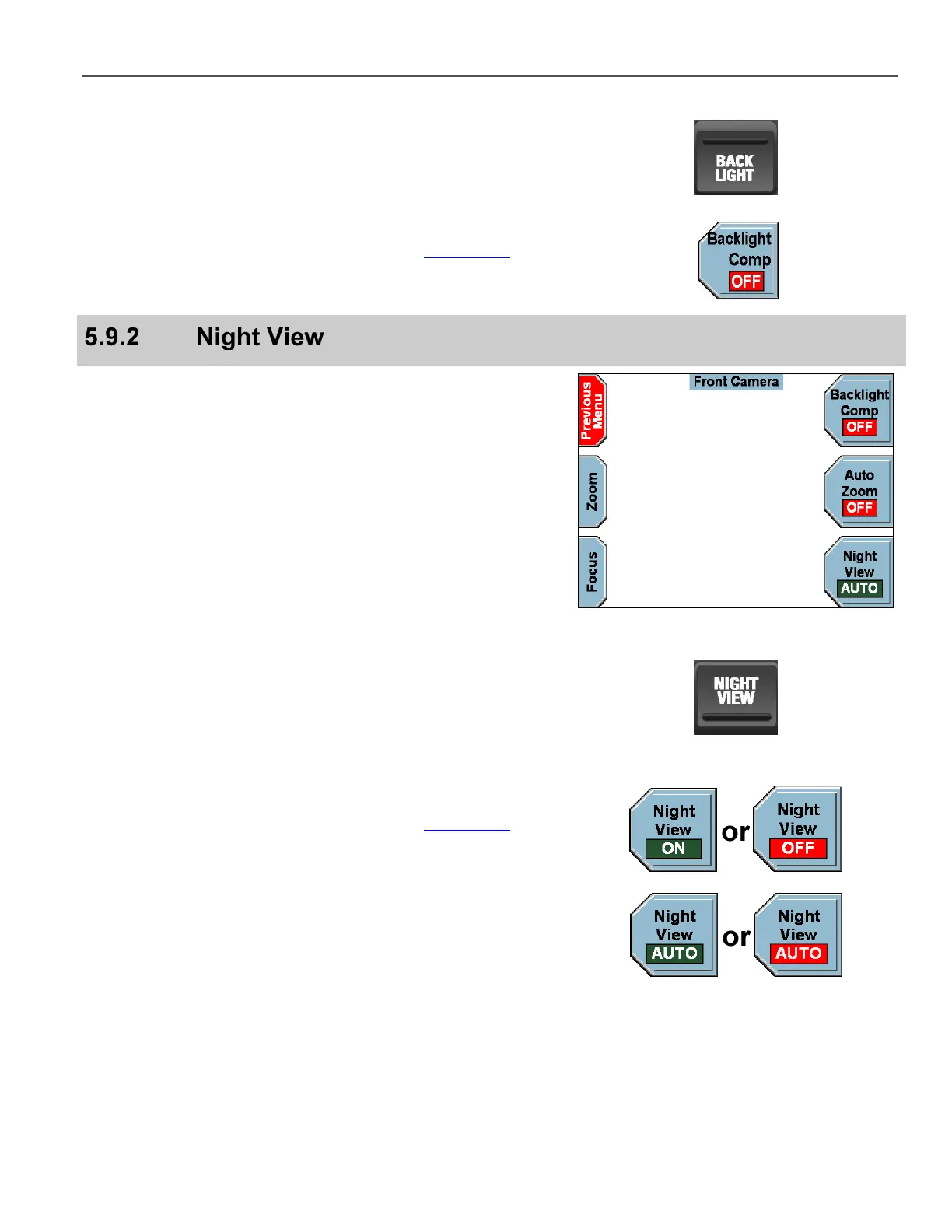
Press the NIGHT VIEW key on the Camera Keypad. It toggles
between ON, OFF, and AUTO. When set to AUTO, the LED turns
off for a couple of seconds, and then it will turn either blue or green
depending on whether it is night or day.
A Green LED indicates that the feature is ON (active), and a Blue
LED indicates the feature is OFF (inactive).
Alternatively, select either the Front Camera or the Rear Camera
from the Camera Menu on the Front Panel (see Camera Key on
page 61), and then press the Night View key to toggle between
ON, OFF, or AUTO.
When set to AUTO, if the system determines that Night View is not
needed, the background of the key turns from green to red.
Night View defaults to AUTO when the DV-1 is rebooted.



 To Next Page