Supervisor access is required to configure input devices unless the
Setup Input Devices permission is set to YES. See Manage
Permissions for Settings on page 80 for details on setting officer
permissions.
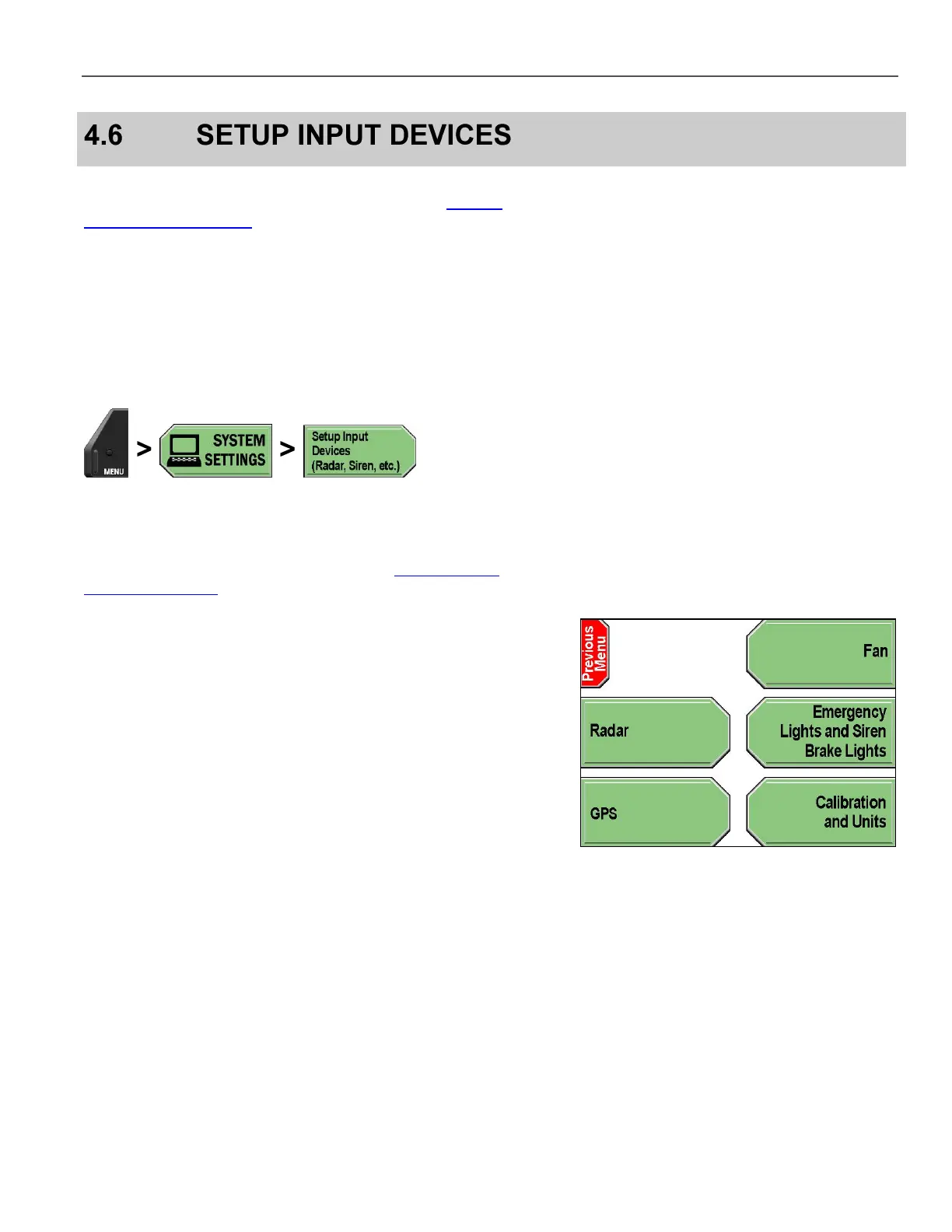
The following input devices can be configured:
Radar
Fan
Lights, sirens, and brakes
GPS system
Press MENU > SYSTEM SETTINGS > Setup Input Devices
(Radar, Siren, etc.).
If prompted to login, follow the steps listed in Supervisor and
Administrator Login on page 78.



 To Next Page