DV-1 CONFIGURATION MANAGE OFFICER NAMES
27
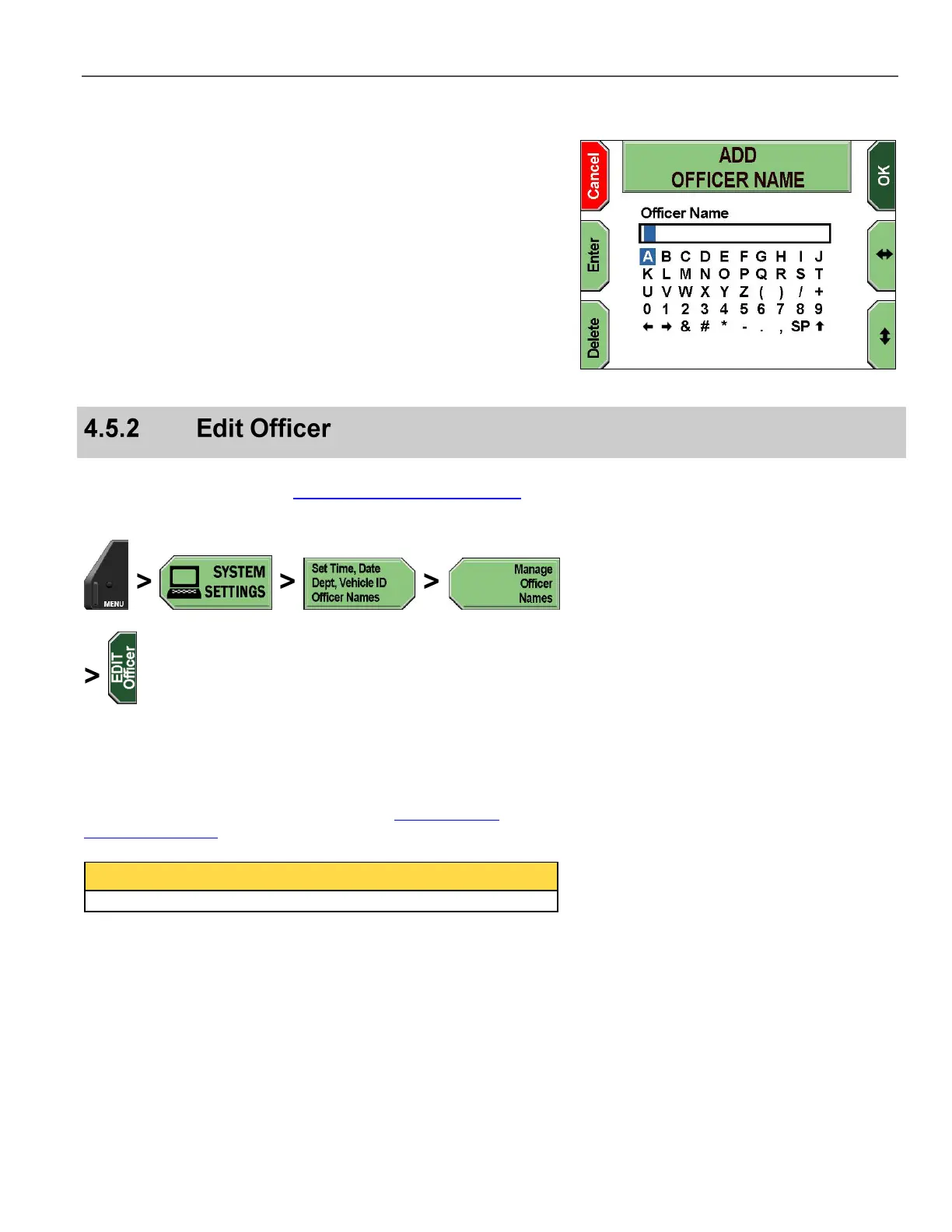
The ADD OFFICER NAME screen is displayed.
Press the and keys to navigate to the character(s) desired,
and then press Enter to select. To erase an undesired character,
press Delete.
Special characters are as follows:
SP – Space bar
– Uppercase/lowercase letters toggle
and arrows – Move the cursor left and right to allow
character insertion
Press OK to confirm, or Cancel to exit without making changes.
Supervisor access is required unless the Add/Edit Officer Names
permission is set to YES. See Manage Permissions for Settings on
page 80 for details on setting officer permissions.
Press MENU > SYSTEM SETTINGS > Set Time, Date, Dept,
Vehicle ID, Officer Names > Manage Officer Names >
EDIT Officer.
If prompted to login, follow the steps listed in Supervisor and
Administrator Login on page 78.
Supervisor access is required to edit a supervisor name.



 To Next Page