VIDEO REVIEW MODE DETAILED DV-1 OPERATION
48
Access Video Review mode as described in Section 5.4.1, and use
the video control keys on the Front Panel to select and playback
recorded events stored on the hard drive.
Stop playback; stop recording; eject DVD
Skip backward to the start of the previous chapter
*
Rewind 60, 90, 120, or 180 seconds depending on the
video quality
Fast-forward 60, 90, 120, or 180 seconds depending on
the video quality
Skip forward to the start of the next chapter
*
The Skip backward button must be pressed within five seconds of the start of the
current chapter. If not, the review location only skips back to the start of the current
chapter.
See Automatic Event Segmentation on page 51 for a description of
how titles and chapters are segmented on a DVD.
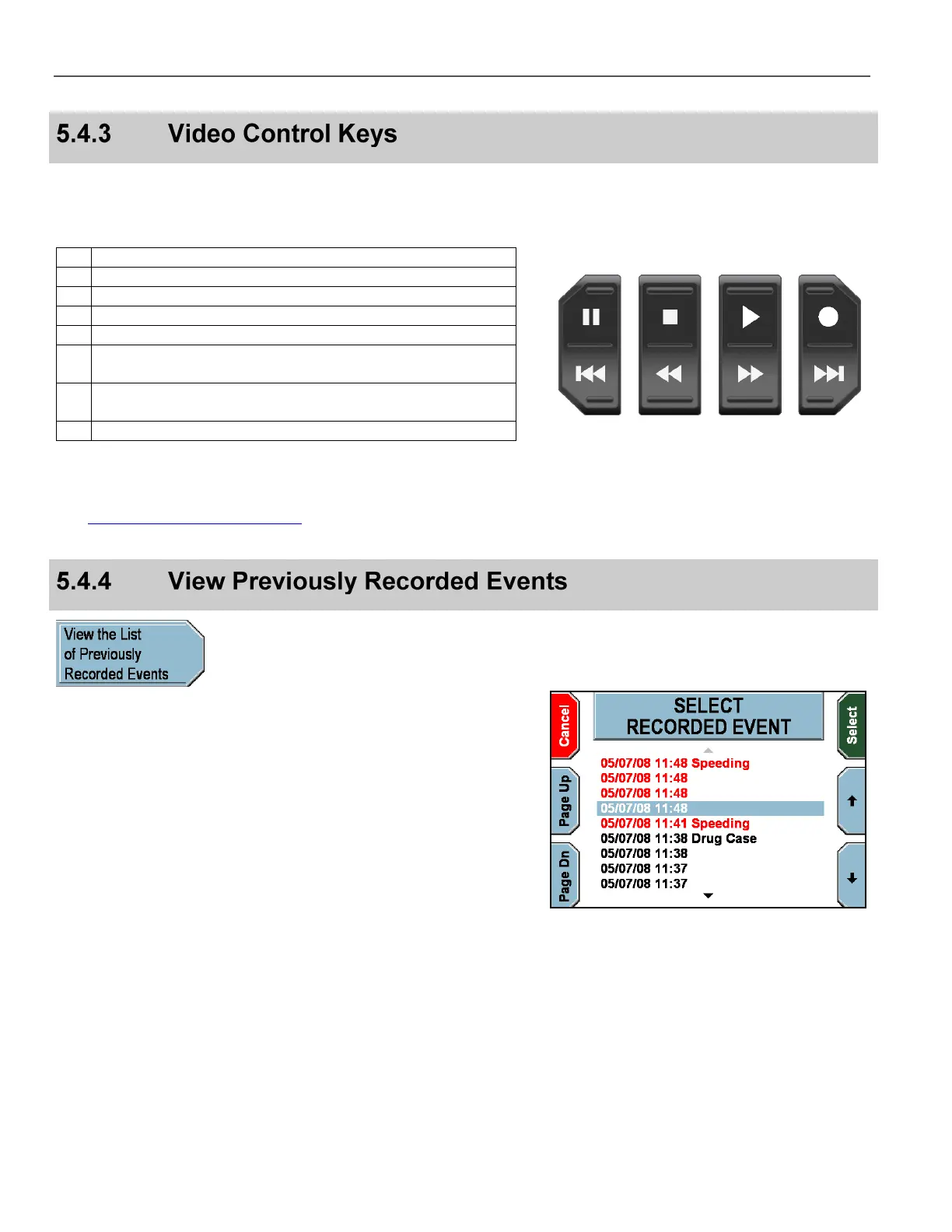
Pause Stop Play Record
Previous
Chapter
Rewind Fast
Forward
Next
Chapter
From the video review screen, press View the List of
Previously Recorded Events to display a list of recorded
events.
The SELECT RECORDED EVENT screen is displayed.
Press the and
keys to highlight the recorded event to review.
Press Page Dn & Page Up to scroll to the next 10 recorded
events. Red items are editable and black items are not.
Press Select to review the recorded event’s details and/or playback
the recorded event.
Press Cancel to return to the video review screen.



 To Next Page