DETAILED DV-1 OPERATION VIDEO REVIEW MODE
47
To playback recorded or buffered events on the hard drive, first enter
Video Review mode from the Main Menu.
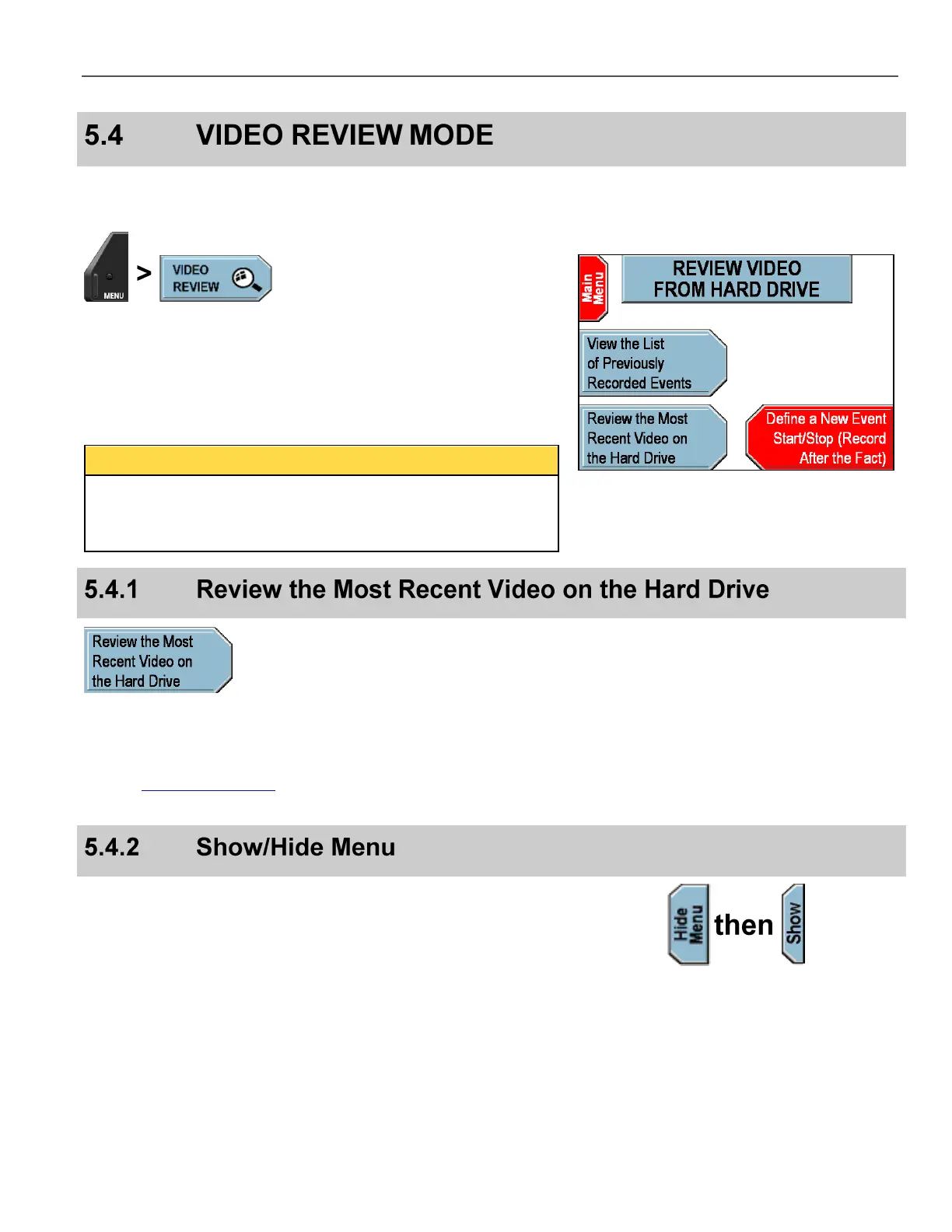
Press MENU > VIDEO REVIEW.
The REVIEW VIDEO FROM HARD DRIVE screen is displayed.
The three options are discussed in the sections below.
The DV-1 can playback events while simultaneously recording new
events (both active or intentional recording plus background
recording). However, the DVD drive will pause any burning activity
while in Video Review mode.
From the video review screen, press Review the Most Recent
Video on the Hard Drive.
Use the Video Control Keys as described on page 48 to review the
video on the hard drive.
Press Hide Menu during playback to hide all graphical items and
text, providing a better view of the recorded event. If menu and text
have been hidden, press Show to display again.



 To Next Page