RECORDING SETUP DV-1 CONFIGURATION
42
Supervisor access is required unless the Set Text Fields to Record
permission is set to YES. See Manage Permissions for Settings on
page 80 for details on setting officer permissions.
All metadata text fields are sampled and generated once per second.
These selections affect the text recorded to the DVD’s Closed-
Captioning Layer as well as what displays on-screen.
From the Manage On-Screen Text screen, press Set Text Fields
to Record.
If prompted to login, follow the steps listed in Supervisor and
Administrator Login on page 78.
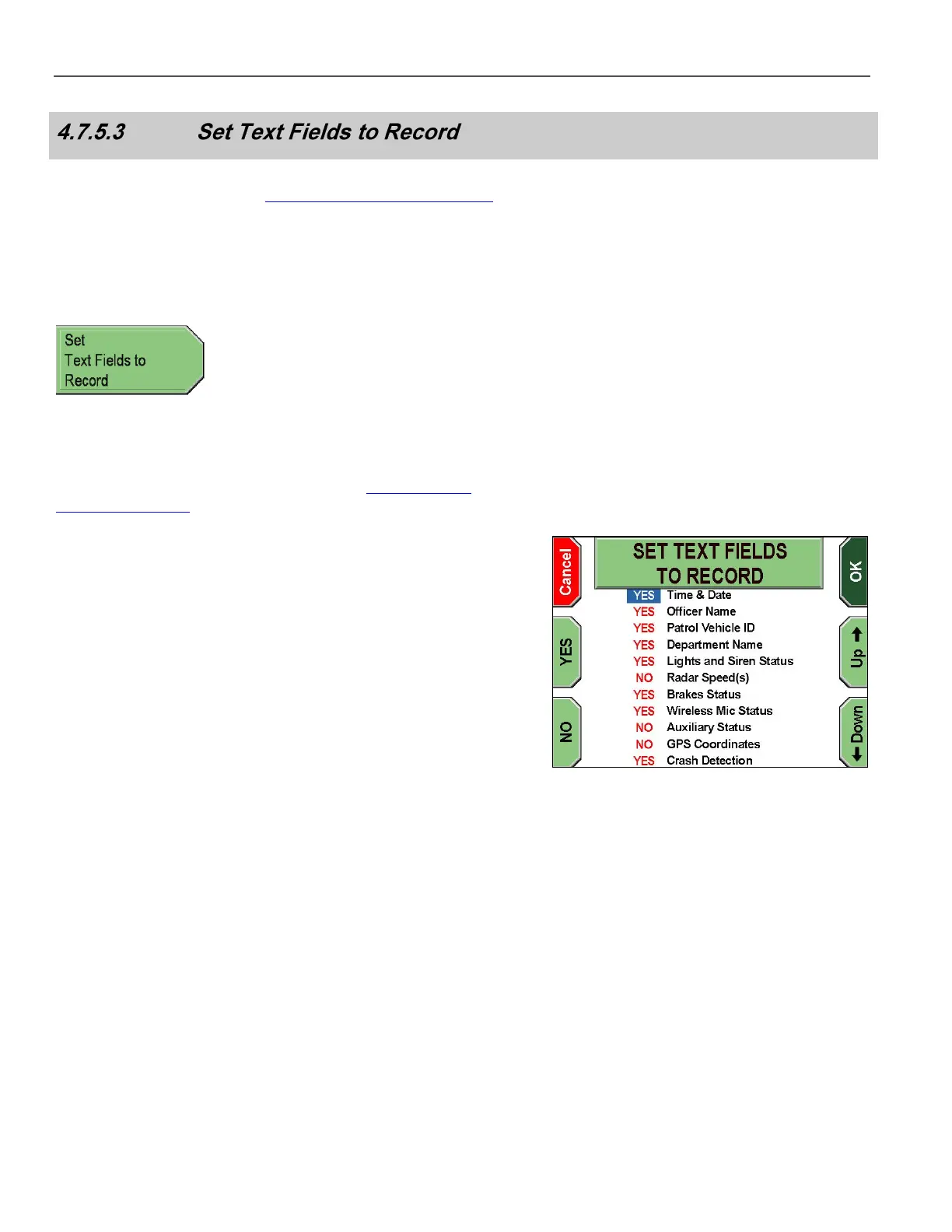
The SET TEXT FIELDS TO RECORD screen is displayed.
Press the Up & Down keys to select the text field setting.
Press YES or NO for each setting you wish to change. YES sets the
text field to be recorded. NO sets the text field to NOT be recorded.
Press OK to confirm, or Cancel to exit without making changes.



 To Next Page