DV-1 CONFIGURATION SAVE OR RESTORE OFFICER PREFERENCES
43
The DV-1 automatically creates a user profile with settings for each
officer using the system. The settings included in this profile are:
Brightness levels
Volume levels
Microphone selection
Camera settings:
o Night view
o Back light compensation
o Auto-Zoom magnification level and hold time
o Camera selection
Screen saver settings
User profiles do not include behavior and permission settings
controlled in the Supervisor Menus. When an officer makes a
permissible change to any of their settings in the menu system, those
changes are saved immediately.
A Department Default profile can be saved which will be the
preferences automatically assigned to new officers as they are added
to the system. It also serves as the universal profile that any user can
return to through the RESTORE OFFICER PREFERENCES
screen.
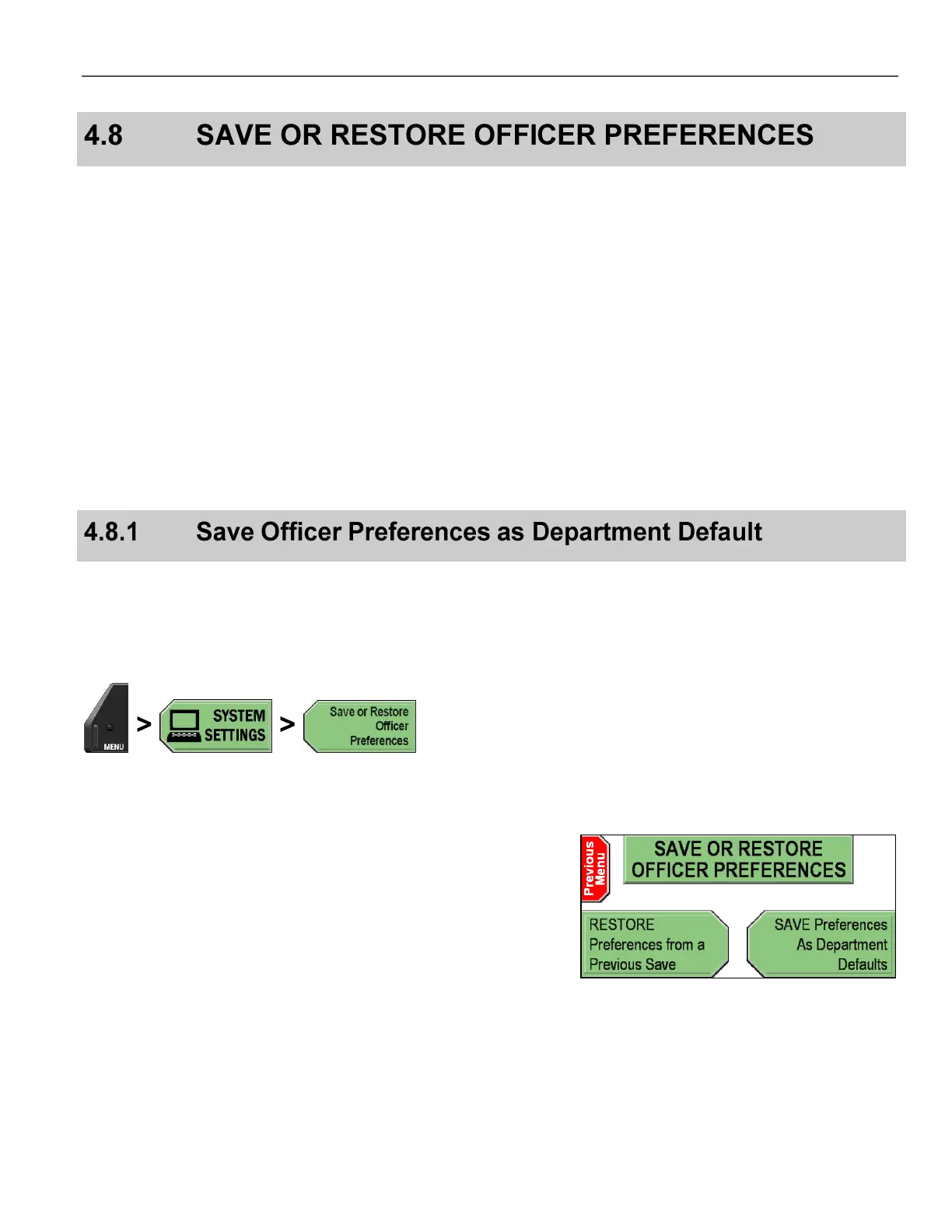
Press MENU > SYSTEM SETTINGS > Save or Restore
Officer Preferences.
The SAVE OR RESTORE OFFICER PREFERENCES screen is
displayed.
Press SAVE Preferences As Department Defaults.
The current officer’s preferences are saved as the Department
Default preferences.



 To Next Page