DV-1 CONFIGURATION SETUP INPUT DEVICES
31
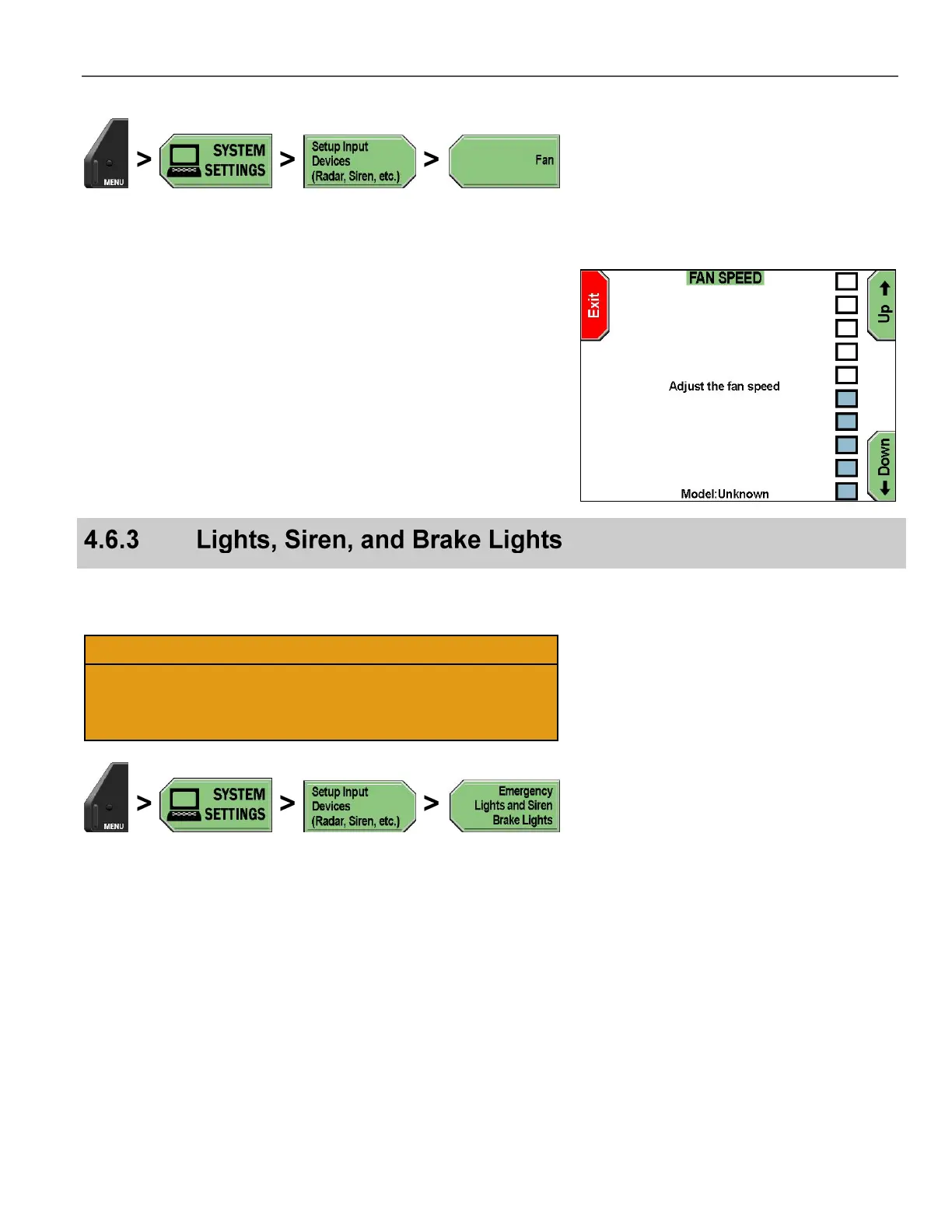
Press MENU > SYSTEM SETTINGS > Setup Input Devices
(Radar, Siren, etc.) > Fan.
The FAN SPEED screen is displayed.
Press the Up & Down keys to adjust the fan speed.
Press Exit when done.
These settings globally enable or disable the sensor inputs for lights,
siren, brake lights, auxiliary input, and crash detection.
Proceed carefully when changing these settings. If the Emergency
Lights sensor input is set to NO, the DV-1 acts as if it is
disconnected and won’t respond to the emergency light sensor
input. Each of the sensor inputs reacts the same way.
Press MENU > SYSTEM SETTINGS > Setup Input Devices
(Radar, Siren, etc.) > Emergency Lights and Siren Brake
Lights.



 To Next Page