RECORDING SETUP DV-1 CONFIGURATION
40
The Auto-Zoom feature allows the front camera to automatically
zoom in on an object or subject for a set period of time, and then
return to its previous zoom level. This is particularly useful for
automatically zooming in on a vehicle license plate.
Press MENU > SYSTEM SETTINGS > Setup Recording
Criteria > Set Camera Auto-Zoom.
If prompted to login, follow the steps listed in Supervisor and
Administrator Login on page 78.
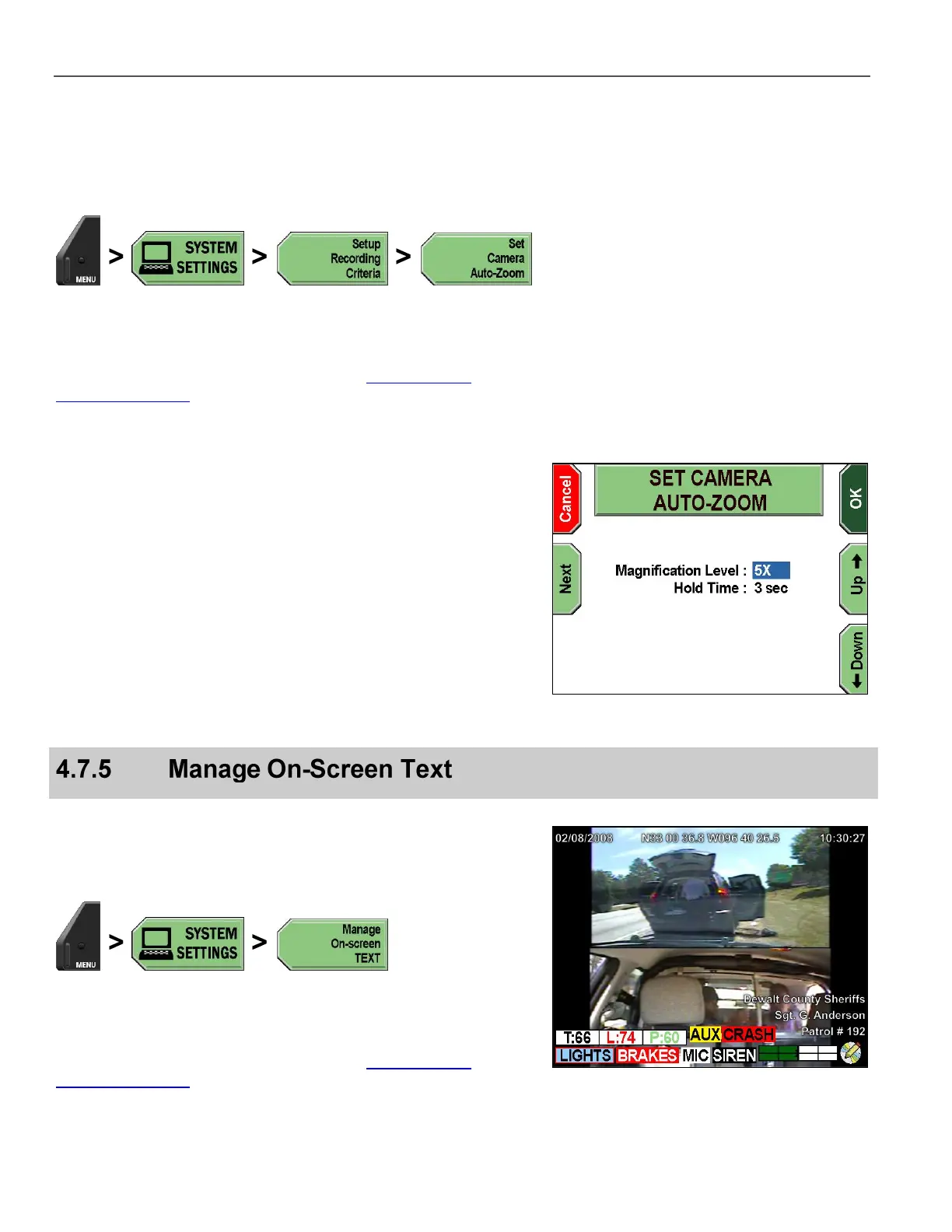
The SET CAMERA AUTO-ZOOM screen is displayed.
Press the Up & Down keys to select the desired setting.
Press the Next key to select between Magnification Level and
Hold Time.
Press OK to confirm, or Cancel to exit without making changes.
On-screen terms are as follows:
Magnification Level – Front Camera magnification setting, from
1X to 10X
Hold Time – Amount of time the camera will hold the
magnification before zooming back out to wide-angle view, from
1 second to 10 seconds
All on-screen text is sampled and generated once per second. The
status of brakes, lights, siren, etc., generally lag behind the activation
by 1-2 seconds in the on-screen display and in the DVD’s Closed-
Captioning Layer.
Press MENU > SYSTEM SETTINGS > Manage On-screen
TEXT.
If prompted to login, follow the steps listed in Supervisor and
Administrator Login on page 78.



 To Next Page