CLOSED-CAPTIONING TEXT ON DVD PLAYBACK DETAILED DV-1 OPERATION
56
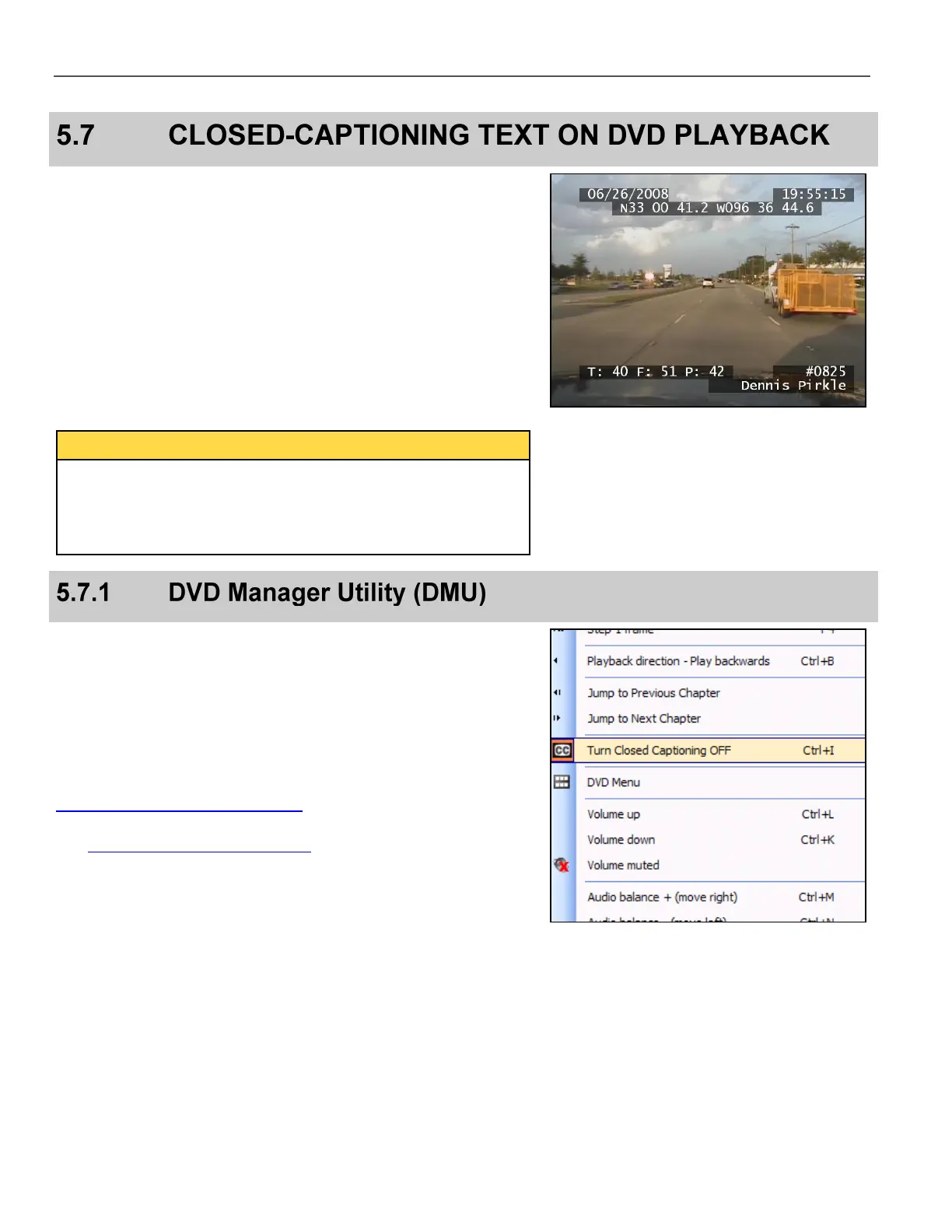
All of the DV-1’s textual information (metadata) is saved on the DVD
in a format called the Closed-Captioning Layer. The advantages of
using the Closed-Captioning Layer for displaying this information
are:
Text display is crisp and readable
Text can be turned on or off during playback so the video image
is not permanently obscured
Each field (black-boxed section) is displayed only when data is
present. For example, if the radar is not connected or active, the box
for radar data is not shown on-screen.
Closed-Captioning is generally handled by the television set (not
the DVD player). Follow your television manufacturer’s instructions
for activating this feature. If your television provides multiple
closed-captioning formats, choose the C1 format. C1 Format
Closed-Captioning is required to display text during playback.
The WatchGuard Windows application called DVD Manager Utility
(DMU) is designed to play or copy evidence DVDs. Closed-
captioning can be toggled on or off in DMU by selecting the option
shown on the right from the Tools menu.
Documentation for all versions of the DMU is on the web at
http://watchguardvideo.com/support
See Software Programs for Playback on page 66 for further details
on the DMU application.



 To Next Page