UPDATING DV-1 FIRMWARE SUPERVISOR/ADMINISTRATOR FUNCTIONS
94
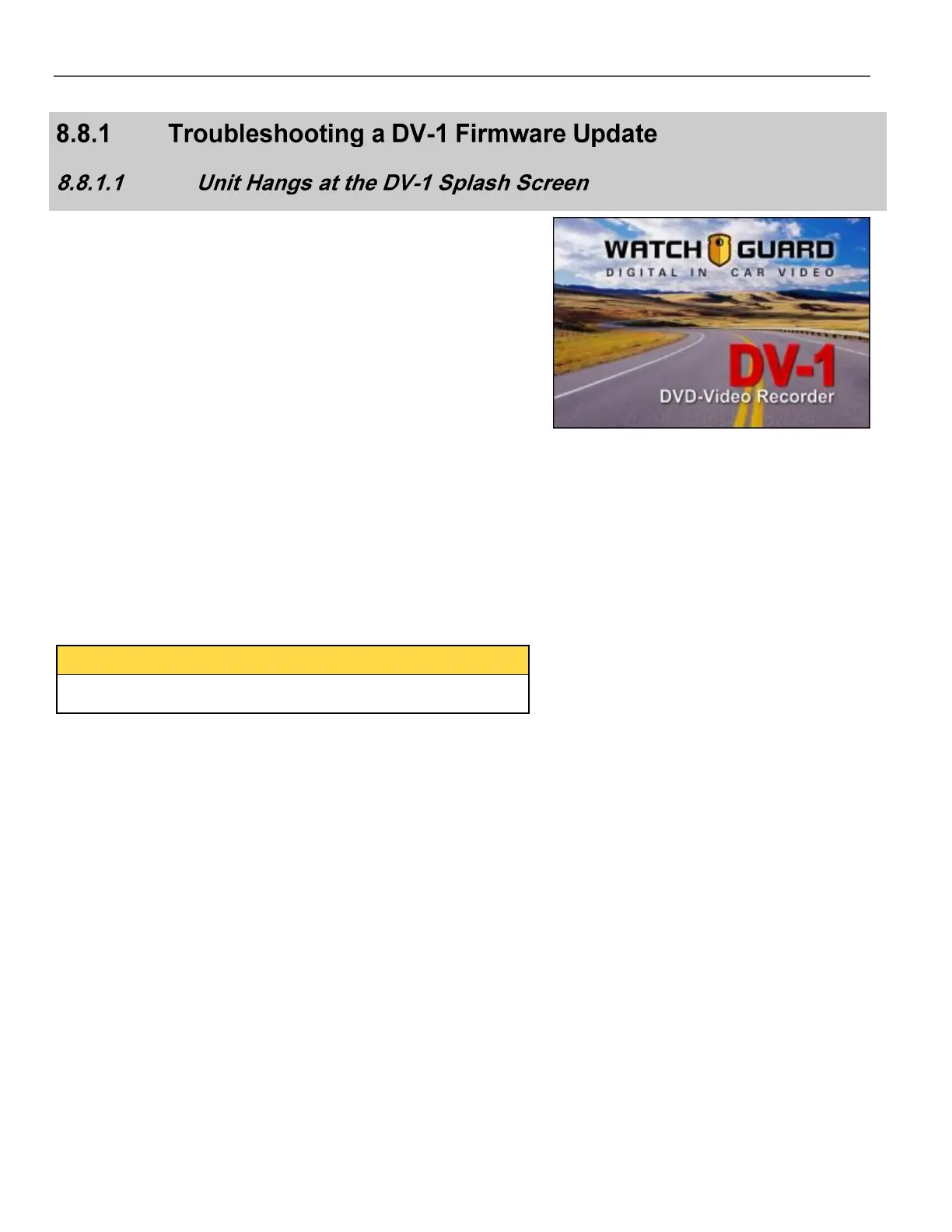
During the update, the system can stay (or hang) at the DV-1 splash
screen for a long time. If the system appears to hang at the splash
screen, it may be recovering from a boot failure.
Follow these steps to recover:
Wait for 15 minutes at the splash screen.
If the system does not automatically reboot, turn off the vehicle
ignition, then press the POWER OFF key.
Wait for the system to power off.
If the system does not power off, press the POWER OFF key
again.
Repeat this process until the system powers off.
You can also disconnect then reconnect power to the DV-1 unit, if
desired.
Once the system has powered off, press the POWER ON key
to power the system on.
Allow the system to power on completely.
Once the system has powered on, the software version may be a
much older version. A message may also appear stating that the
system has been reverted to an older version of software because
the primary version failed.
Insert a blank DVD and allow all pending video to be burned to
the DVD.
Once there is no longer any pending video, press and hold the
STOP/QUIT key to eject the DVD.
Wait for the system to eject the DVD, then power off and power
on the system.
Insert the update disc and proceed with the update process.



 To Next Page