Advanced Song Playback
4
Chapter
36
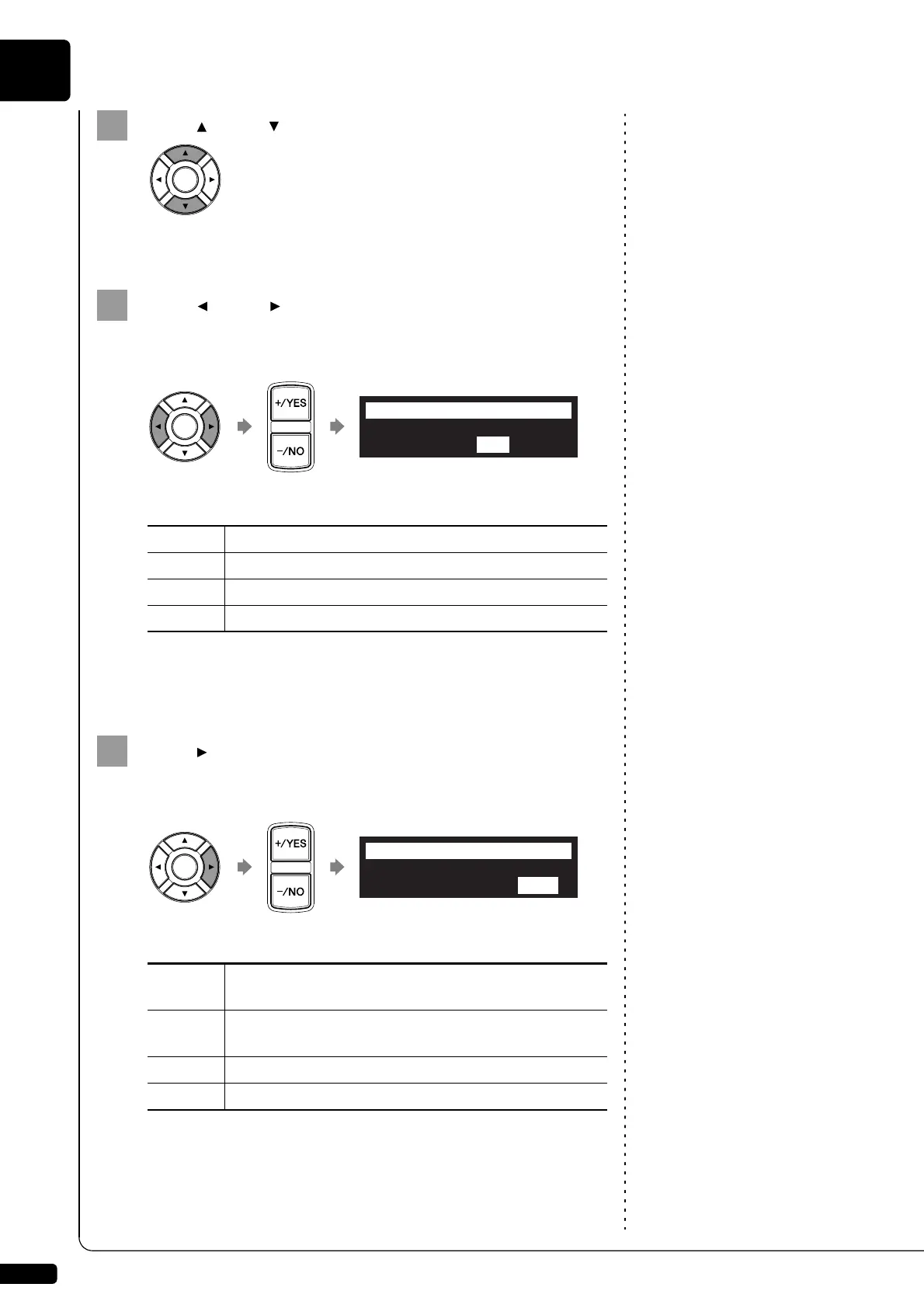
Press [ ] and [ ] to select the desired program number.
The cursor moves to the function parameter.
Press [ ] and [ ] to move the cursor to the function
parameter, then press [+/YES] and [–/NO] to select the
desired function.
The following functions are available:
When “PLAY” or “RND” is selected, the album selection parameter
appears.
Press [ ] to move the cursor to the album selection
parameter, then press [+/YES] and [–/NO] to select the
desired album.
Note:
You cannot select “Radio” if you
select “RND” in step 5.
The following selections are available:
Note:
When “Radio” is selected, the
Disklavier will connect to the
Internet one minute prior to the time
you have set, and the channel
selection screen appears.
DisklavierRadio will begin to play
at the designated time.
PLAY
Starts playback of songs.
STOP
Stops playback of songs.
RND
Starts playback of songs at random.
OFF
Turns off the Disklavier (standby mode).
>TimerPlay=ON
01[### ##:## PLAY -----]
=TimerPlay=
-+
>TimerPlay=ON
01[### ##:## PLAY Mem01]
=TimerPlay=
-+
Mem01 -
Mem99
Albums (01 - 99) in the internal flash memory.
Lst01 -
Lst99
Playlists (01 - 99) created in the internal flash memory.
Radio
The last DisklavierRadio channel you have listened to.
-----
Current selected song.







 To Next Page