System Applications
227
3. Tap the desired account, if you have more than one email account.
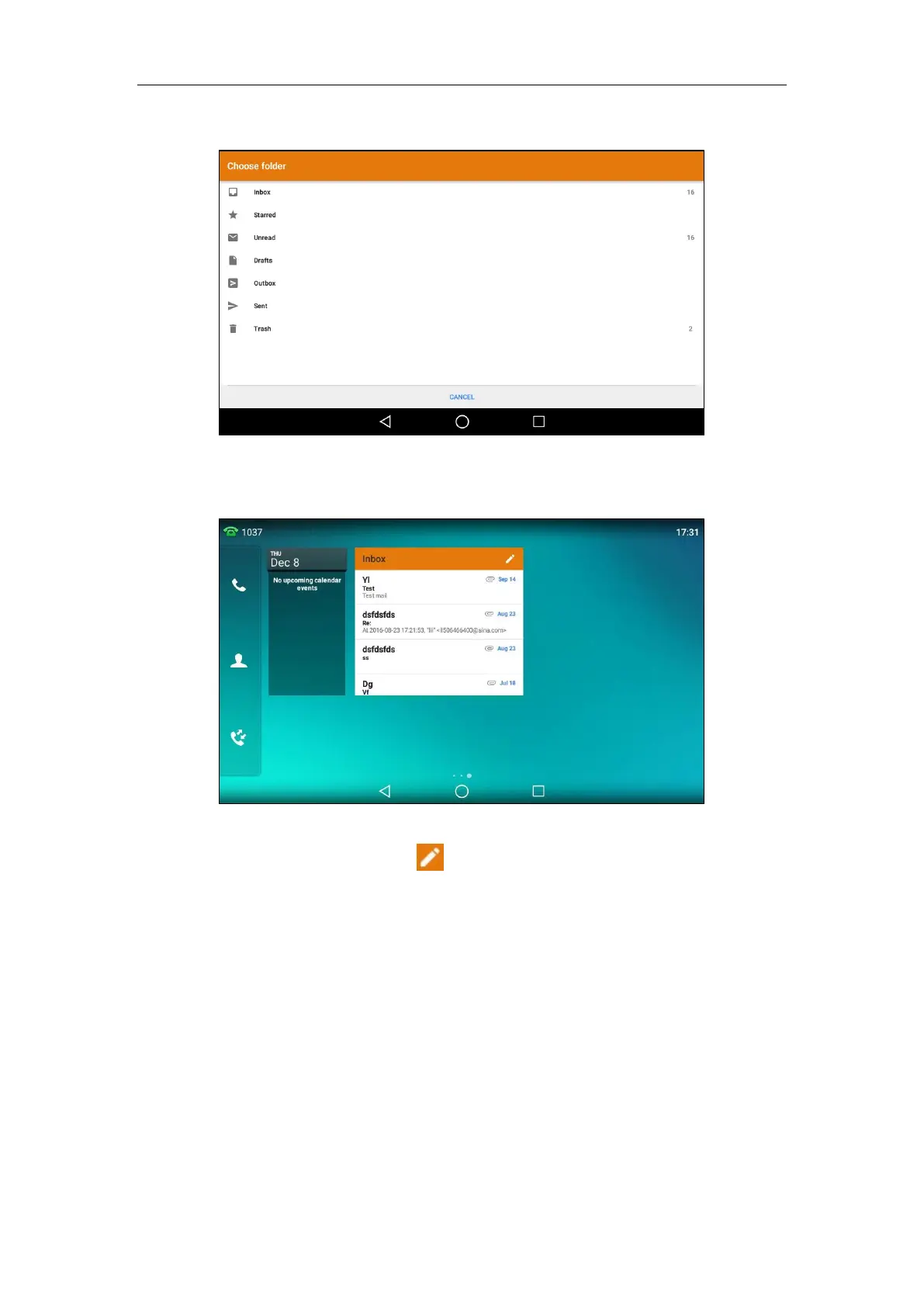
4. Tap the desired folder to display on the widget.
If you select Inbox, the email widget will display as below:
You can drag up and down to scroll through emails in inbox folder, and tap the desired
email to view. You can also tap on the top-right of the widget to compose and send an
email.
Sending Files via Email
The Gallery and FileManager applications support data transfer via Email. You can send
pictures, audios or videos as mail attachments to other account. For more information, refer to
Sharing Pictures/Videos/Audios on page 196 and Sharing Pictures/Videos on page 210.
Browser
The Browser application could be used in a similar way as a PC-based web browser, i.e., browse
web pages, bookmarks, set home pages, clear history and etc. The default home page is the



 To Next Page
 Loading...










