User Guide for SIP-T56A Smart Media Phone
240
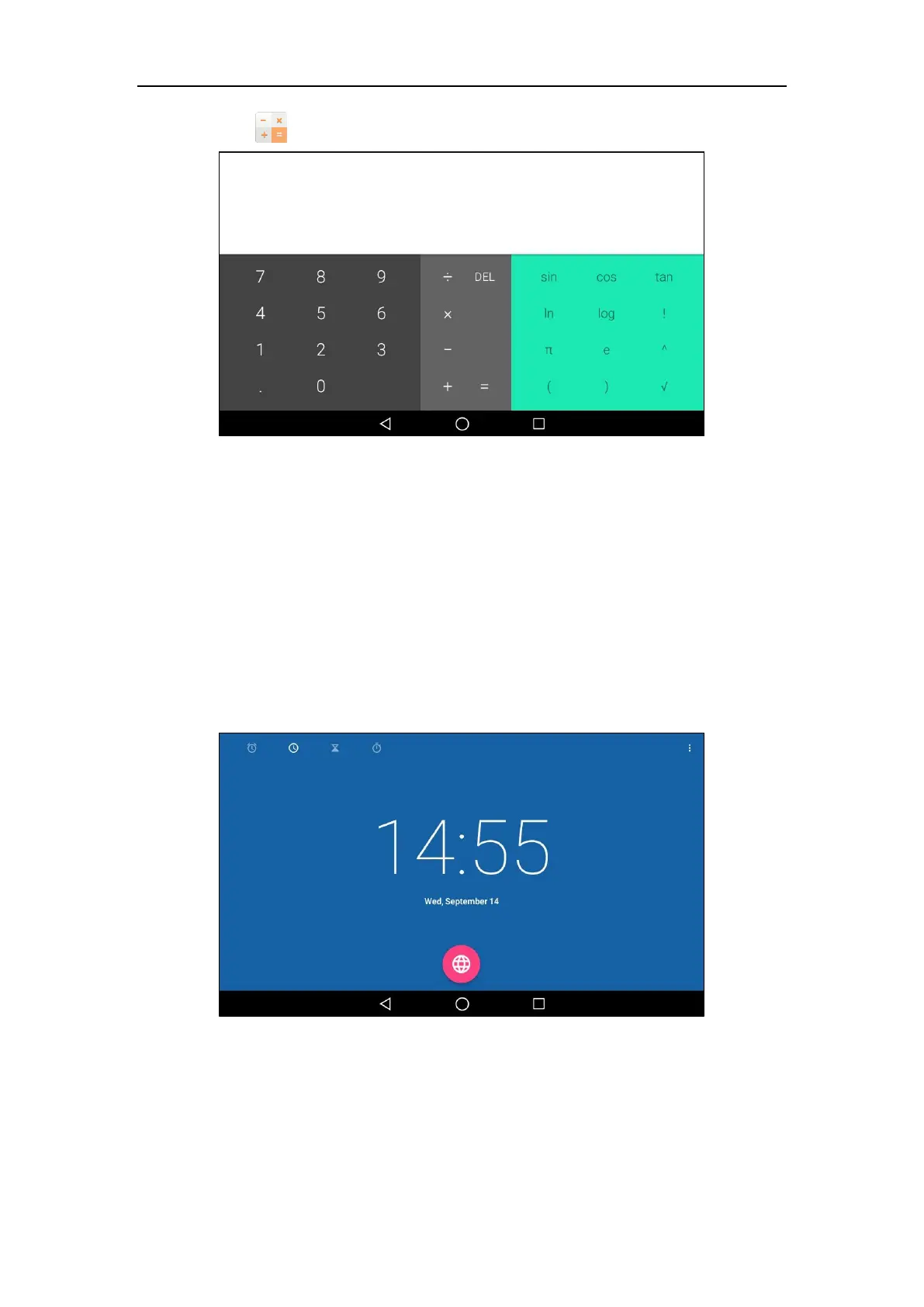
2. Tap to launch Calculator application.
Clock
You can use the Clock application to set an alarm, check the time of other cities in the world,
calculate the lasting time of an event and set a timer.
Alarm
To set an alarm clock:
1. Tap the digital clock widget on the home screen.



 To Next Page
 Loading...










