Customizing Your Phone
73
Tap to return to the Screen Saver setting screen.
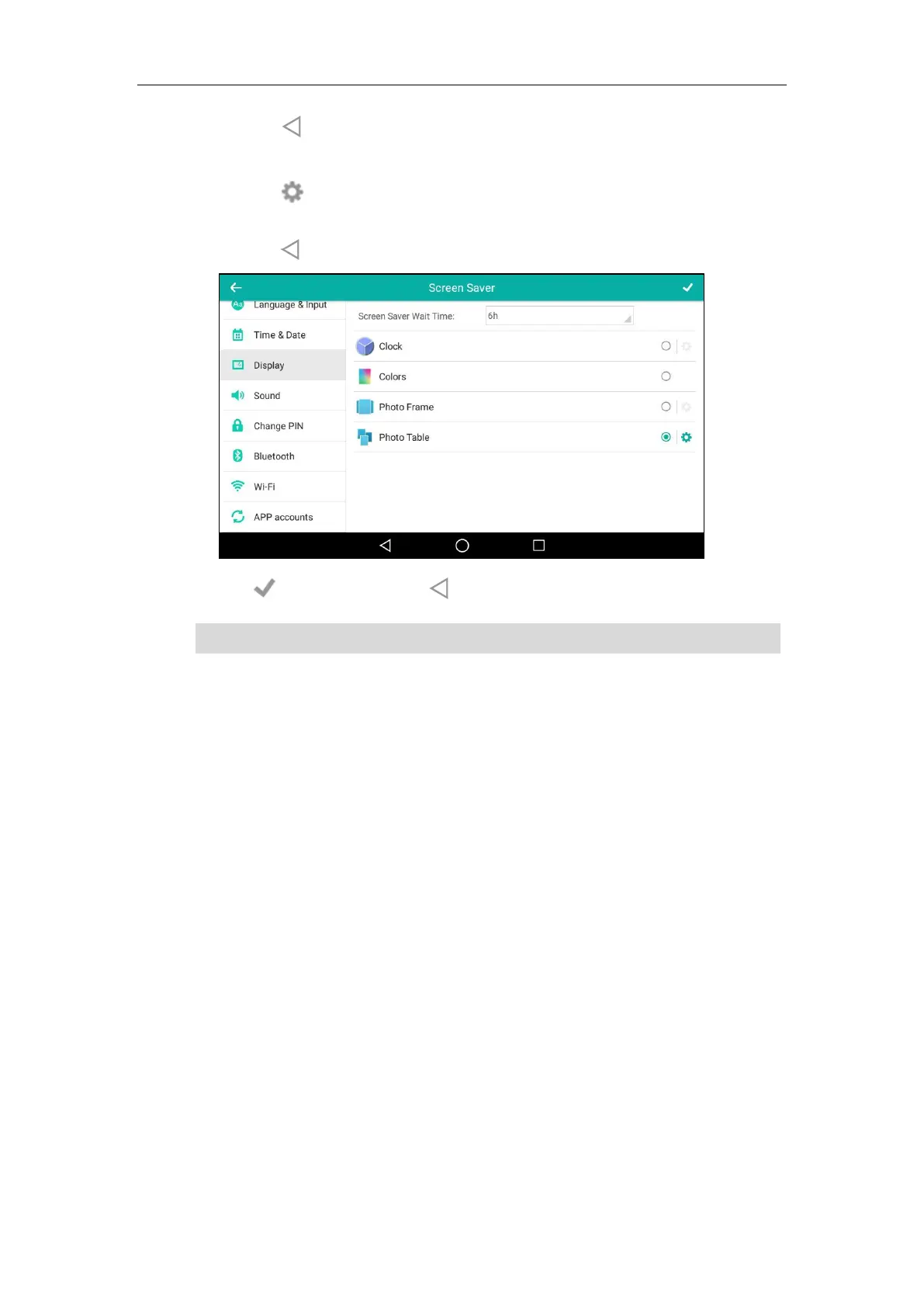
- Tap the Photo Table radio box.
Tap next to the radio box to select the desired Gallery album(s).
Tap the desired checkbox or SELECT ALL on the top-right of the touch screen.
Tap to return to the Screen Saver setting screen.
6. Tap to accept the change or to cancel.
Note
Power Saving
The power saving feature is used to turn off the backlight and screen to conserve energy. The IP
phone enters power-saving mode after it has been idle for a certain period of time.
If you connect a color-screen expansion module EXP50 to the IP phone, the IP phone and EXP50
will enter or exit power-saving mode synchronously.
The IP phone will exit power-saving mode when:
Press any key.
Tap the touch screen.
Pick up or hang up the handset.
There is an incoming call.
A new prompt (e.g., missed call, new voice mail or forwarded call).
The status of BLF key changes.
Screen saver is configurable via phone user interface only.



 To Next Page
 Loading...










