User Guide for SIP-T56A Smart Media Phone
98
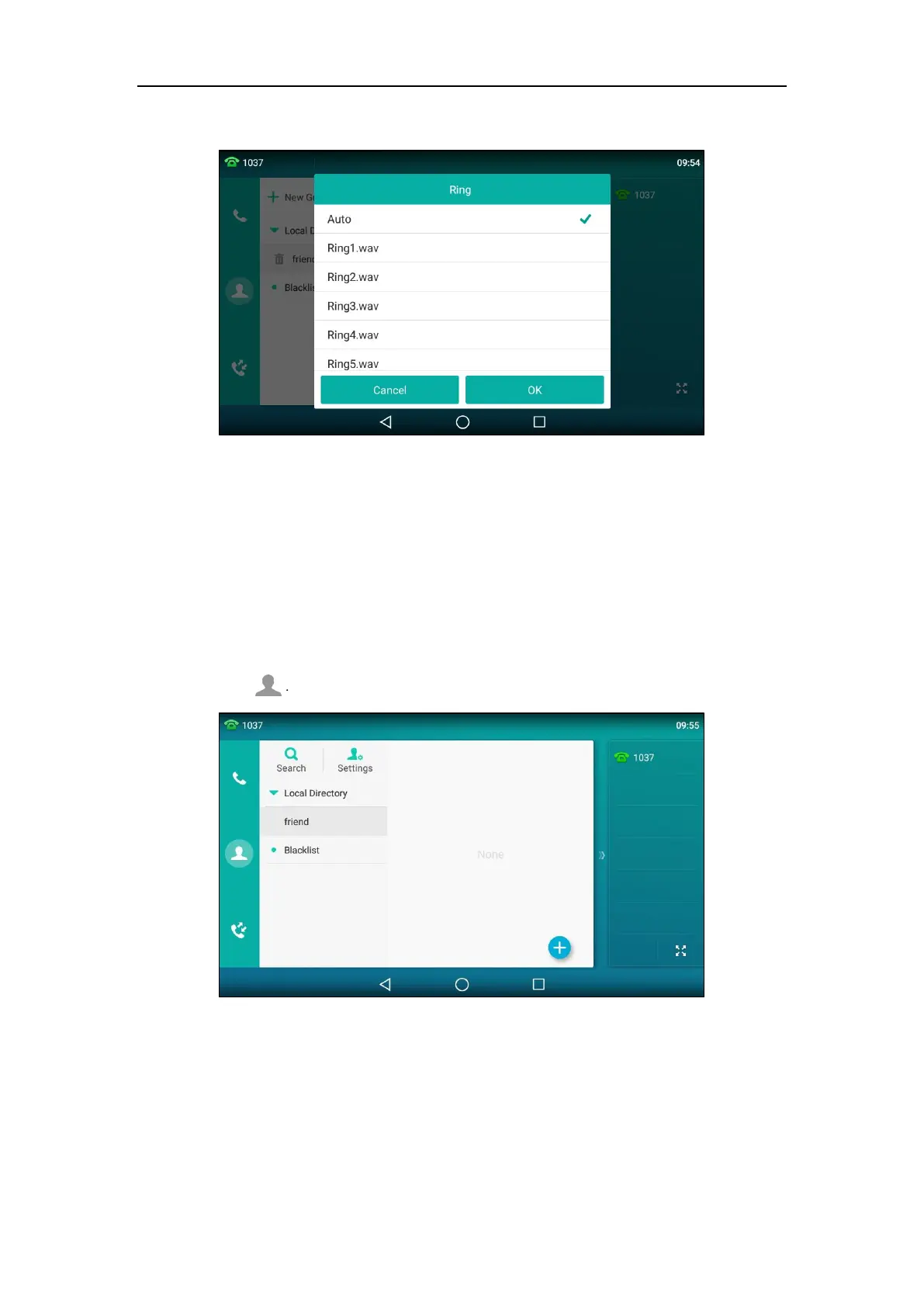
7. Tap the desired ring tone in the pop-up dialog box.
If Auto is selected, this group will use the ring tone according to the priority: Contact ring
tone (refer to Adding Contacts) >Account ring tone (refer to Ring Tones) >Phone ring tone
(refer to Ring Tones). If a specific ring tone is selected, this group will use the ring tone
according to the priority: Contact ring tone (refer to Adding Contacts) >Group ring tone.
8. Tap OK to accept the change.
Editing Groups
To edit a group in the local directory:
1. Tap .
2. Tap Settings.
3. Tap the desired group.



 To Next Page
 Loading...










