System Applications
235
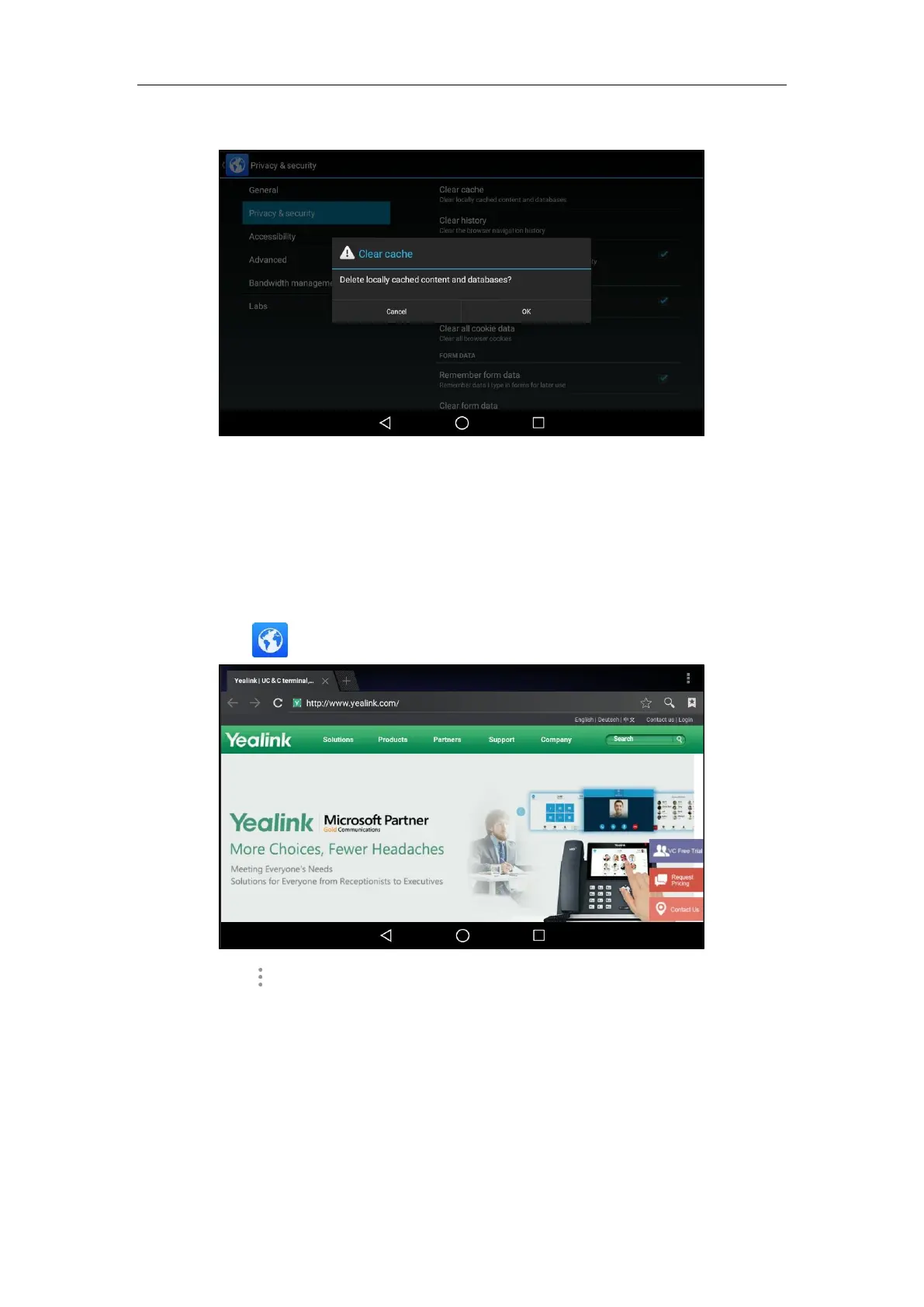
The touch screen prompt “Delete the browser navigation history?”.
5. Tap OK to accept the change or Cancel to cancel.
Modifying Browser Settings
To modify browser settings:
1. Swipe left or right to go to the second idle screen.
2. Tap to launch Browser application.
3. Tap .
4. Tap Settings.
5. Customize the browser style you prefer.
Calendar
You can use the Calendar application to synchronize events from email account as well as
creating, modifying and viewing the events. The IP phone also provides notification for the



 To Next Page
 Loading...










