User Guide for SIP-T56A Smart Media Phone
230
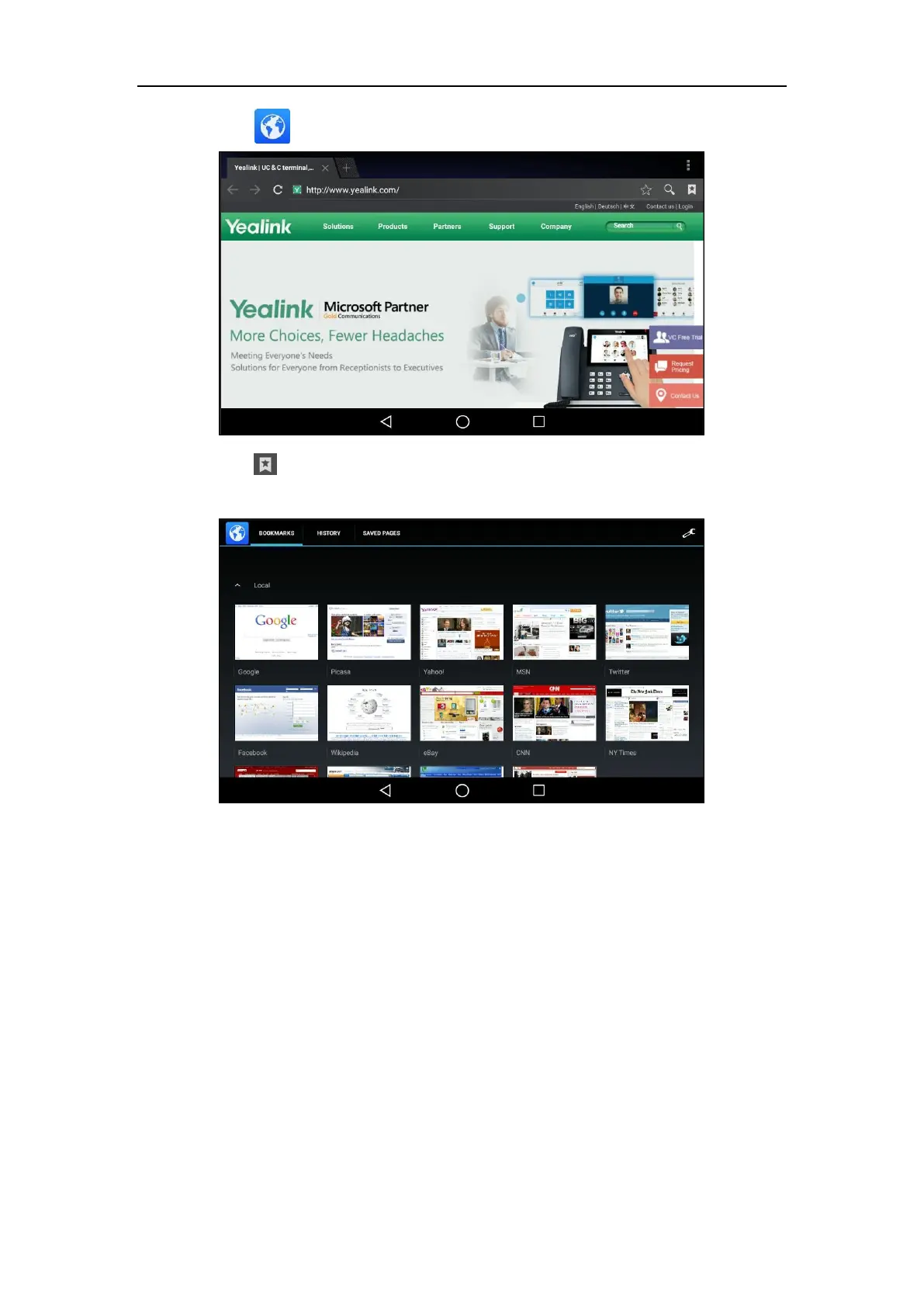
2. Tap to launch Browser application.
3. Tap to access the BOOKMARKS list.
There are some pre-configured bookmarks by default.
4. Tap the web page you want to visit.
To edit a bookmark:
1. Swipe left or right to go to the second idle screen.



 To Next Page
 Loading...










