TG100 User Guide
44/75
2. Select the checkbox of Enable API.
3. Set the User Name. The 3
rd
party software will use the user name to connect to
TG gateway.
4. Set the Password. The 3
rd
party software will use the password to connect to TG
gateway.
5. (Optional) Set the permitted IP addresses. Only the permitted IP addresses can
connect to TG gateway via API.
6. Click Save and Apply Changes.
Change Password of SMS Center
You can provide a Web login account for other users to manage all the SMS related
settings. Check the default username and password:
User Name: sms
Default password: password
Procedure
1. Navigate to SMS > SMS > SMS Password.
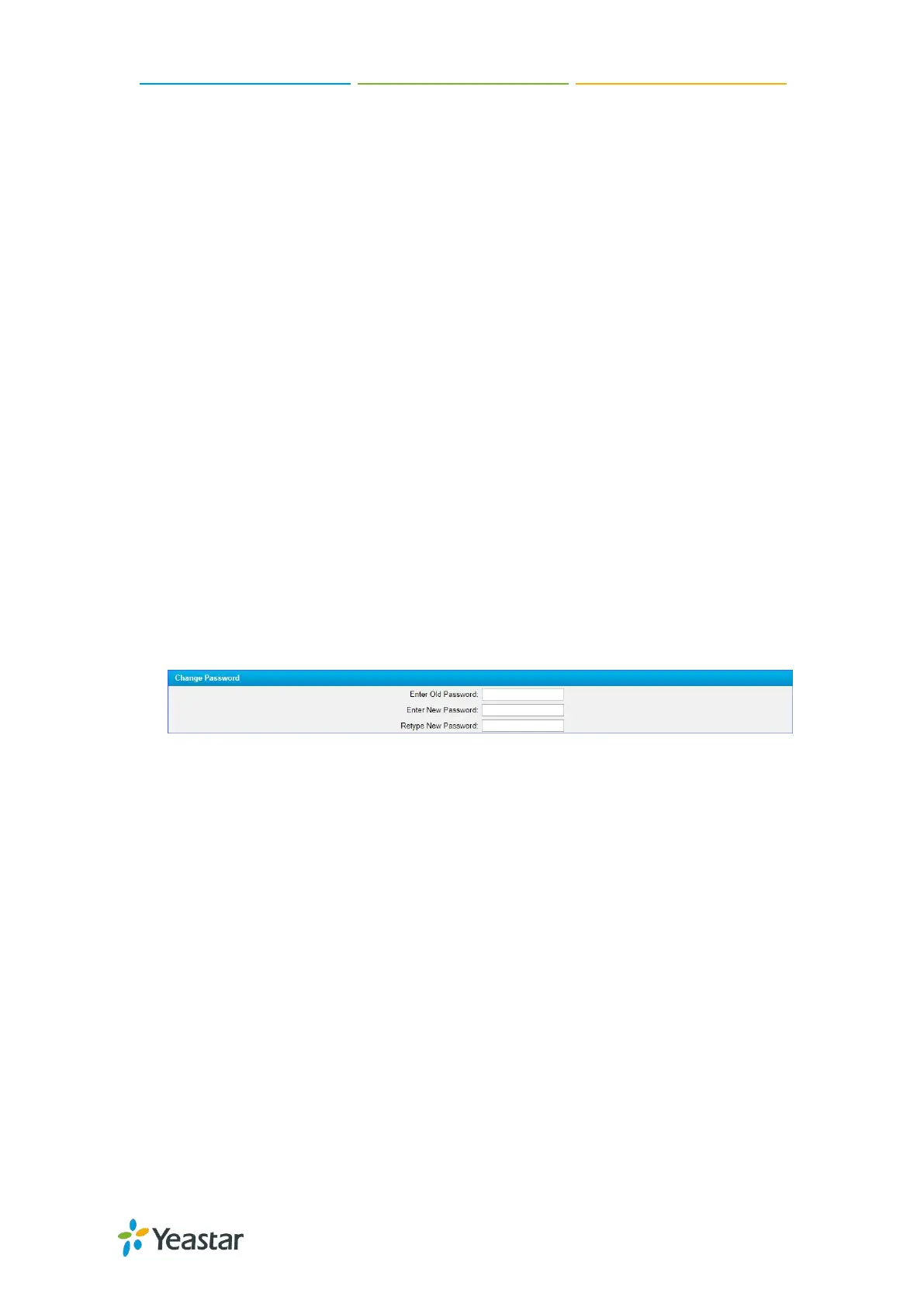
2. Enter the old password first.
3. Enter a new password and retype the new password to confirm.
A strong password is comprised of letters, numbers, and characters.
4. Click Save, you will be automatically logged out.


 To Next Page
 Loading...











