Section 5 Manually Controlling the Basin Heaters
Abbott VP 2000™ Processor Service Manual 5-35
30-608308/R1—September 2008
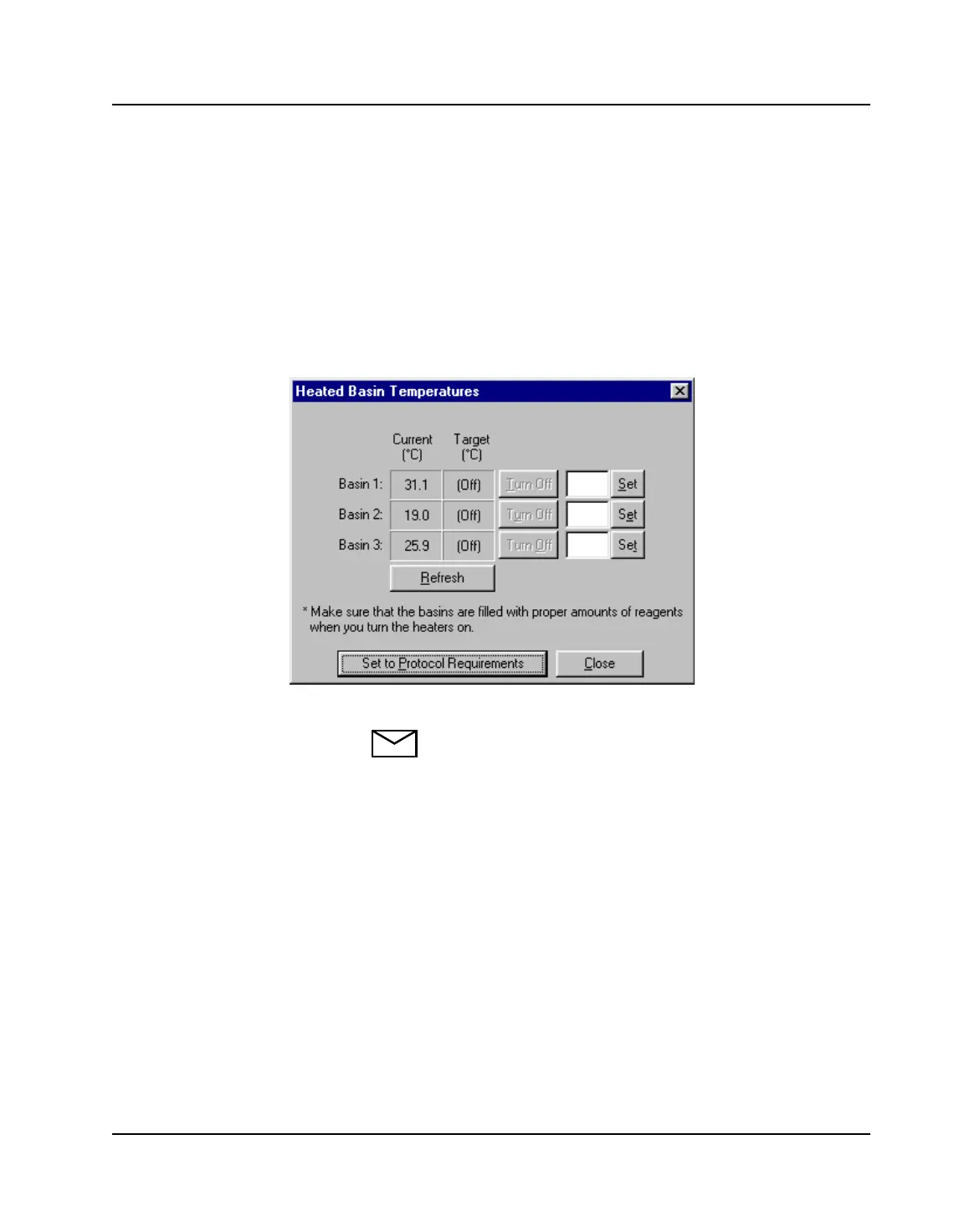
2. Click the <Heaters> button. The screen displays the
“Heated Basin Temperatures” window (in tenths of
degrees). The user has the following options:
• Turn heating OFF: click <Turn Off>. The button grays
out.
• Set a temperature: Enter in the temperature and click
<Set>. The entry is limited to two-digits. Tenths are
not accepted.
Figure 5.23: Heated Basin Temperatures
NOTE: Basin heating maximum settings are as follows:
• Basin 1 and Basin 2 = up to 80
o
C
• Basin 3 = up to 40
o
C
View the temperature status in the “Current” and
“Target” fields. Select <Refresh> to update the “Current”
temperature.
3. Select <Close> when finished.



 To Next Page