Section 5 Electrical Test
Abbott VP 2000™ Processor Service Manual 5-43
30-608308/R1—September 2008
17. Press the following keys: “TEST” - “1” - “ENTER”.
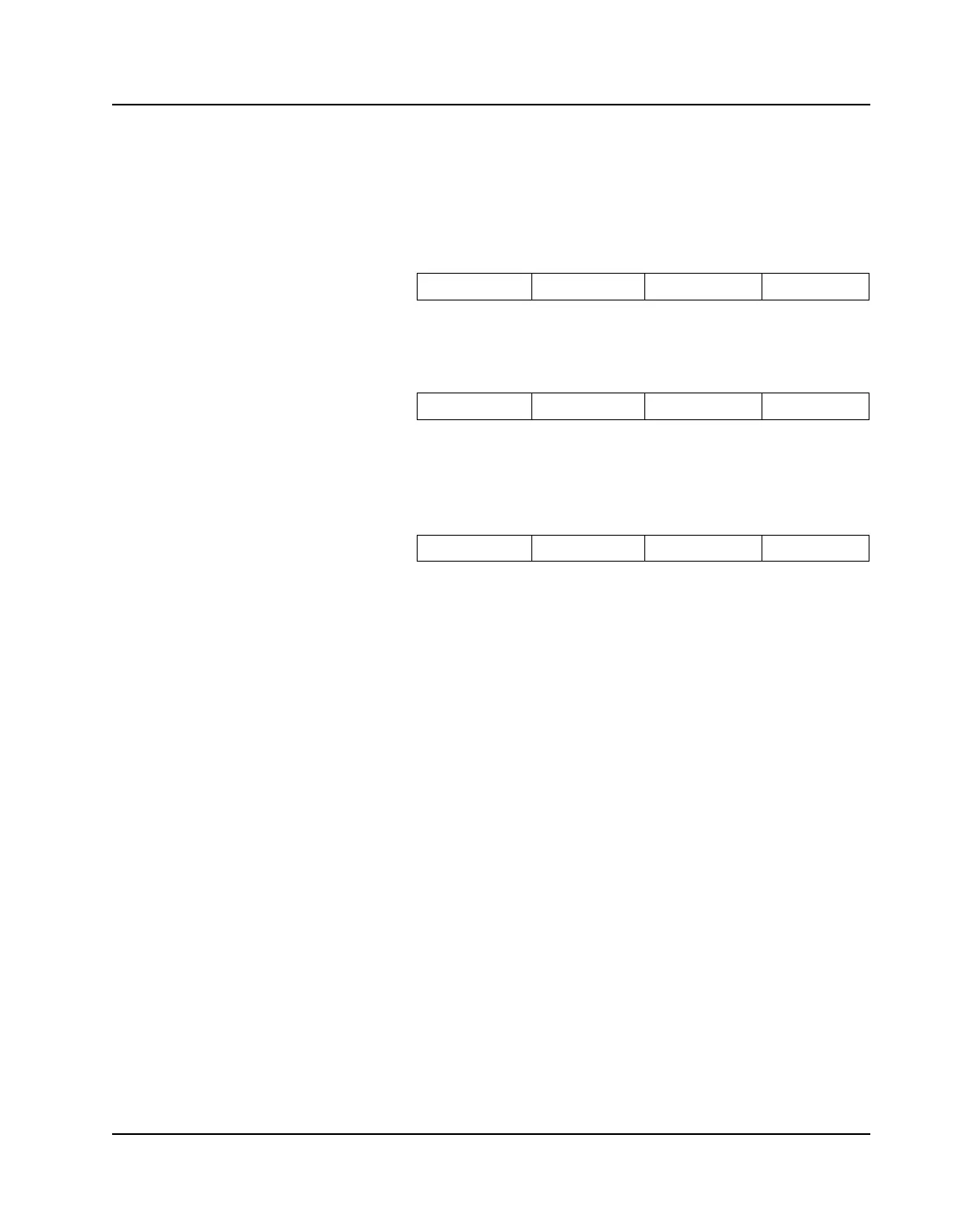
The display on an MS (single sided) UUT should indicate
as shown below:
The display on a DS (double sided) UUT should indicate
as shown below:
Remove the Carrier Assembly or assemblies. Insert a piece
of paper in the bucket select sensor or sensors. The
display on all UUTs should indicate as shown:
Check off the following block on the checklist:
BUCKET TEST
18. Press the “ABORT” key. Enter the following program into
the slide stainer memory using the following listing:
“PROG”
“9”
“9”
“ENTER”
“1”
“ENTER”
“ENTER”
“1”
“ENTER”
“5”
“ENTER”
“2”
“ENTER”
“5”
U2LbFr Up
U2LLFr Up
U 2 bb Fr Up



 To Next Page