2
5
2- Inputs and outputs
2 Inputs and outputs
2�1 Introduction
The WMPro can use 24 V AC or DC, or 12 V DC as the power supply. Altogether there are 40 inputs
and outputs for connecting sensors, actuators or relays.
The WMPro has one RS485 port and one expansion port to communicate with peripheral equip-
ment and external units. To communicate with the outside world there is an RS-232 port for con-
necting a modem, as well as an Ethernet connection. Section 3 explains how to connect the device
and how to use a web browser to communicate with it.
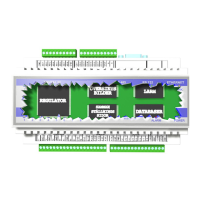
The diagram above and the table on the next page show the locations and the uses of the various
input types. Note that some inputs are multifunctional and can be used for more than one sensor
type.
When the device is switched o or is starting up, all digital outputs are o and all analog outputs are
0 V.
This section explains how to connect sensors and actuators to the WMPro and how to power
them. It starts with a description of the available inputs and outputs and a hookup example. The
inputs and outputs are then described in detail separately.


 To Next Page