Setup wizard
16
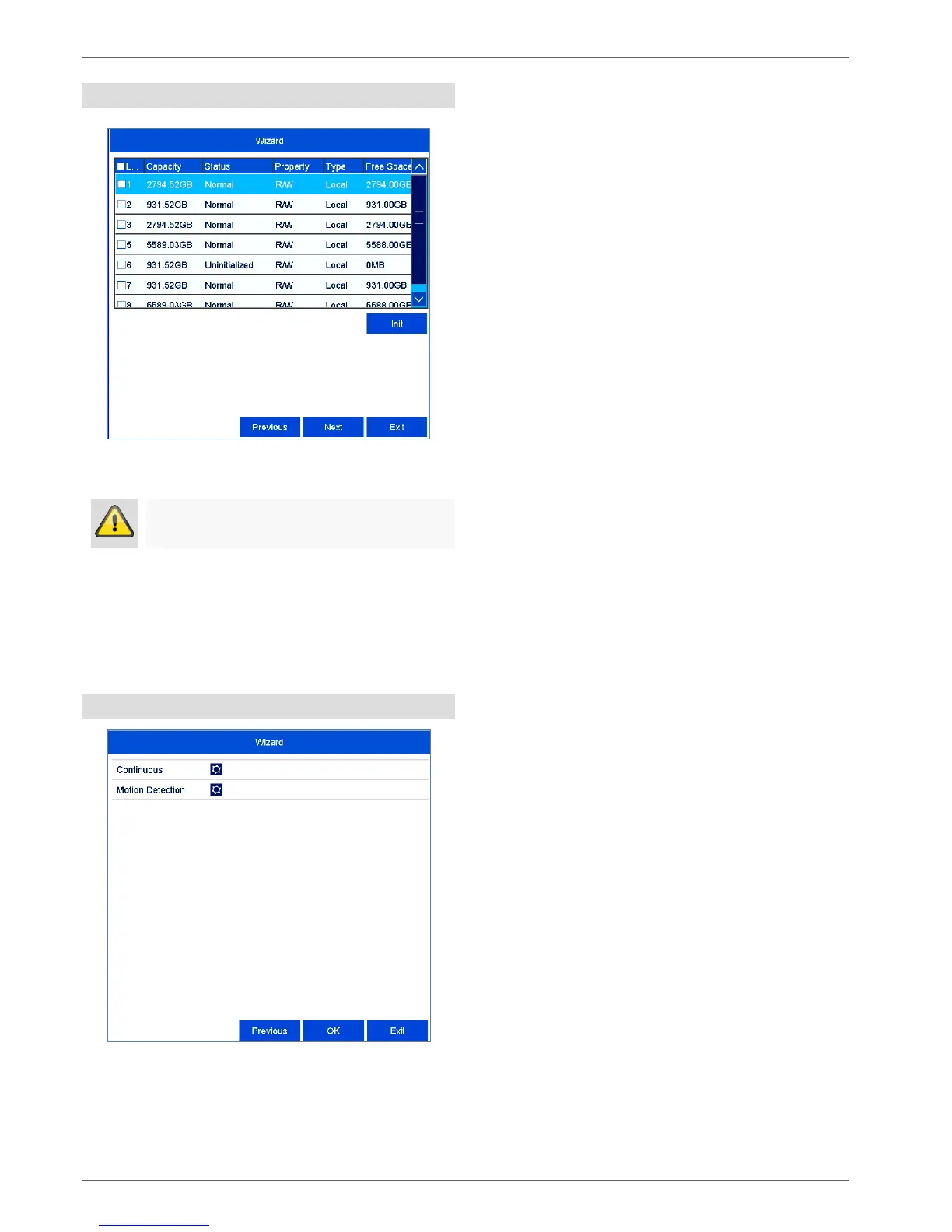
Hard disk drive management
To set up a hard disk drive, enable the “checkbox”
with a left click and then click on Init.
Click on OK to acknowledge the security prompt.
The hard disk drive is set up for use. Progress is
shown on the status bar.
Finish the setting with OK and then click on Next.
Camera recording
Select the recording type. It is possible to select
between "Continuous" and "Movement detection".
Complete the setting and the setup wizard with OK.



 To Next Page