Shows the amount of data
(in Mbit/s) currently being sent
out by the recorder. The value
increases as more users access
video streams from the recorder
over the network (web, app, PC
application and network storage).
Once the recorder limit value has
been reached or exceeded,
it will no longer be possible for
all requested streams to be
displayed.
Shows the amount of data
(in Mbit/s) currently being
received by the recorder.
Network Detection tab
Under “Network Delay, Packet Loss Test”, you can check
the connection to another device, such as a computer
(‘pinging’). Enter the network address of the device to be
checked (e.g. 192.168.0.25) and click on Test.
Information on two parameters will appear:
The time the pinged device needs
to reply.
Displays the percentage of packets
that were not transmitted.
Note
If the packet loss rate is high, we recommend that
the “Network Delay, Packet Loss Test” is repeated.
Note
If the packet loss rate is still high, you should
check that the network cables are correct and not
damaged.
The higher the packet loss rate, the poorer the
connection between the pinged device and the
recorder.
Under “Network Packet Export”, you can export the
settings of the individual connections or, depending on
the setting, the connection.
1. For “Device Name”, select a storage medium to save
the settings to.
2. Click on Export.
After the progress display finishes and initialisation
is successful, an information window will appear.
Close it by clicking on OK.
Click on Status to display the status of the LAN
connections (connected/not connected).
Click on Net Detect to change your network settings.
Network Stat. tab
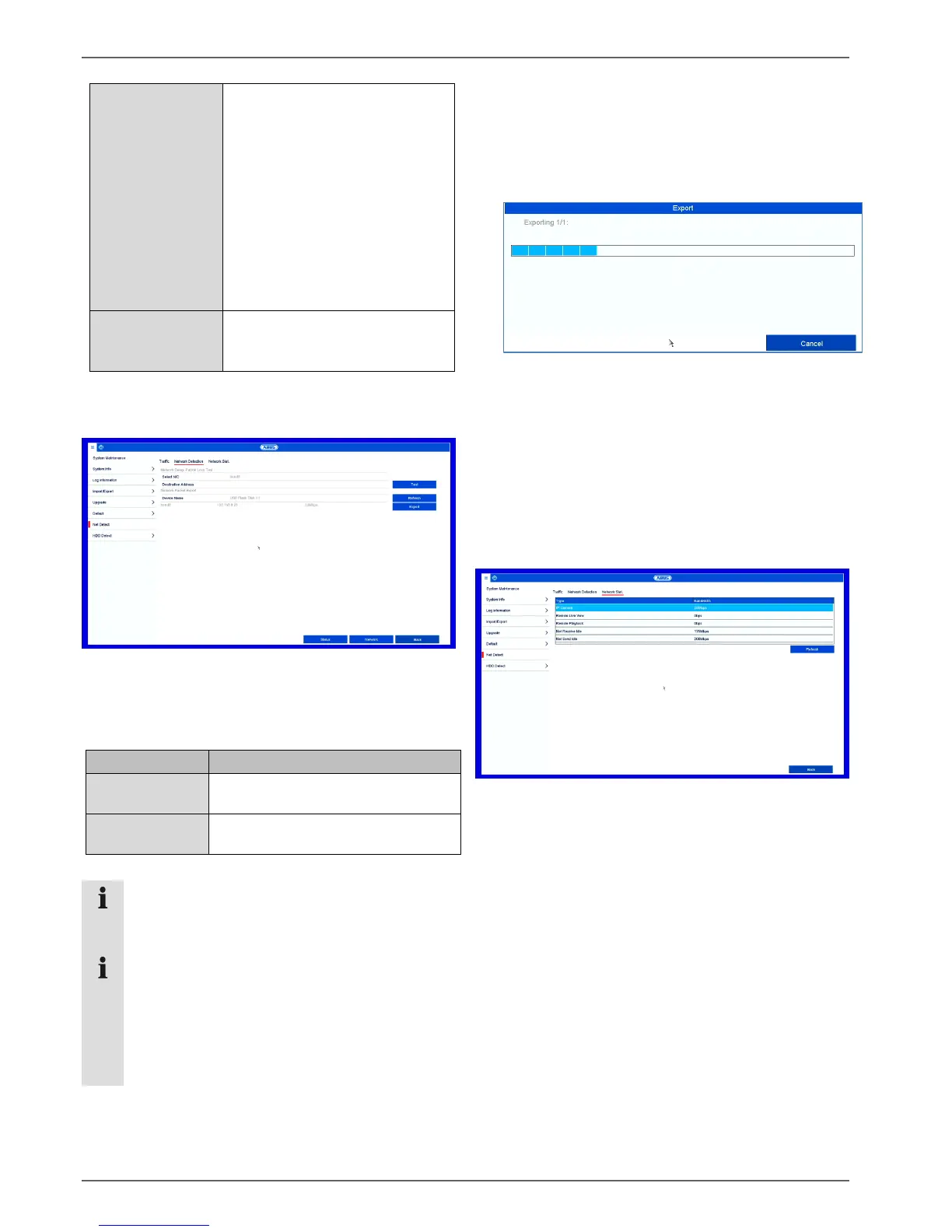
The bandwidth used by the device is displayed under
this tab.
You can refresh the data by clicking on Refresh.



 To Next Page