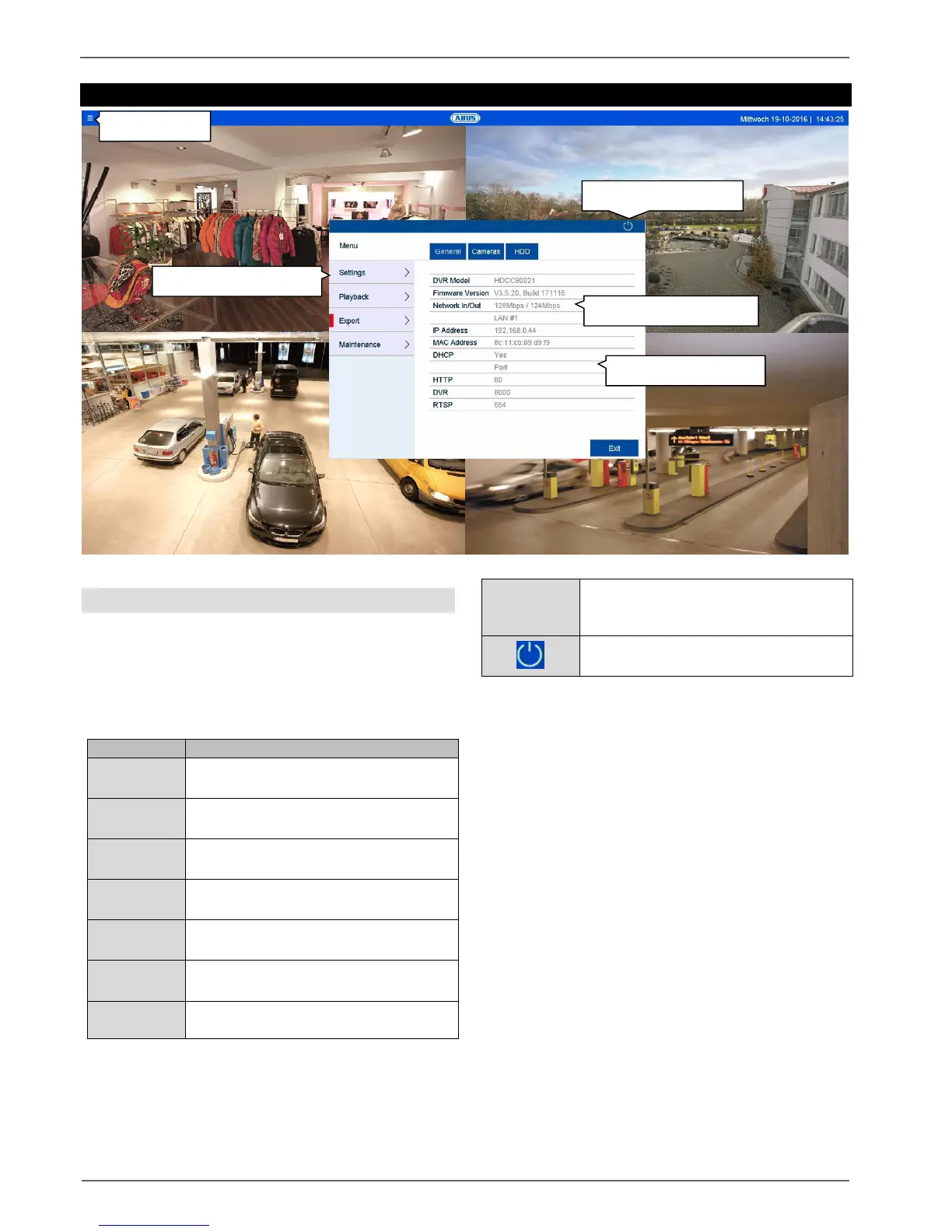
Info menu
26
Info menu
General information menu
The info menu is an upstream status menu which
provides a quick overview of the important system
parameters and settings. From here, further actions can
be carried out and the system configuration can be
performed. The following options are available:
Status overview of network capacity and
network configuration.
Status overview of cameras and
recording.
Status overview of hard disk drives and
memory capacity.
Leads to the Configuration, Camera,
Recording, HDD and Manual menus.
Opens the playback view
(see “Playback view” section).
Export of video and image recordings to
external data storage devices.
System information, searching logs,
importing/exporting configurations,
device maintenance such as upgrading
to new firmware, loading defaults,
displaying traffic.
User logout, system shutdown or
system reboot.
Click on “Exit” to close the info menu.
The following chapter describes the following sections:
Settings
Export
Maintenance



 To Next Page