Settings for the maximum bitrate
Max. Bitrate
Range
Recommended
Recommended bit rate
depending on the set resolution,
frame rate etc.
Maximum
average bit rate
(Kbit/s)
Average bit rate in (Kbit/s)
Select the video encoding
Confirm the settings by clicking on Apply and exit the
menu by clicking on Back.
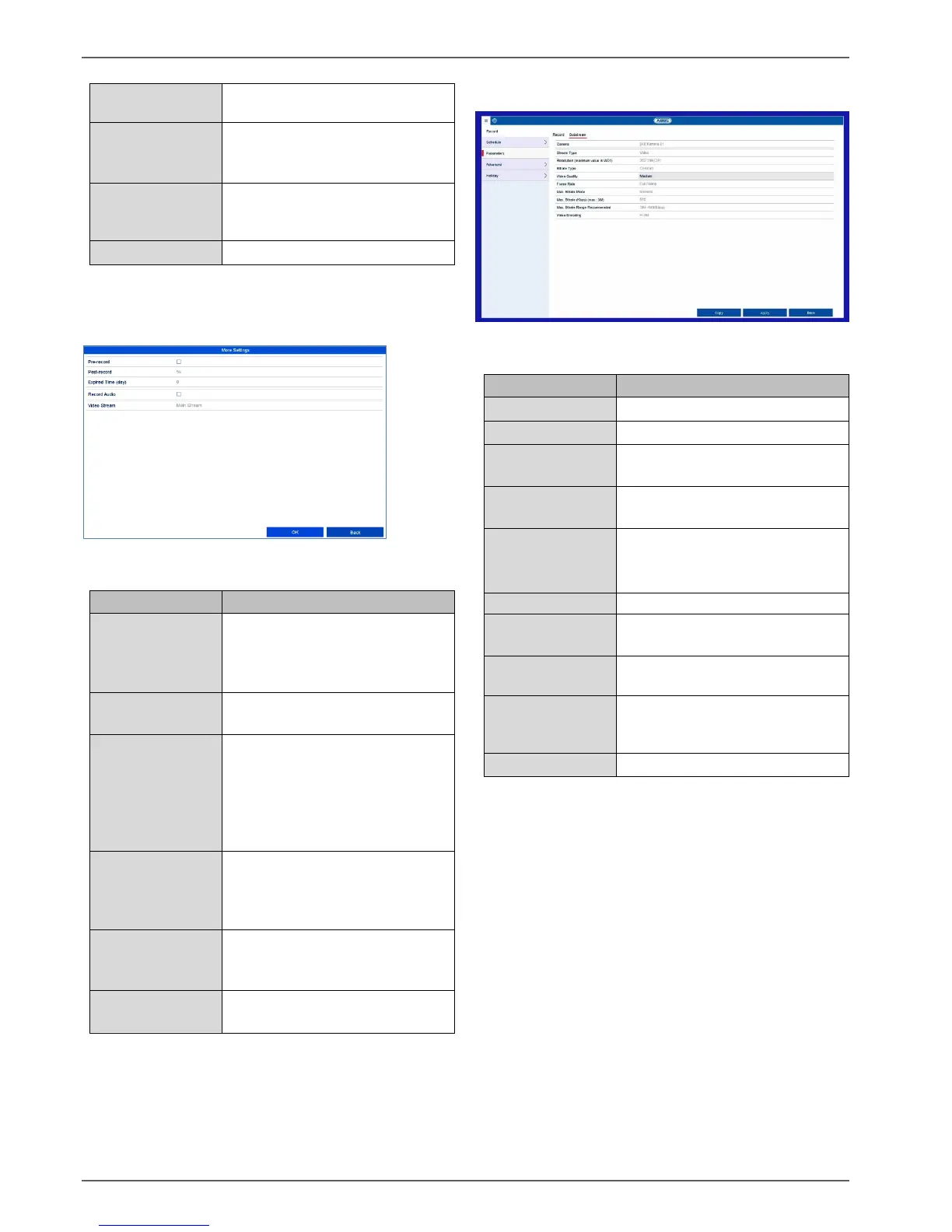
More settings:
The following detailed settings can be set individually for
each camera:
Enables the pre-play storage for
individual stills. An attempt will
be made to save a time of up to
10 seconds.
Enables the post-play storage for
individual stills.
Expired time in
days (cycle
recording)
Specify how long data should be
held available for the respective
camera archive (overwriting will
be blocked).
The oldest data is overwritten
again after the time set.
Recording/instant
image
redundancy
Enables storage for the HDD
group “redundant” (not available
when the HDD group mode is
activated).
Enables the audio recording
(provided that the camera
delivers a signal).
Select the stream source for the
recording.
Substream tab
The following parameters can be set:
Auto, 4CIF(704x576),
CIF(352x288), QCIF(176x144)
Select a variable or constant
bitrate
There are various quality levels:
+++: medium quality
++++++: high quality
Settings for the stream frame rate
General,
custom (32–3072)
Display of the maximum bitrate
Max. Bitrate
Range
Recommended
Select the video encoding
Confirm the settings by clicking on Apply and exit the
menu by clicking on Back.



 To Next Page