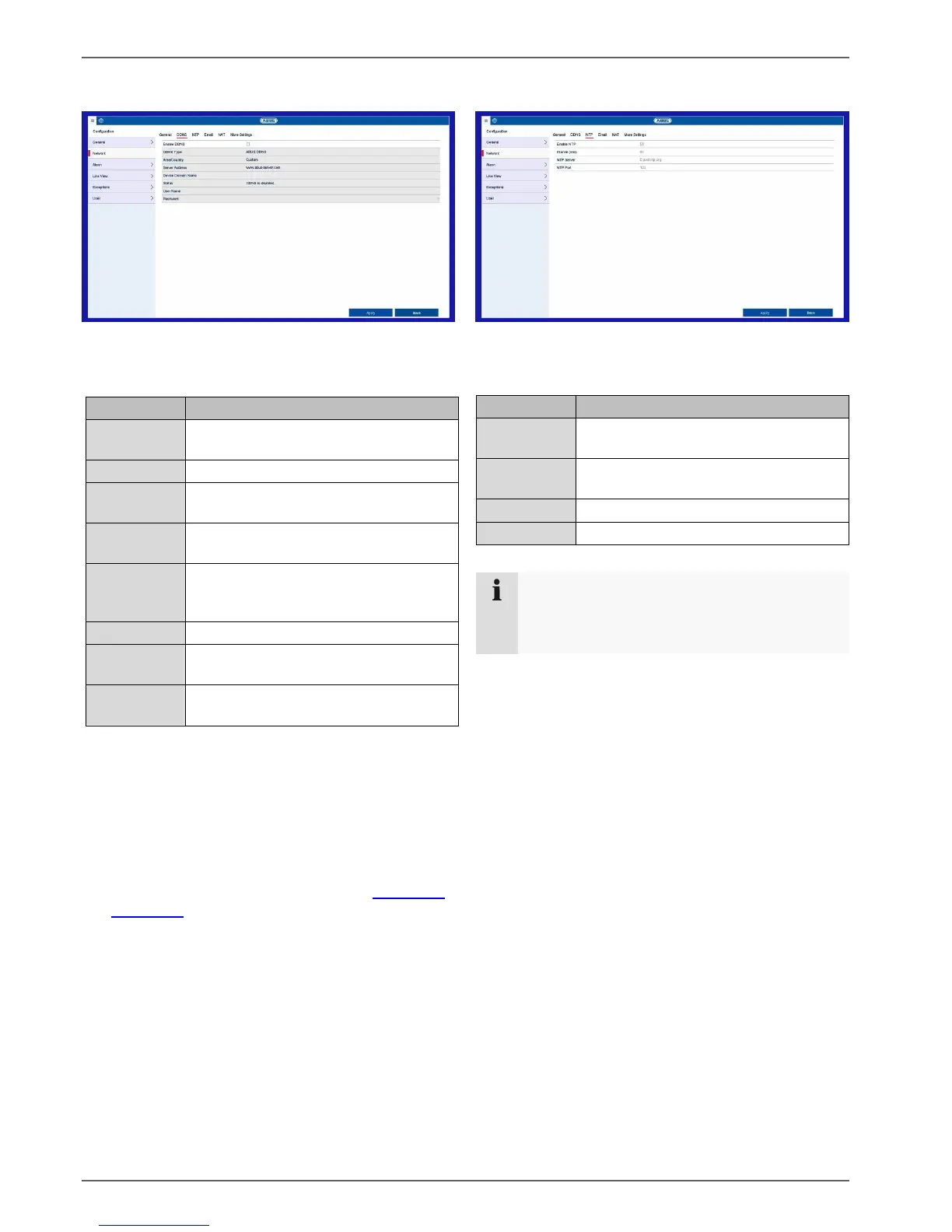
Setting: Configuration
31
DDNS tab
The DDNS function is used to update host names and
DNS entries.
Activates the DDNS synchronisation.
Select the DDNS service provider.
If necessary, select a region/country.
Enter the IP address or host name of
the DDNS provider.
If necessary, enter the sub domain of
the device.
Display of the DDNS status
Enter the user name of your DDNS
account.
Enter the password for your DDNS
account.
If you want to use the ABUS server for remote access,
proceed as follows:
To be able to use the ABUS DDNS function, you first
need to set up an account at www.abus-server.com.
Please read the FAQs on this topic on the website.
Tick the “Enable DDNS” box. Then select “ABUS
DDNS” as the DDNS type and enter the www.abus-
server.com host name in the “Server Address” field.
Apply the data by clicking on Apply. The IP address
of your internet connection is now updated with the
server.
NTP tab
The Network Time Protocol automatically synchronises
the time via the network.
Note
The recorder can synchronise the time with an
external server. Several server addresses are
available on the internet for this purpose.
Tick the “Enable NTP” box and enter the interval
after which synchronisation should be repeated.
Enter the IP address of the NTP server and the
NTP port.
Apply the data by clicking on Apply.
Activates the NTP function on the
recorder
Determines the interval for
synchronisation.



 To Next Page