Setting: Camera
43
b. Arming schedule: Configure the
schedule as required.
c. Linkage action: Link the selected
actions.
3. Click on Apply to save the settings.
4. If you wish to record based on motion detection,
switch to the “Record” menu item and select the
relevant cameras under “Schedule”. Here you
can configure the schedule using the “Motion”
event in order to set up motion-detection-based
recording.
5. Click on Apply to save the settings.
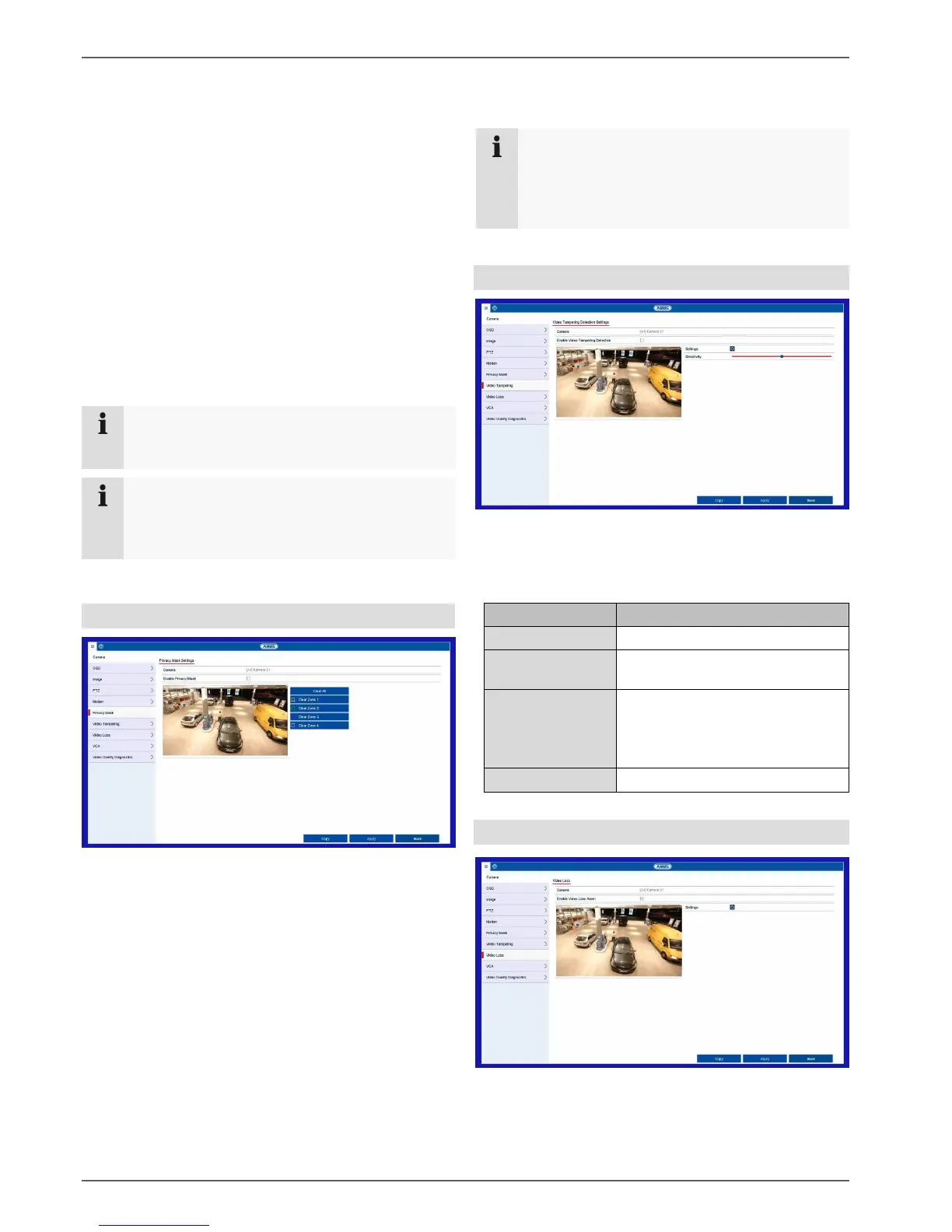
Private Zone
Select the camera channel to be processed under
“Camera” and select the checkbox “Enable privacy
mask”.
Use the mouse pointer to drag the desired privacy masks
across the preview.
Note
You can set a maximum of four privacy masks.
To delete them, select either “Clear all” or the
desired mask on the right-hand side next to the
preview.
Tamper monitoring
The tamper surveillance function monitors the brightness
in the selected image area for darkening. If the lens is
covered, the tamper trigger will be set off.
Enable tamper
surveillance
Activate/deactivate the function.
Define the sensitivity level.
The further to the right the slider
is shifted, the more sensitive the
detection is.
Video Loss
The Video Loss function monitors the selected camera
channel for image loss.
Note
To record with the aid of motion detection, you
must set up the schedule under Record.
Note
For help in programming a Linkage Action via
the Settings button, see the “Linkage action”
section.



 To Next Page