Playback view
23
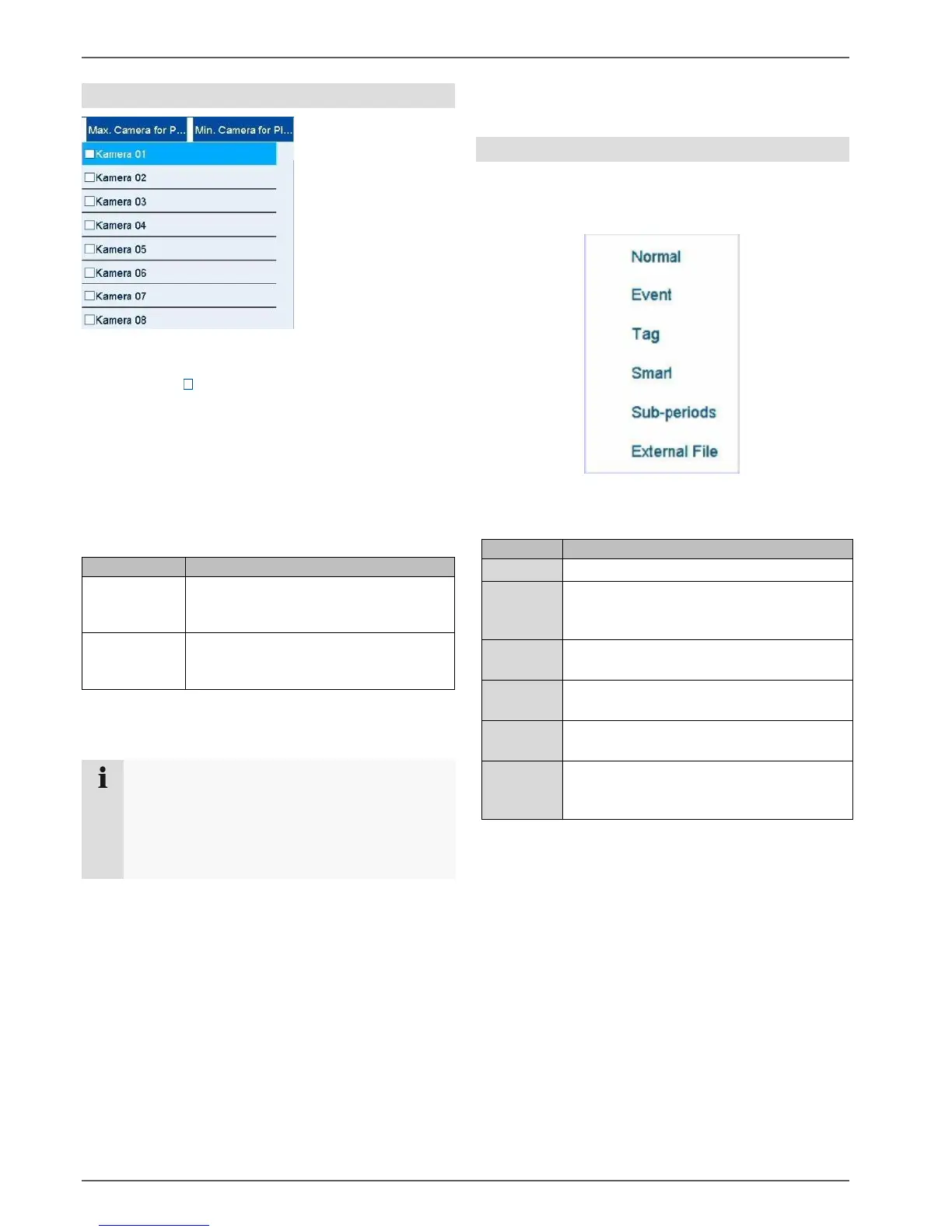
Using the camera list
The camera list enables the selection of the recorded
camera archive on the recorder. By clicking on the
selection fields in the list, any number of cameras can
be played back simultaneously.
The recorder automatically activates the suitable view
when numerous cameras are selected.
The playback of cameras which have been selected
multiple times is always synchronous. All cameras will be
played back from the same time (position of the time
tracker).
Selecting playback type
Selecting the playback type allows various types of
recording and events to be displayed and filtered in the
playback view.
The following menus are available:
Playback of recorded video data.
Search and playback of video data
recorded by means of motion detection,
VCA or alarm input.
Search and playback of video data which
has been provided with a tag.
Search and playback of specific video data
narrowed down using filters
Simultaneous playback of video data from
one camera at different times.
Search and playback of video data found
on a connected external data storage
device (USB).
Max.
cameras for
playback
All available camera archives will be
selected.
Min.
cameras for
playback
Only the first camera will be selected
for playback.
Note
The video recorder manages the camera archives
in the background using the IDs A1–A16. If one
camera is replaced by another on the same
channel ID, the data recorded up to that point
remains unchanged on this channel.



 To Next Page