Panic recording
56
Manual continuous recording is stopped and if a
schedule has been configured for the camera, it will be
activated automatically (green).
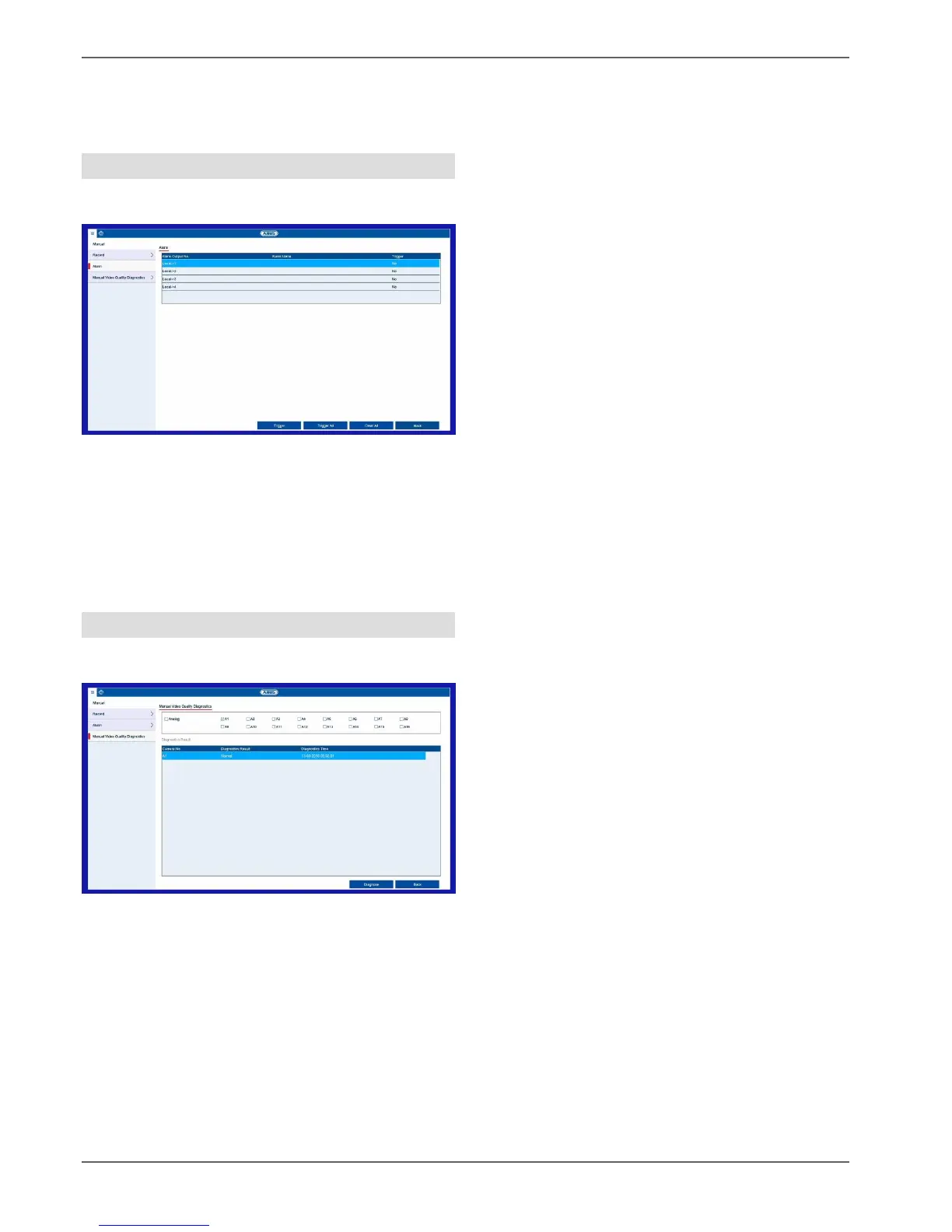
Alarm
Here you can select the alarm output which should be
switched in the event of manual management.
You can switch several alarm outputs in the event of a
manual response.
Select Trigger to activate the selected alarm output.
Click on Trigger All to activate all of the alarm outputs.
Click on Reset All to remove the settings.
Manual Video Quality Diagnostics
Here, select the camera for which video quality
diagnostics are to be run.
You can select multiple cameras.



 To Next Page