Settings
20
Settings
General settings
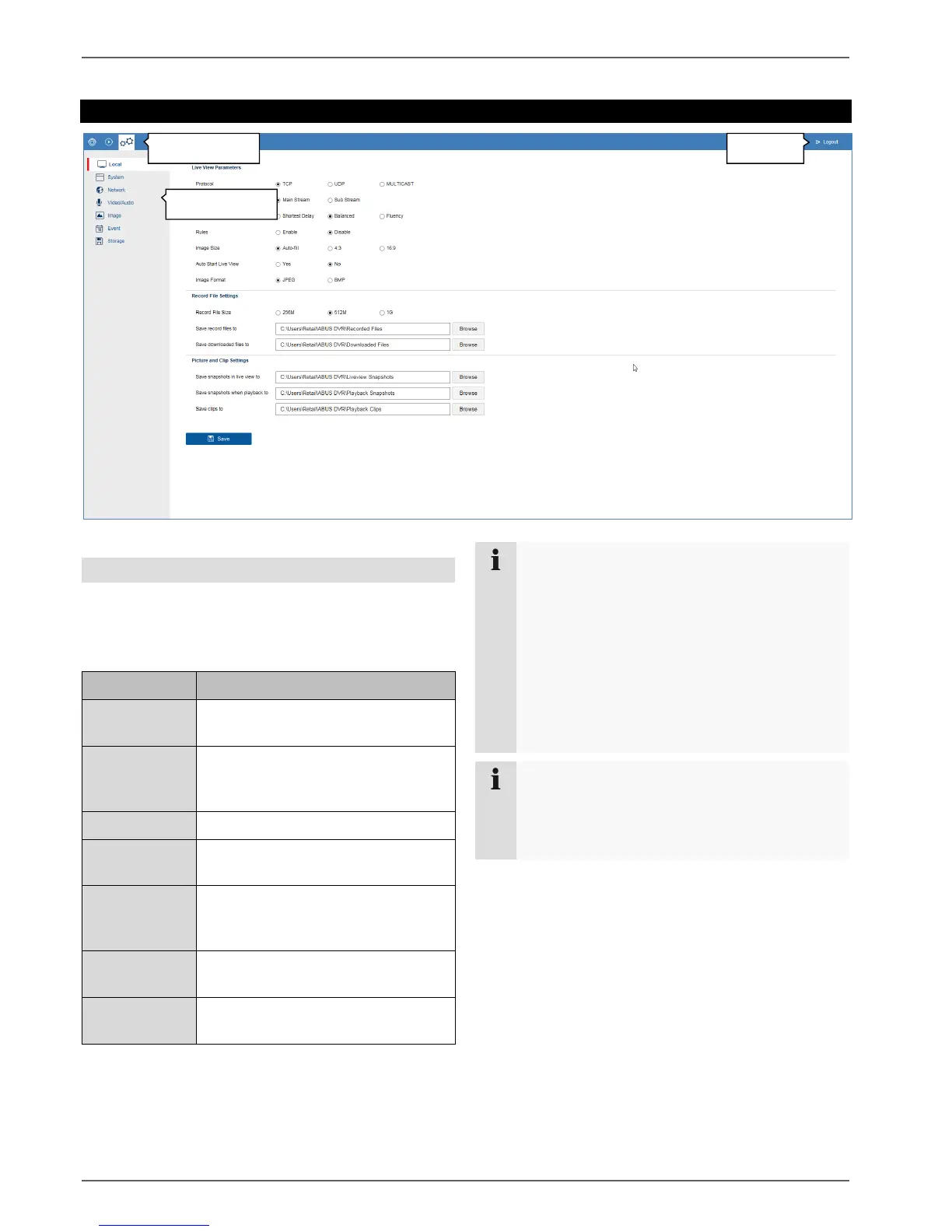
The recorder system is configured in the "Settings" menu.
The settings dialogues are divided into the following
areas:
Configure local (PC-linked) browser
settings
Display system information, firmware
update, camera and user
management
Configure TCP/IP and email settings
Configure camera stream for
resolution, bit rate and audio
Menu for configuring OSD
parameters and basic image settings
(brightness etc.)
Configure camera event settings
(motion, VCA, I/O, etc.)
Menu for configuring recording
parameters (time schedules)
Note
Depending on your recorder model, all of the
functions described in the guide may not be
available for your model (e.g.: monitor outputs).
New functions may be added or additional
parameters may be added to settings through
subsequent firmware updates.
You can find the valid firmware version number to
which these instructions refer on the cover sheet
of the manual.
Note
The settings for network, audio & video, image,
event and storage are already described in the
basic manual (for the local interface) and are
therefore not explained here.



 To Next Page