Video Export
57
Video Export
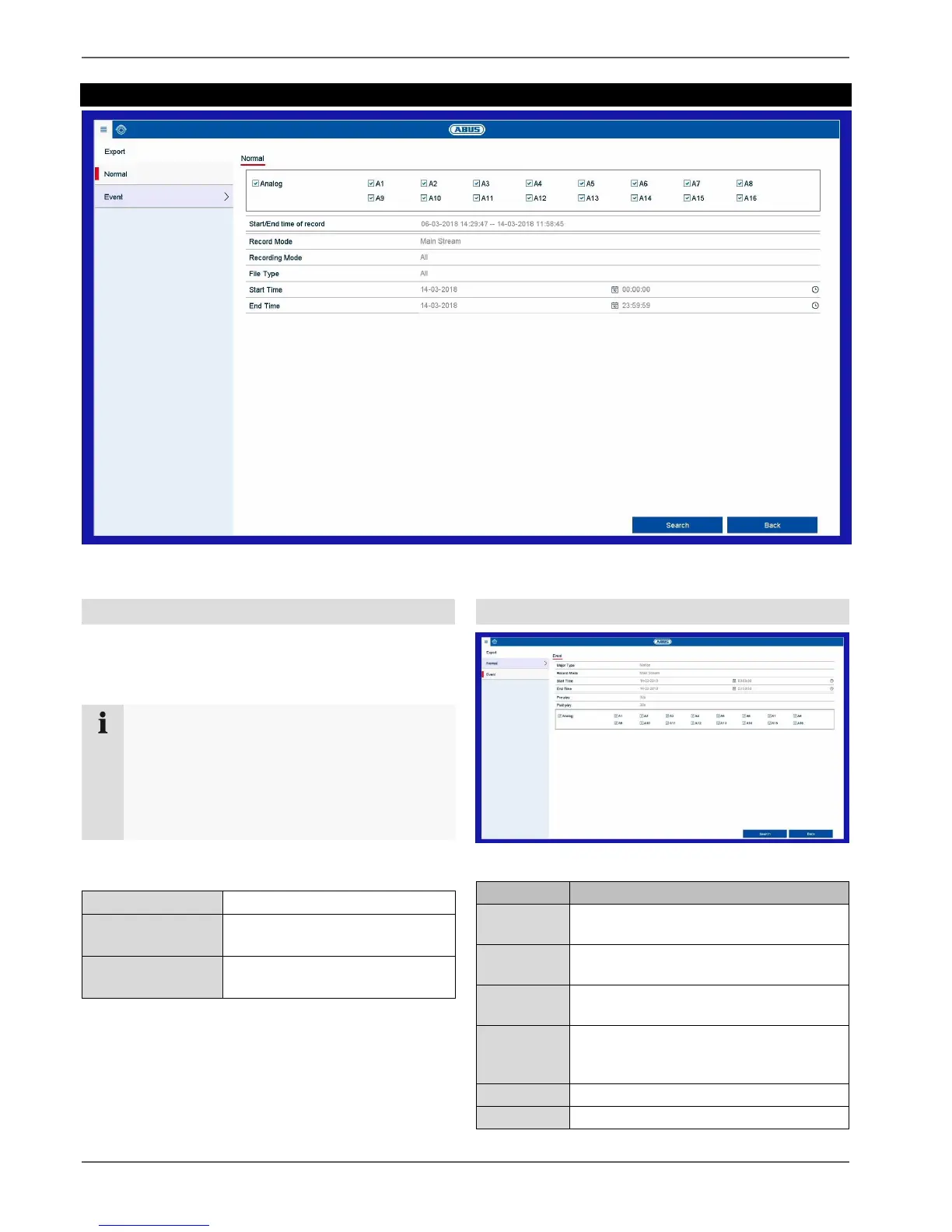
General information on video export
To open the video export menu, select the “Export” item
in the info menu. From here, data can be exported to
external storage devices from all cameras at once.
Duration / Event
Start the export of the recorder’s video data from here.
Note
The export function is used to store important
recordings on connected external media, such as:
USB media
USB hard disk drives
DVD writers
Export video data which was
recorded with continuous record.
Export video data which was
recorded with event record.
Select one or more recorded camera
channels.
Select the Main or Substream.
Select the recording type.
Select whether all data or only
locked/unlocked data should be
exported.



 To Next Page