MAC address of the network adapter
of the PC used by the corresponding
user
Please note:
This limits access to the PC, for which
the MAC address has been entered
here.
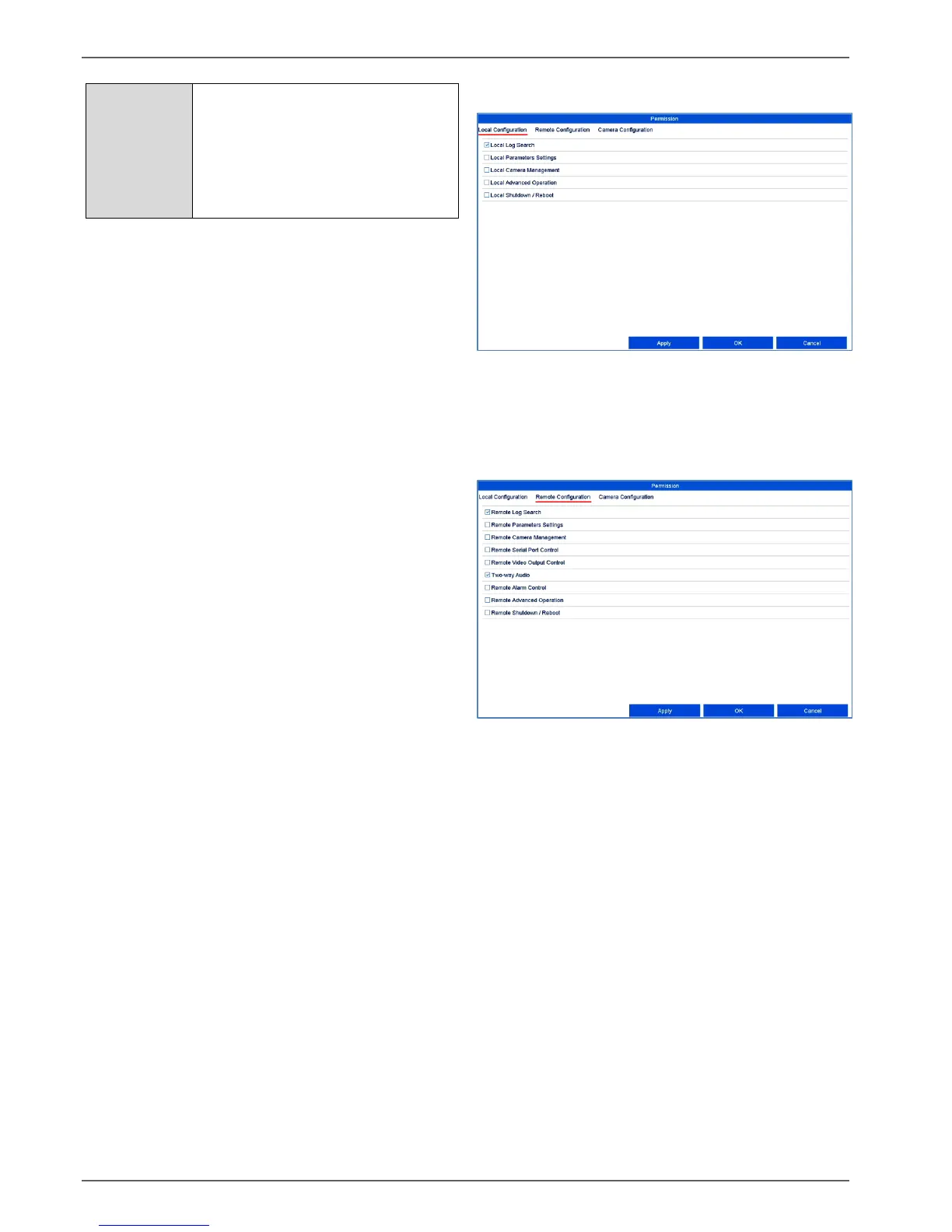
Control the access permission of the user by clicking on
the "Permission" symbol. Only the access data of users
added manually can be changed.
Local configuration tab
The permissions in the “Local configuration” tab are
related exclusively to configuration settings which are
accessible via the local user interface (access via
local monitor).
Remote configuration tab
The permissions in the “Remote Configuration” tab are
related exclusively to configuration settings which are
made accessible/blocked via remote applications
(browser, app, CMS software). If a permission is
withdrawn, this generates a corresponding error
notification in the remote application (e.g.: changes to
camera settings via CMS).



 To Next Page