Saving and retrieving presets
1. Use the arrow keys to navigate the camera to the
desired image section.
2. Save the preset position by assigning a code
(e.g. 1, 2...10) and then selecting the “Set” button.
3. To retrieve the preset, enter your code and click
on “Retrieve”.
Saving and retrieving a pattern
1. Click on “Start” to start recording
2. Use the arrow keys to navigate the camera to the
desired image sections and positions.
3. Click on “Stop” to save the recording
Setting up and calling up patrols
1. Create several presets to use for the patrol
2. Click on “Set” to select a preset and set the dwell
time and speed
3. Add more presets to set up the required patrol
4. Click on “Retrieve” to start the patrol.
PTZ Settings
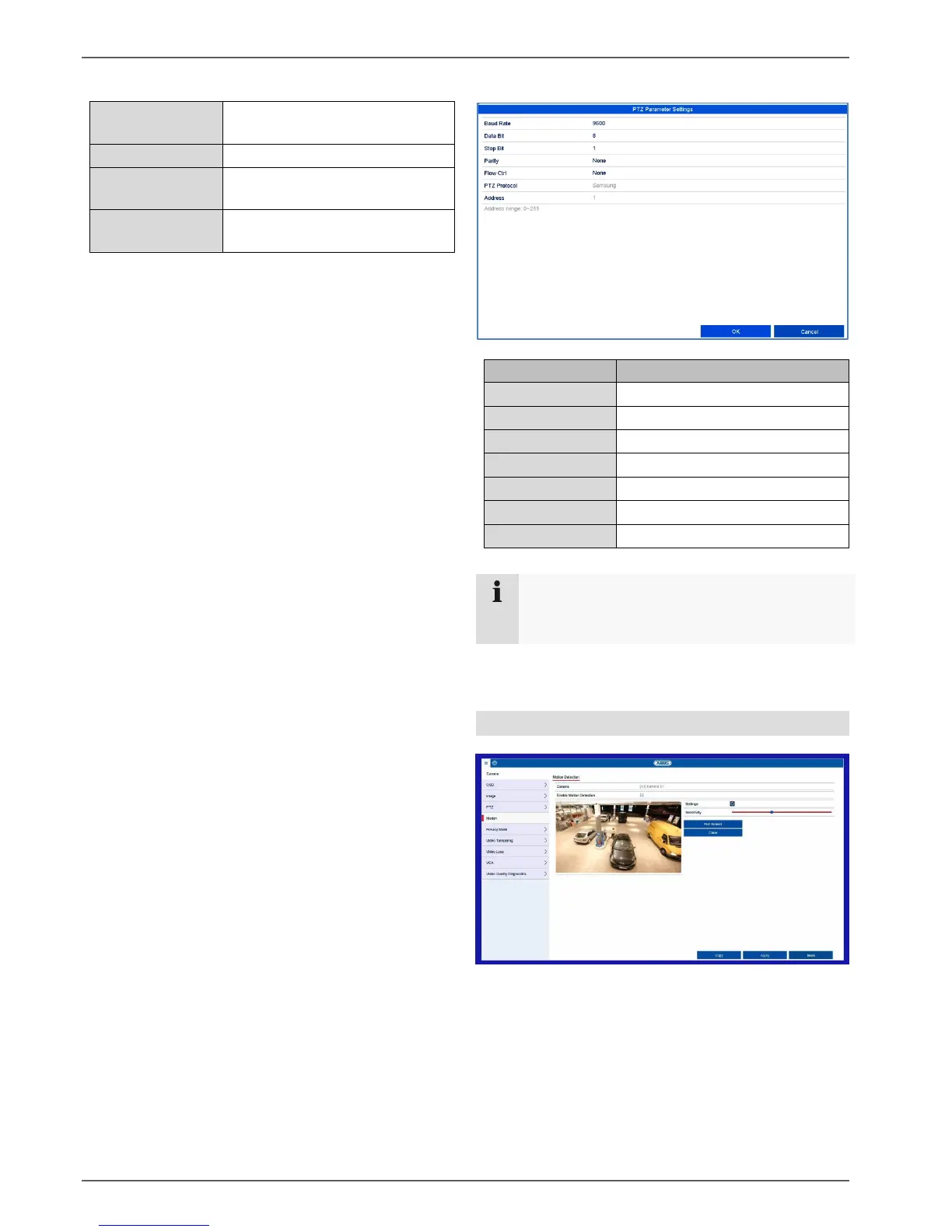
Motion
Procedure for setting up the motion detection:
1. Select the camera channel to be processed
under "Camera".
2. Tick the “Enable Motion Detection” box and
define any other optional parameters under
“Settings”.
a. Trigger channel: Select the relevant
camera.



 To Next Page