Setting: Configuration
28
Setting: Configuration
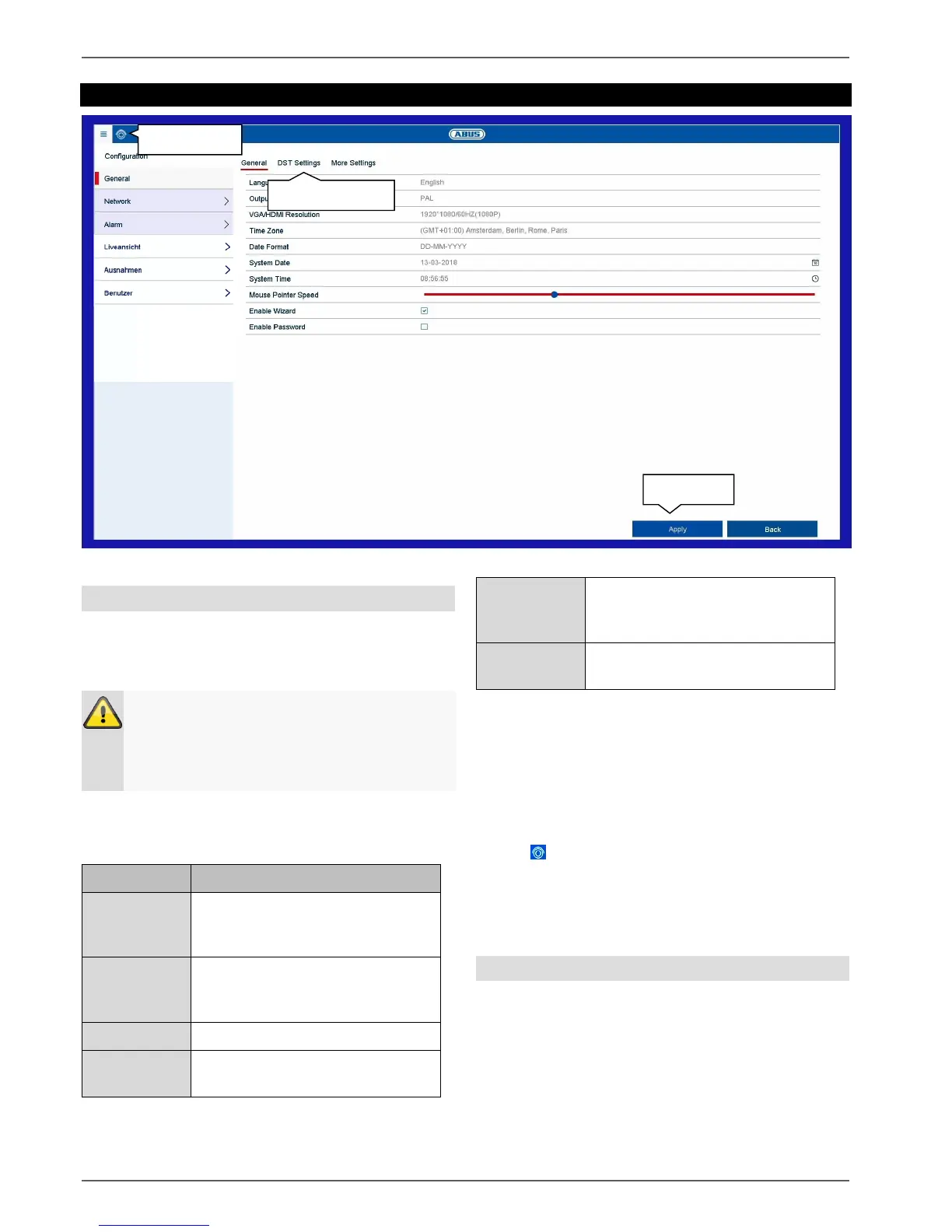
General information on configuration
The configuration menu is used to manage all basic
device settings. During the initial commissioning,
complete the settings in this section first.
The configuration menu is divided into the following
sections:
Language, video, time, date,
mouse, password, daylight saving
time and other settings.
Required network settings (manual
IP, DHCP, PPPOE, DDNS etc.) and
overview of network status.
Settings for the alarm I/Os
Display settings and assignment of
the event output.
Response of the device in
exceptional cases (hard disk drive
full, network disconnected etc.)
Adding and changing users and
assigning access rights.
Every menu item has further submenus (e.g.: DST
settings) which are hereinafter referred to as “tabs”.
Confirm changes to settings in the detail settings of the
tabs by pressing the “Apply” button.
Use the icon to switch directly to the live view in order
to review settings which have a direct effect on the live
image functions.
General
The general display configuration settings and date
settings can be found here.
Warning
Ensure that the date and time are set correctly.
IMPORTANT: Subsequent alterations may lead
to loss of data. Ensure data is backed up
beforehand.



 To Next Page