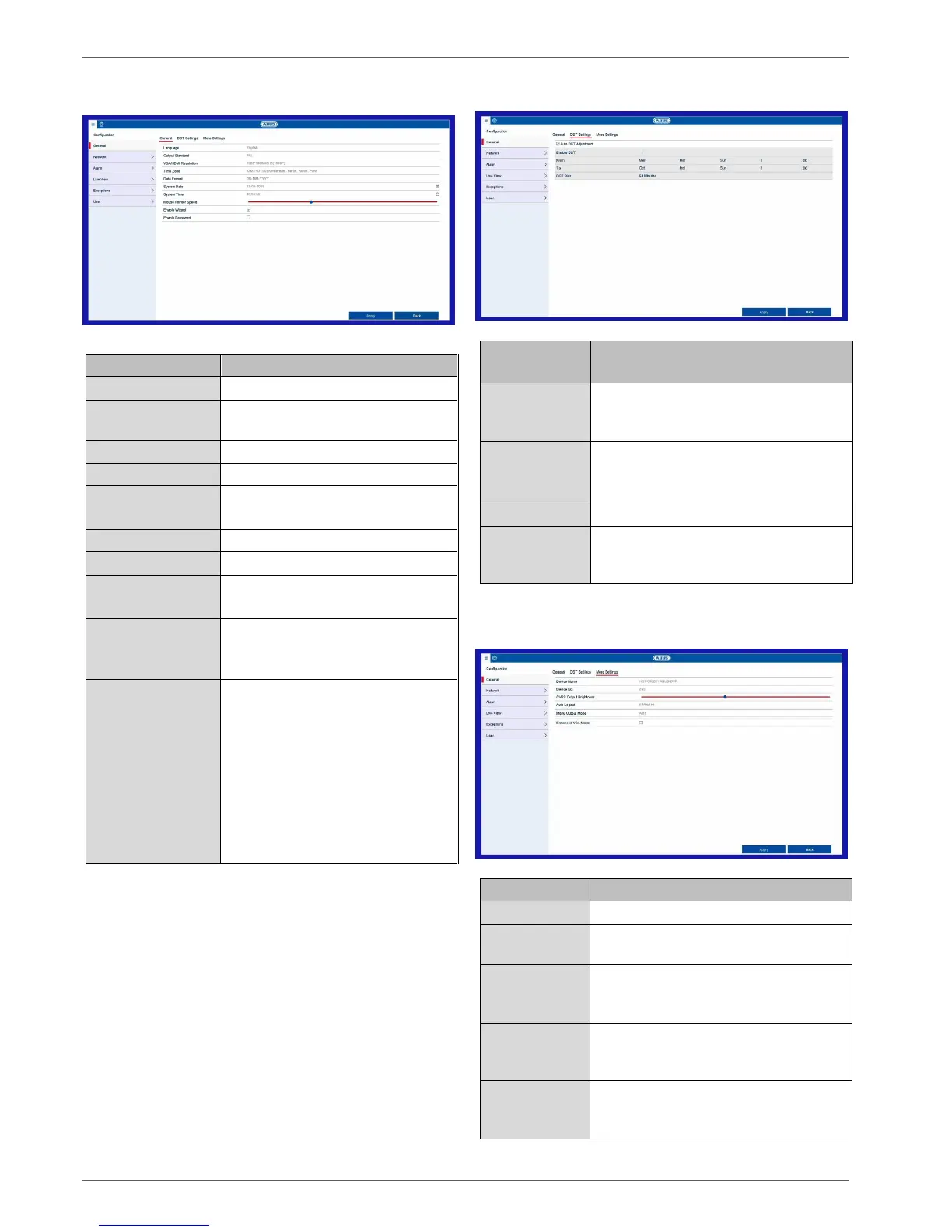
Setting: Configuration
29
General tab
On-screen display language
PAL or NTSC selection for the
video BNC output
GMT (Greenwich Mean Time).
MM-DD-YYYY, DD-MM-YYYY,
YYYY-MM-DD
Slider (left = low speed,
right = high speed)
Box ticked:
The wizard will appear when the
system is started up.
Box not ticked:
A password does not need to be
entered into the recorder itself.
However, the password does need
to be entered if accessing via the
network.
Box ticked:
The password needs to be
entered in order to use the menu.
If the box is ticked, the device
switches automatically to daylight
saving time.
If the box is ticked, a specific start/end
date can be selected.
Start/end date for daylight saving time
Daylight Saving Time bias: correction
of daylight saving time to reference
time
Used for unique identification when
using CMS software.
If you move the slider, the brightness
of the analogue video output will be
adjusted.
Never/1–30 minutes: controls how
long the menu is displayed before it is
hidden again
Use to specify the monitor output for
the menu display. If set to auto, the
recorder will detect the output.



 To Next Page