Playback view
21
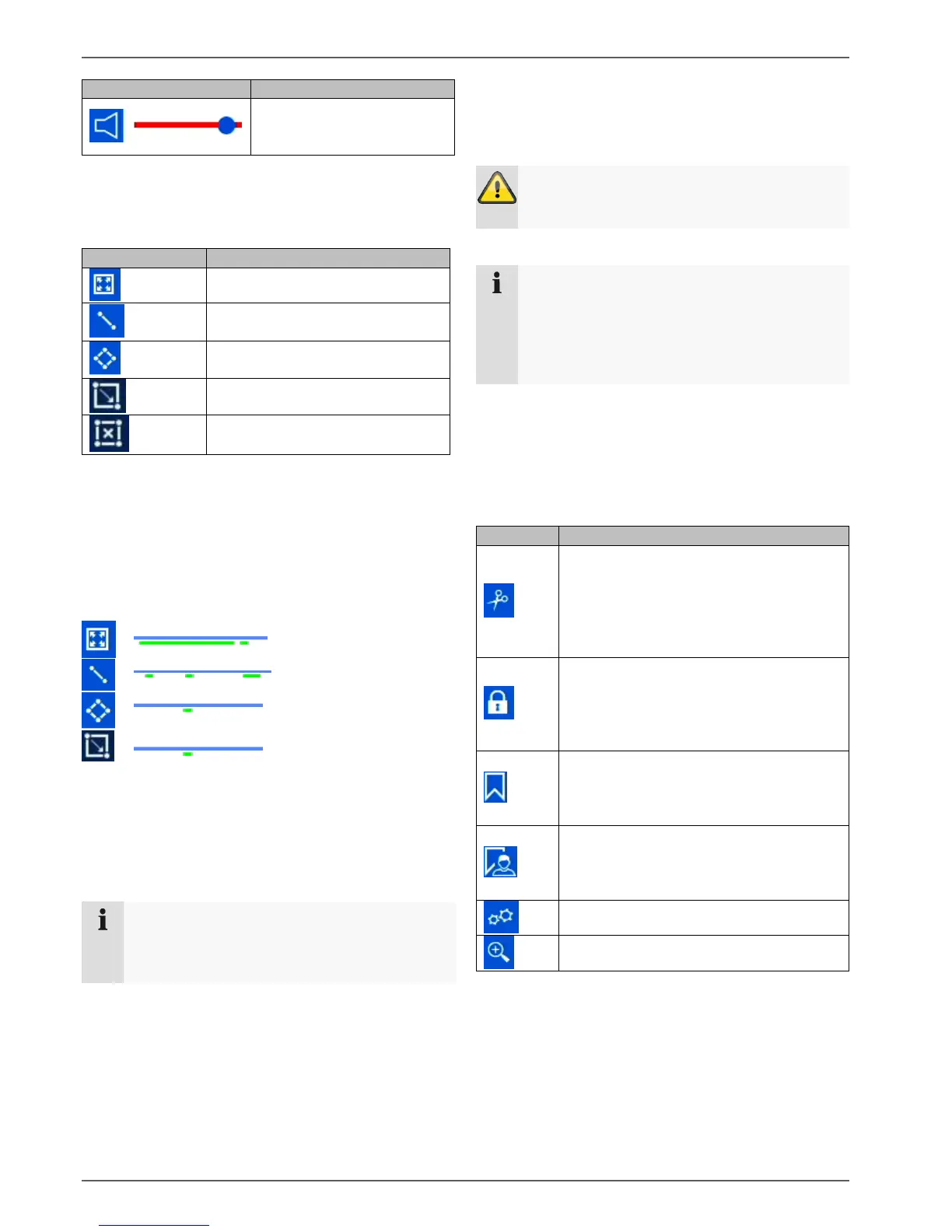
Smart Search
Smart Search makes a fast filter function for the analysis
of recorded data available.
Select the desired function and the green filter on the
playback time bar will change accordingly. The following
example offers an overview of the results of the Smart
Search.
Example: Smart Search, same camera, same time period,
different filters.
The motion detection displays many results.
If tripwire is set above the area, fewer events will be
marked already. If intrusion detection is used, only one
event is present in the time period.
Note
Smart Search is not supported by all cameras.
Check the compatibility list at the beginning of
these instructions.
Audio control
Adjust the audio output of the selected camera here.
In the case of multiple selection (2 or more cameras play
back simultaneously), the red tag (red frame around the
camera image) indicates which camera the audio
playback is from. Only one camera’s audio playback can
be played at a time.
Warning
When using audio recording, make sure to
consider the legal requirements for the premises.
Note
In order to enable the audio, the camera must be
configured accordingly. The following settings
must be activated:
“Menu Recording Parameter Audio &
Video”
Export functions
The following functions describe the possible actions for
the data export from a running playback:
Full screen movement analysis
Tripwire detection search
(set 2 points in the image)
Intrusion detection search
(set 4 points in the image)
Motion Detection: Full Screen
Activates/deactivates the
audio output. Set the volume
using the regulator.
Start/stop video clip
By activating this function, the recorder
notes the current time of the time tracker.
If the tracker is moved by clicking the
mouse and the clip icon is pressed again,
the time segment will be marked for export.
Lock data
The recording data corresponding to the
current scene (position of the time tracker)
will be locked. A locked data file will not
be overwritten by ring memory.
Add tag
Creates a tag depending on the position
of the time tracker. Tags can be retrieved
via the playback type "tag".
Add custom tag
Creates a tag with custom text, depending
on the position of the time tracker. Tags can
be retrieved via the playback type "tag".



 To Next Page