Setting: Configuration
33
For “manual” settings, the network
ports can be manually defined using
the “Edit” button.
For “auto” settings, the recorder
checks for free network ports on the
router and defines the port numbers
in a random pattern.
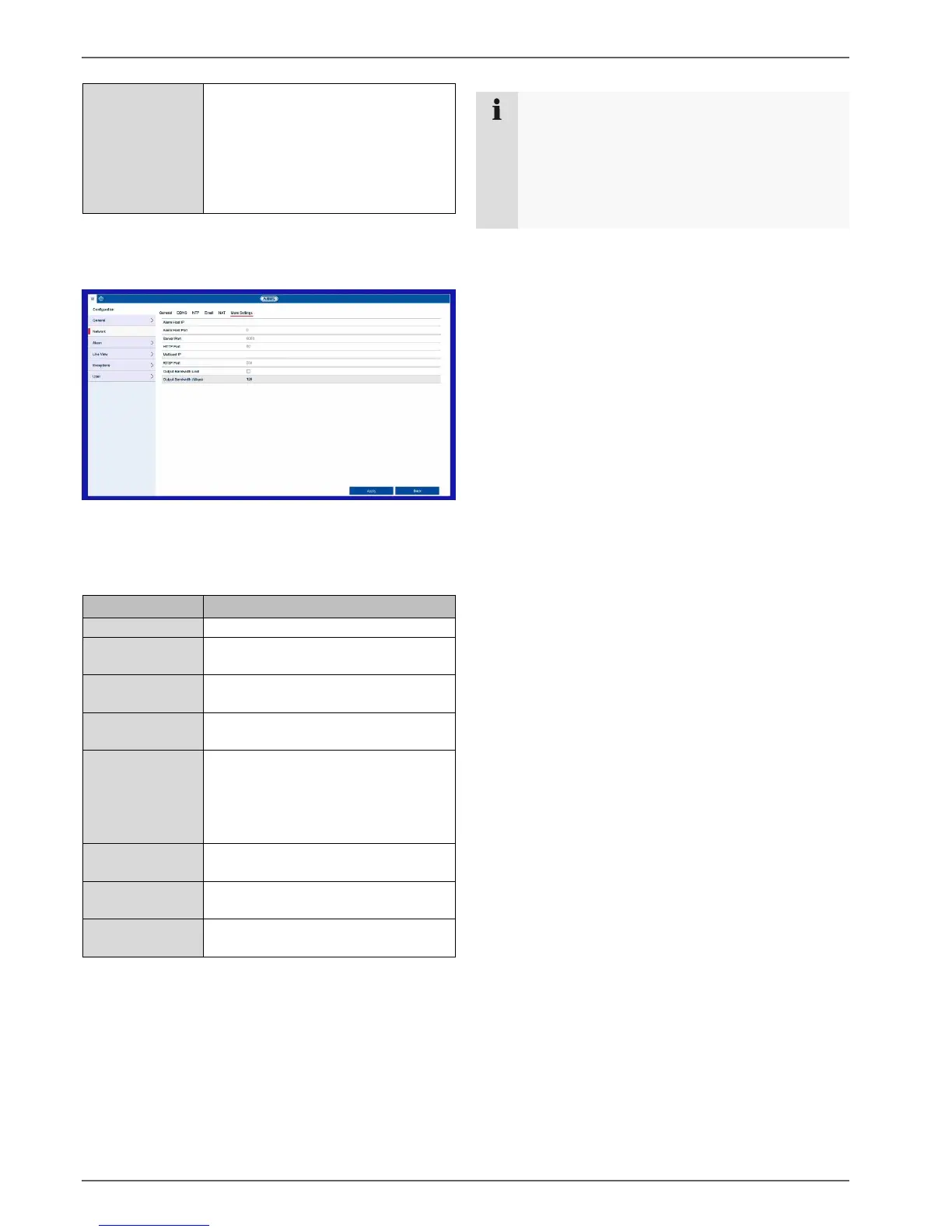
More Settings tab
Used to configure the IP address of the PC where a
notification should be displayed in the event of an alarm.
Network address of the CMS station
Port for your CMS station
(default: 7200)
Port for data communication
(default: 8000)
Port for the web server
(default: 80)
You can enter the multicast IP here
too in order to minimise traffic.
The IP address must correspond to
the one in the video surveillance
software.
Enter the RTSP port
(default: 554)
Enable limitation on the output
bandwidth
Limit output bandwidths in MB/s
Note
Server port 8000 is used for remote
communication via iDVR Plus/iDVR Plus HD and
ABUS CMS.
HTTP port 80 and RTSP port 554 are used for
remote access to the web interface.



 To Next Page