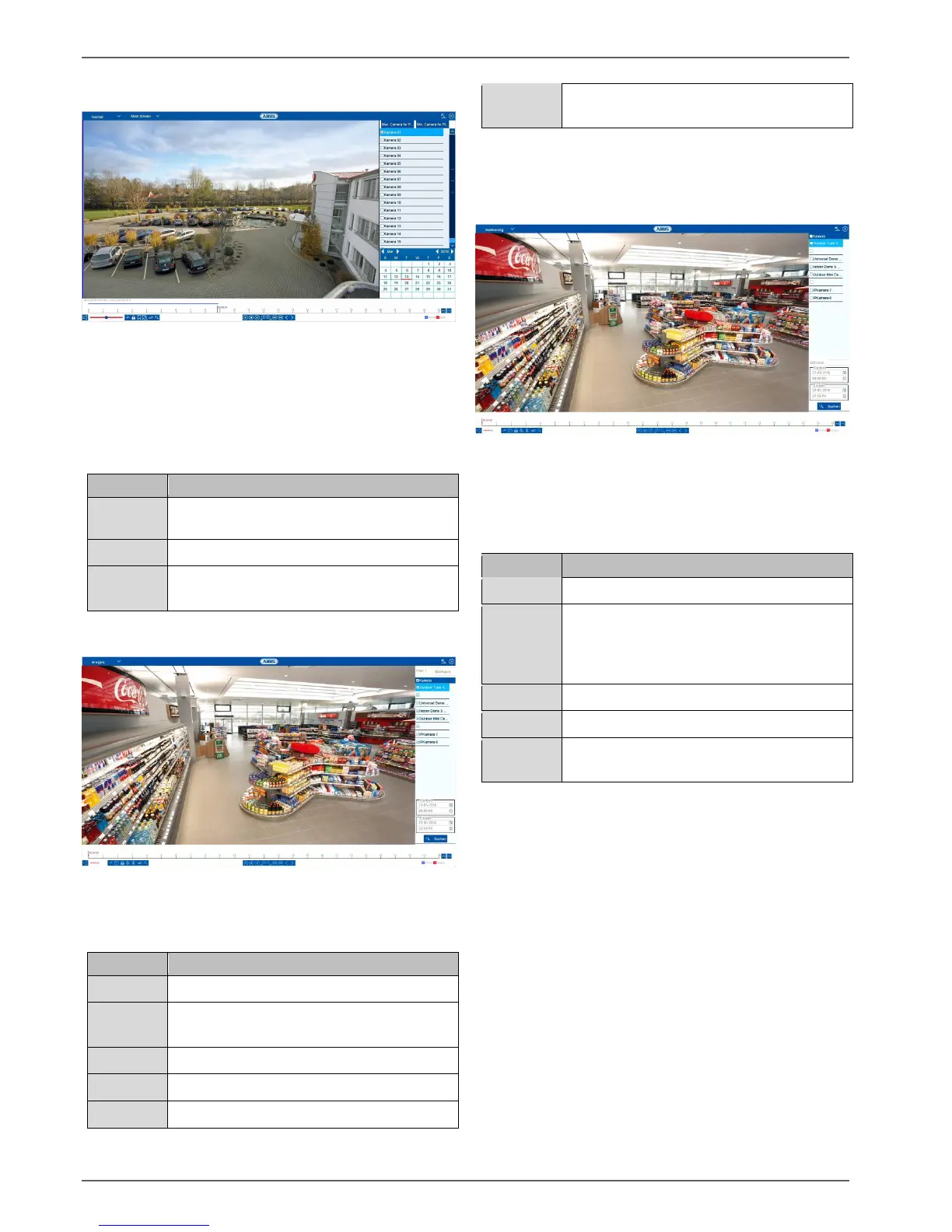
Playback view
24
Playback: Normal
“Continuous” playback is the default view always
displayed when the playback function is opened.
Using this view, all recorded data can be quickly
displayed and analysed. The time bar distinguishes
between continuous recording and event recording
(motion, alarm, VCA).
Select one or more camera channels.
Select a date for playback.
Select a playback time on the timeline
using the mouse.
Playback: Event
Using “Event” playback, event recordings can be
searched in a targeted way. There are other filters
available for the search:
Select an event type: motion, alarm, VCA
Select a VCA type: all, Tripwire, Intrusion
Detection
Select one or more camera channels.
Select the start date and start time.
Select the end date and end time.
Start the event search using the previously
defined filters.
Select an entry from the list of results and start playback
by clicking on the appropriate icon.
Playback: Tag
Using “Tag” playback, the recordings can be searched
using pre-defined tags. This requires tags to have been
created beforehand by the user.
There are other filters available for the search:
Select one or more camera channels.
You have the option of entering a
password as a full text filter for the search.
If no password is specified, all tags are
searched.
Select the start date and start time.
Select the end date and end time.
Start the tag search using the previously
defined filters.
Select an entry from the list of results and start playback
by clicking on the appropriate icon.



 To Next Page