Setting: Camera
44
Select the camera channel to be processed under
“Camera”.
Tick the Enable Video Loss Alarm box and define any
Linkage Actions under Settings as required.
VCA
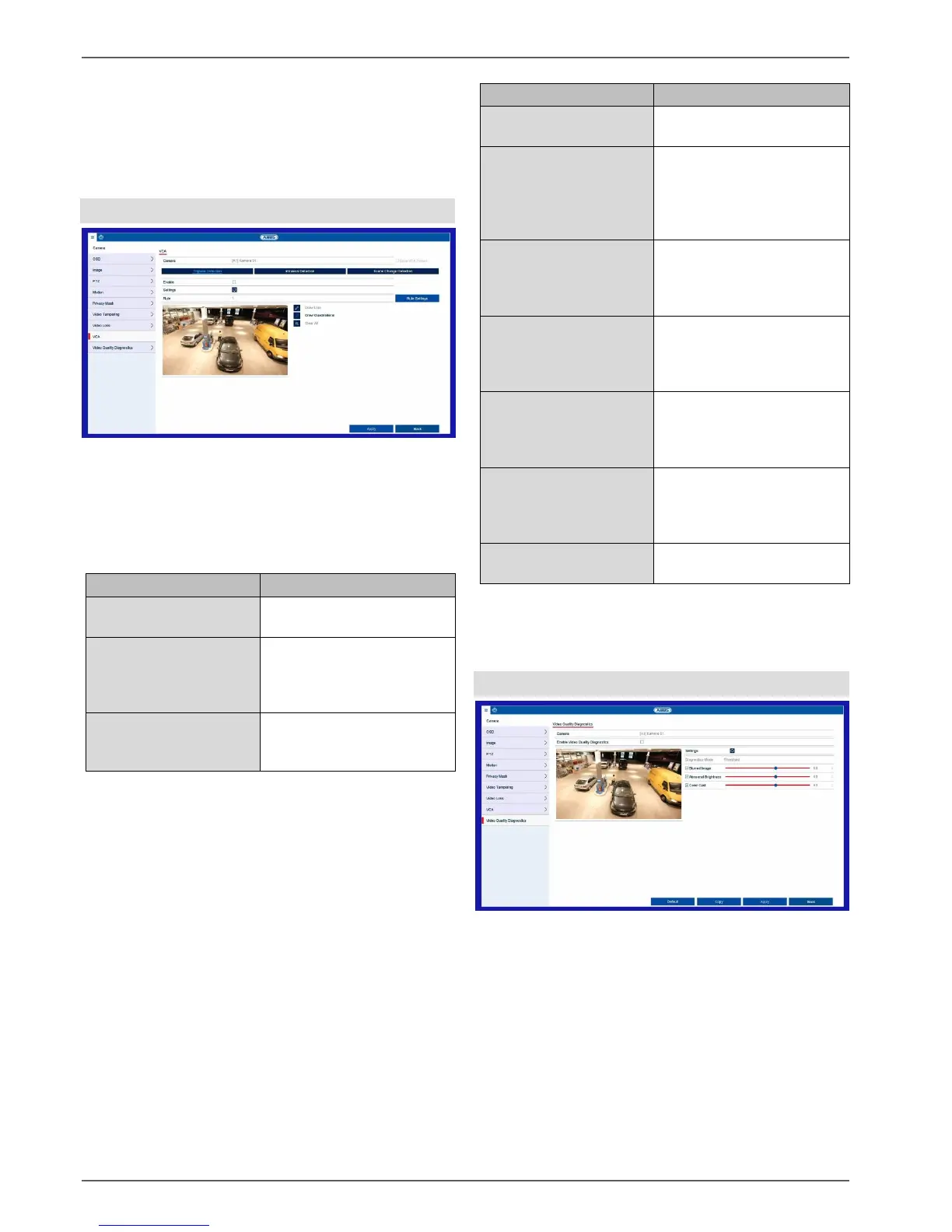
The Video Content Analysis (VCA) function enables
event control through video analysis.
Triggers recording when a
drawn line is crossed
Triggers recording when an
object is present in a drawn
area for longer than a
certain amount of time
Triggers recording in the
event of tampering through
scene changes
The VCA functions can be used in a similar way to
motion detection or alarm inputs as triggers for further
actions in the video recorder (e.g.: recording, email,
alarm outputs etc...)
Select the required VCA function to start configuration.
Different settings options are available for different
VCA functions. Here is a summary of the parameters:
Enables the VCA function in
the camera.
Define settings for
responses in the event that
an alarm is triggered (email,
notification of Surveillance
Centre etc.)
Select the number of rules.
Depending on the function,
several rules can be
configured simultaneously.
Select the sensitivity
settings for the function
(e.g.: object size, direction,
dwell time).
Draw line for tripwire.
The line is created by
positioning two points on
the live image.
Draw area (quadrilateral)
for intrusion detection.
The area is created by
positioning four points.
Deletes all lines/areas of the
currently selected rule.
To fully enable the VCA function, confirm all settings by
clicking on “Apply”.
Video quality diagnostics
The video quality diagnostics function monitors the
parameters in the selected image area for change. If the
image is changed, a linkage action is carried out.



 To Next Page