Setting: Camera
41
Setting: Camera
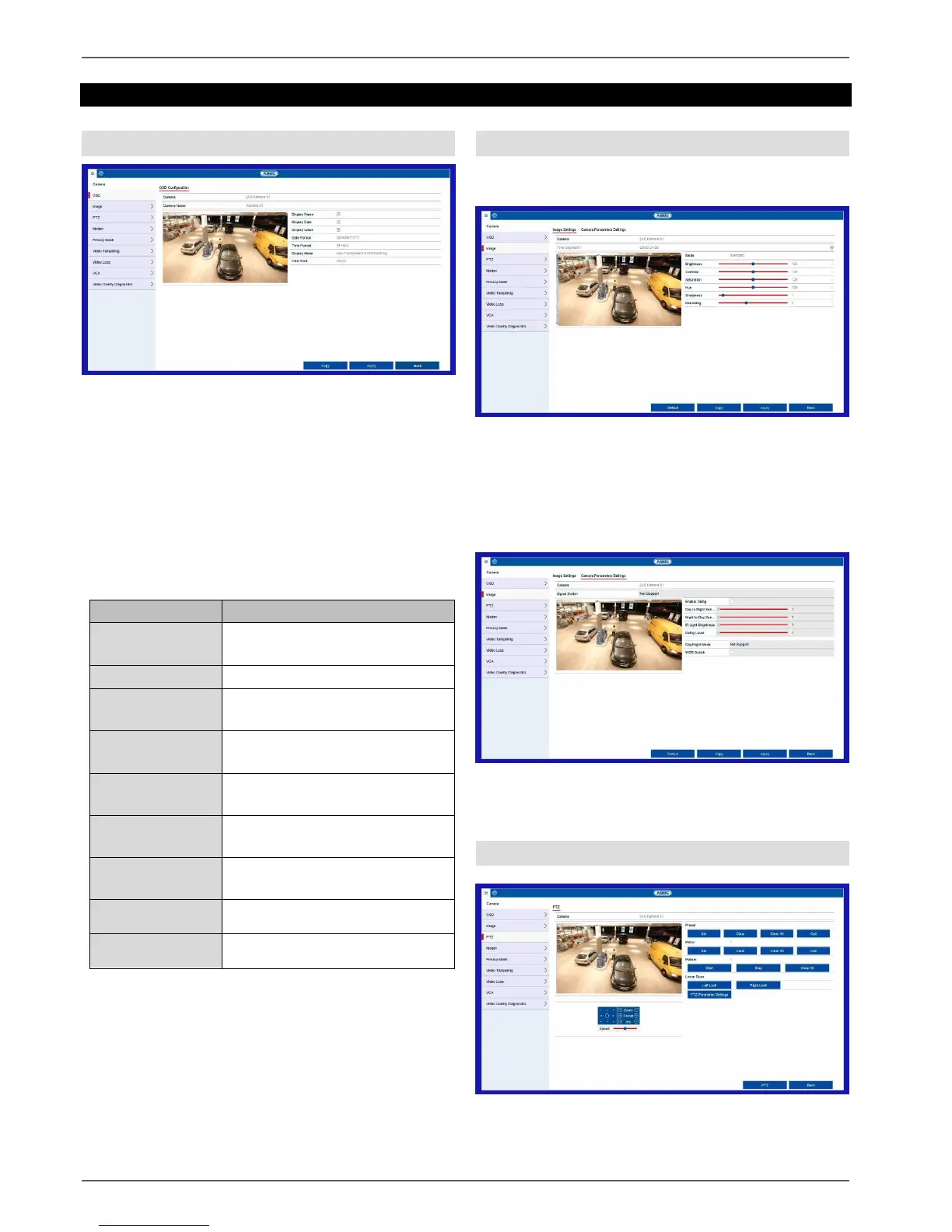
OSD
Set the On-Screen Display (OSD) of the camera here.
The “Name” parameter is an important setting that has
various implications:
Embedding of the text string in the camera’s live
image (OSD)
The camera’s archive name will be managed
using this identifier (playback)
Selection of the camera name in live image
(local/remote)
Selection of the camera in the system
configuration (local/remote)
Selection of the camera channel
to be processed
Allocation of camera name
Activate/deactivate display of
camera name in the live view
Activate/deactivate display of
date in the live view
Display the calendar week for the
playback search
Select the display format for the
date of the playback search
Select the display format for the
time of the playback search
Settings for displaying the
camera name and date
Select the size of the OSD font
on the camera image
Image
Image settings tab
Select the camera channel to be processed under
“Camera” and adjust the image settings based on the
lighting conditions.
Camera parameter adjustment tab
Select the camera channel to be edited under "Camera"
and adjust the specific settings to your ambient conditions.
PTZ
Select the camera channel to be processed under
“Camera”. To use these settings, the camera must have
a PTZ feature.



 To Next Page