Local: Hard disk drive
NAS: Network hard disc drive
IP SAN: iSCSI volume
Shows the approximate amount of
free memory for recordings
Remove the hard disk drive
Initialising the hard disk drive
Select the hard disk drive by ticking the box.
Click on Init to start the process.
The status bar will show the progress of the
initialisation.
Once the process has finished, the hard disk drive
will appear.
Add NetHDD
Additional data storage devices can be added to enable
storage across the network.
Click on Add to add a NetHDD.
Click on Search to identify the network storage and then
click on OK to add the NetHDD.
The NetHDD must be initialised before use.
Advanced settings
Here you can define the settings for the storage mode of
individual cameras and hard disk drives.
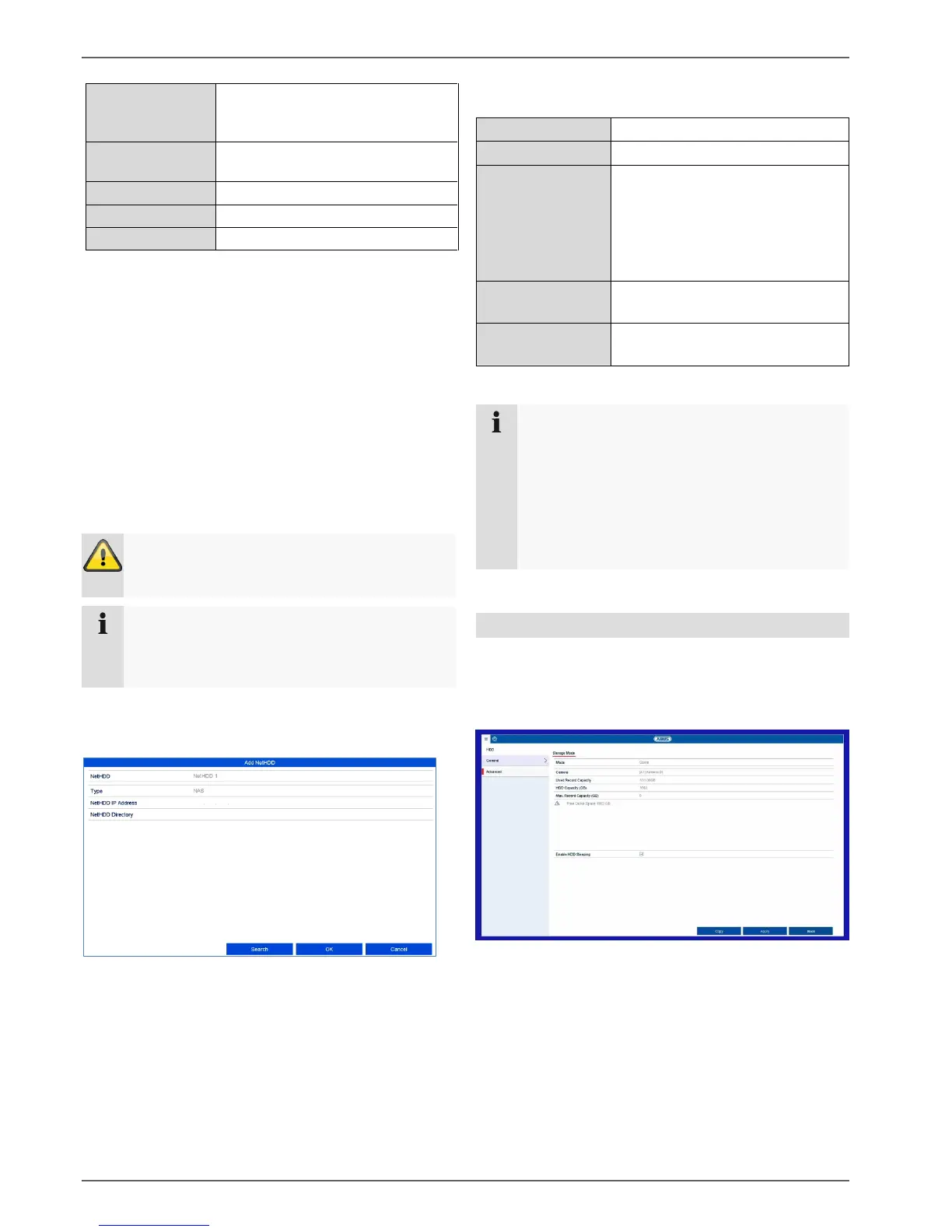
Storage mode tab
Set the recorder’s storage mode in this menu.
Two different storage modes are available in order to
either divide video data among all the hard disk drives or
to allow for targeted write operations for individual
storage devices.
Warning
When using NetHDDs, ensure that your network is
of a sufficient size.
Note
The playback of recorded data may be slower
if you use NetHDDs than if you are using the
internal hard disk drives.
Choose from eight NetHDDs.
NAS: For this setting, your
network storage must support
the NFS file system.
IP SAN: For this setting, your
network storage must support
the iSCSI protocol.
Enter the network storage
IP address.
Enter the storage path or
iSCSI target.
Note
Generally, a NFS path is indicated as follows:
“/volume1/ABUS-Recorder”.
Generally, an iSCSI path is indicated as follows:
“iqn.2010-10.Synology-iSCSI:VirtualDisk.01”
Always pay attention to upper and lowercase
letters when using a path description for network
storage.



 To Next Page