Live view
14
Live view
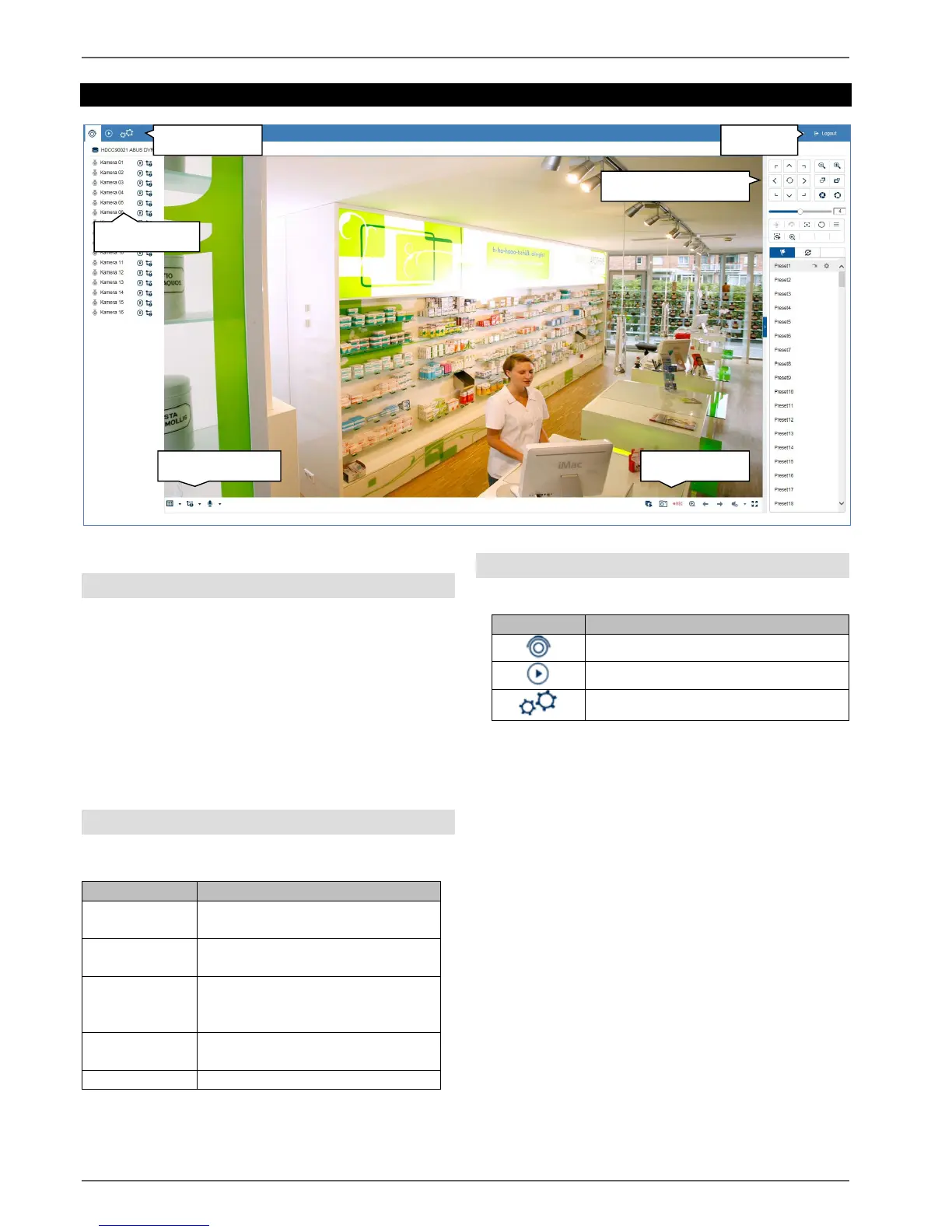
General information on live image
Live cast starts automatically once you have logged into
the web interface. The live image function provides the
option of displaying live images and executing camera
commands for all cameras connected to the recorder.
This is the core function of the recorder, in addition to
playback.
Double-clicking an image displays the selected camera
image in full screen or switches back to the original view.
Live image function areas
The live cast view is divided into the following function
areas:
Using the menu bar
The following options are available:



 To Next Page