Maintenance
60
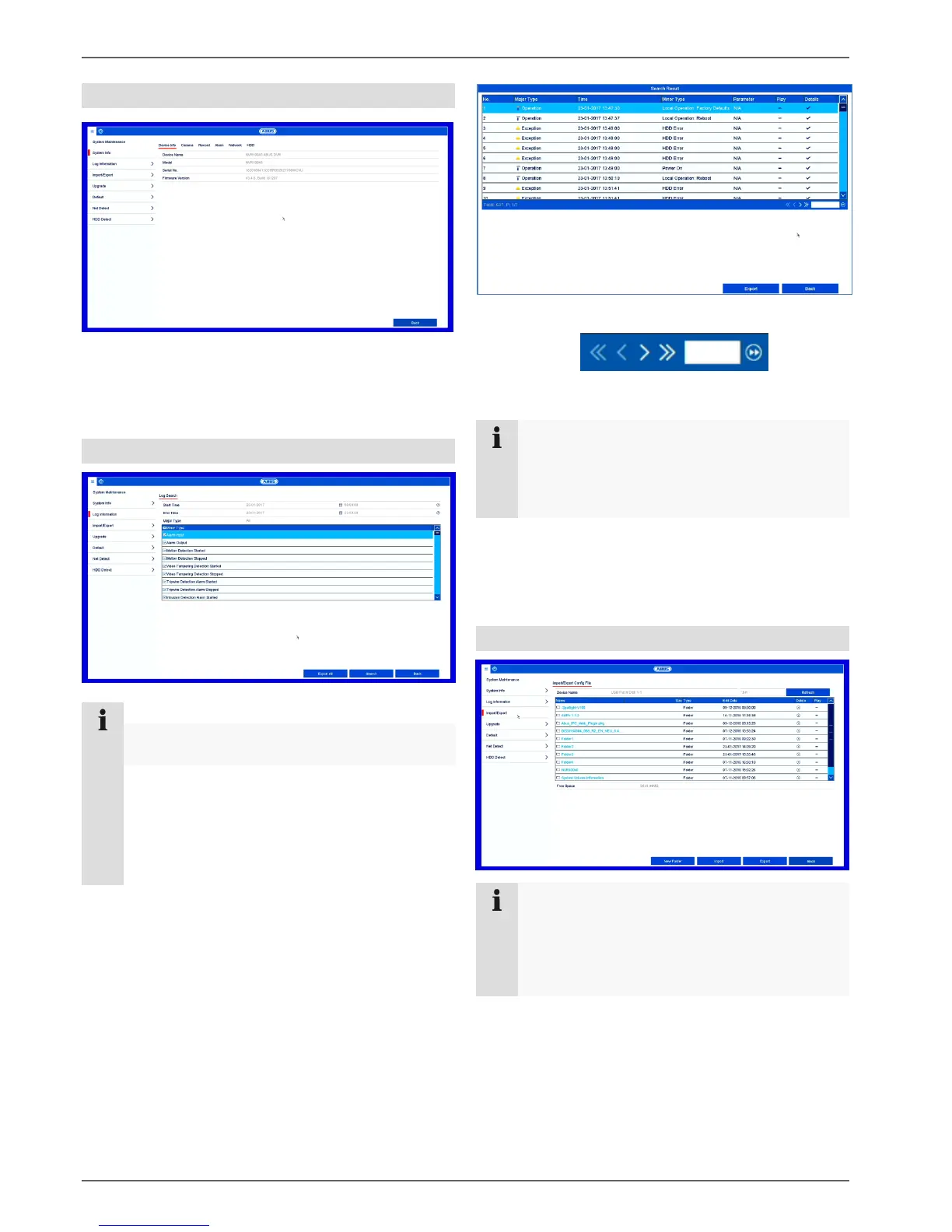
System Info
The information menu shows the technical data for the
device and information on the various settings of the
cameras, recording, alarm, network and HDD. This can
be useful for support queries, for example.
Log information
Note
You can search for “events” according to the
following main types/events/parameters:
All
Alarm
Exception
Process
Information
Select the event you wish to search for in the log and
then select a sub-parameter.
Enter the date and time under Start Time and End
Time, then click on Search.
The results will then be displayed in a pop-up
window::
You can change the page using the navigation bar:
(1) (2)(3) (4) (5) (6)
Note
To scroll forwards or backwards press (3) or (2).
To jump to the first or last page press (4) or (1).
To go to a specific page number enter it in field (5)
and confirm by clicking on (6).
Click on the "Details" icon for more information.
Click on the "Play" icon to start the recording for the
event as required.
Click on Export to save the log file on a USB medium.
Import/Export
Note
The configuration data contains all of the settings
for the device that have been adjusted since it
was started up. This data can be saved on a
USB medium and then used to configure another
device in exactly the same way, for example.



 To Next Page