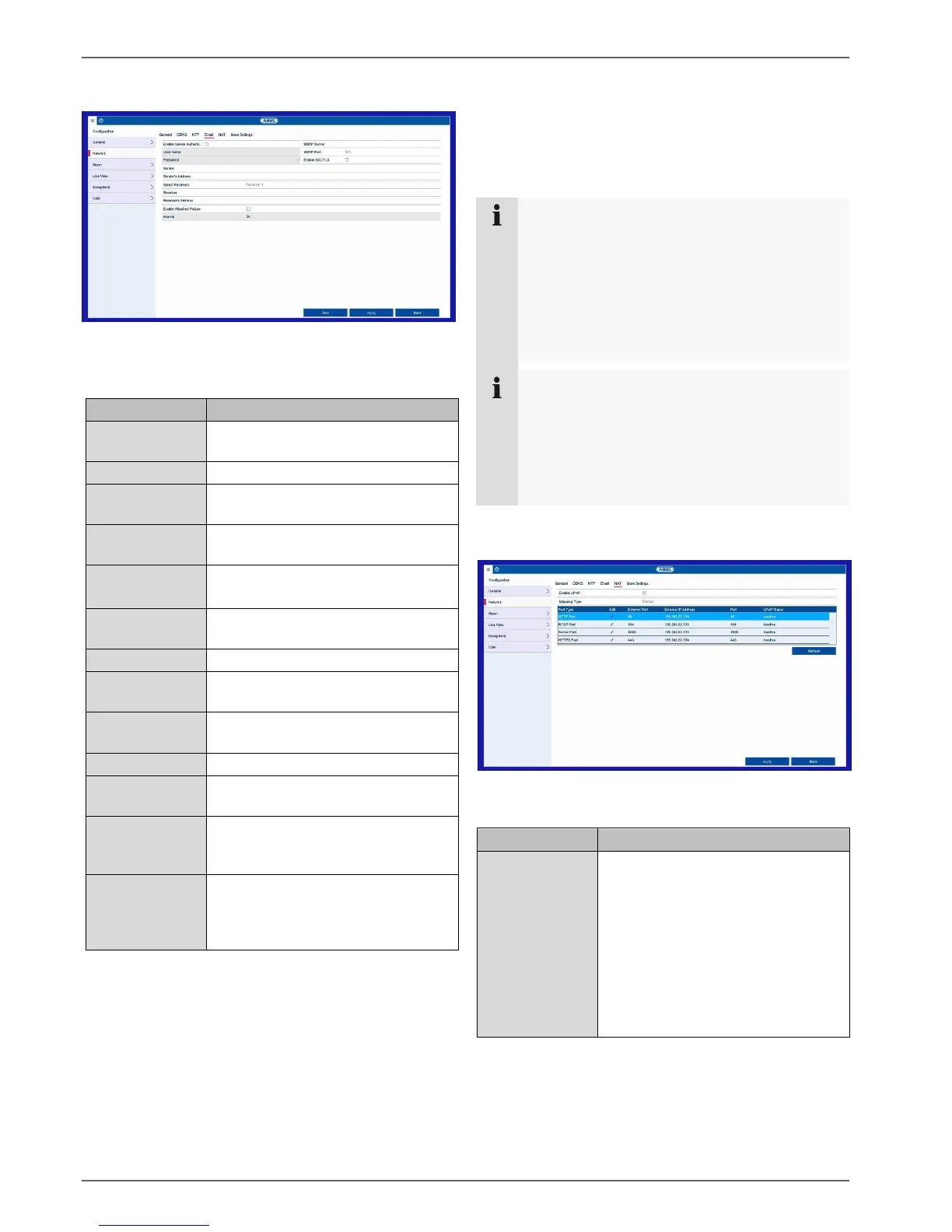
Setting: Configuration
32
Email tab
In the event of an alarm, the device can send a message
by email. Enter the email configuration here.
Enable Server
Authentication
Tick the box when logged onto the
internet provider’s server
Email account with the provider
Password used to protect the email
account
SMTP server address of the provider
Enter the SMTP port
(default: 25)
Tick the box to enable email
encryption
The email address linked to the
email account
Select three potential recipients for
the email
Enter the name of the recipient here
Enter the email address of the
recipient
Tick the box if camera recordings
should also be sent with the email as
photo files
Select a trigger time of between two
and five seconds. The pictures will
only be sent if motion is detected
during the time frame defined.
Enter the parameters of the email notification.
Then click on Test to send a test email.
3. If you have entered everything correctly and have
received a confirmation email, click on Apply.
Note
The device will send an email to the specified
recipients.
If no email is received, check the settings and
correct them where necessary. If necessary,
check the junk mail settings of your email client.
Note
You can obtain the access data and settings for
sending SMTP from your email provider. Some
email providers only provide SSL encryption for
sending emails. This recorder has been tested for
SSL compatibility with the following providers:
GMX, Web.de and Gmail.
NAT TAB
Network Address Translation is for the separation of
internal and external networks.
Tick the box to enable visibility on an
IP network. When this function is
enabled, port forwarding is
automatically entered in the router for
all network ports (provided that UPnP
is enabled in the router).
If UPnP is enabled, the network ports
configured by UPnP are transferred
to the ABUS server (provided that
ABUS DDNS is enabled).



 To Next Page