Setting: Configuration
38
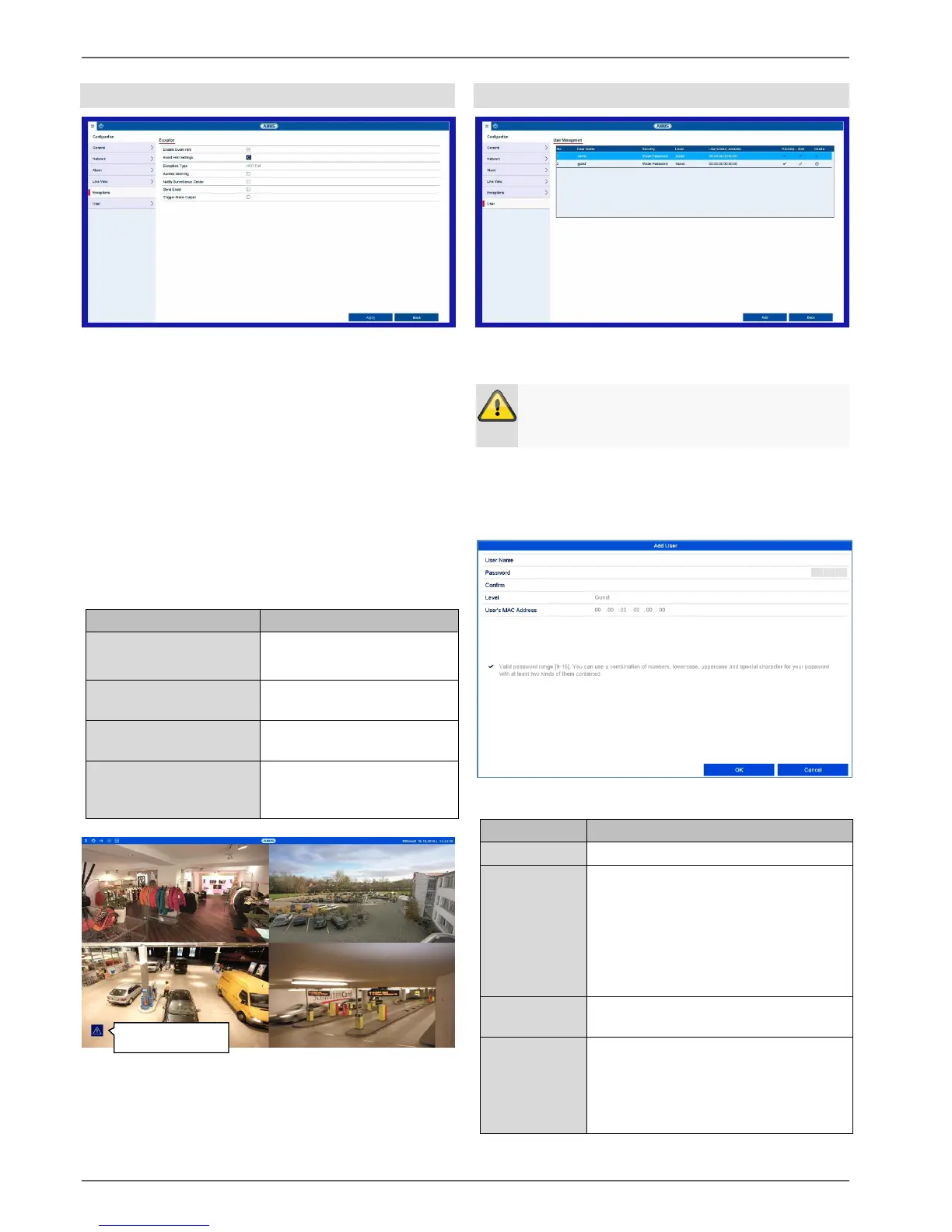
Exceptions
Set the response of the recorder for warning messages
and system events here. To do this, activate the “Enable
event hint” setting.
You can trigger a warning for the following error types:
HDD Full
HDD Error
Network Disconnected
IP Conflicted
Illegal Login
Exception Error
The event hints are either acoustic or sent by email and
are additionally displayed in the live image view.
The device emits a repeated
signal tone.
A notification is sent to the
CMS software event log.
An email is sent to a
specified email address.
The selected alarm output
is switched in the event of a
fault.
In the menu item “Event hint settings”, enable the events
for display in the live image view. In the default settings,
all events are displayed in the live image view.
User
In user management, you can add new users, delete
users, and amend existing settings.
Warning
Change the default password when you first start
working with the system to ensure safe operation.
To add a new user, select Add. To edit an existing user,
select the pen icon.
Access code for the device, for the
purpose of device management
Note: change your passwords
regularly, using a combination of
letters and numbers etc. and note
them down to be stored in a safe
place.
Enter the access code again for
security
Select the user’s authorisation level.
IMPORTANT:
More rights can be set on the
Operator level than on the Guest
level.



 To Next Page